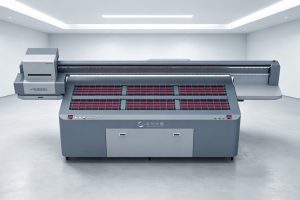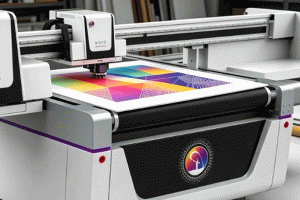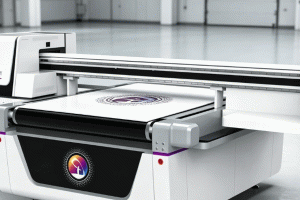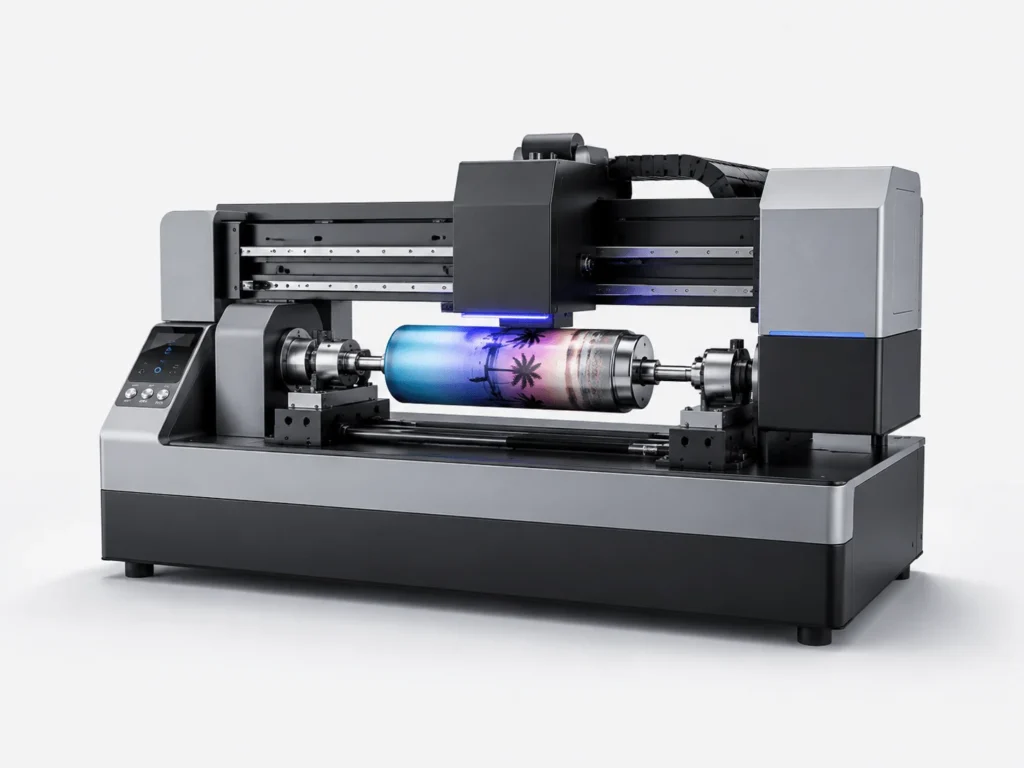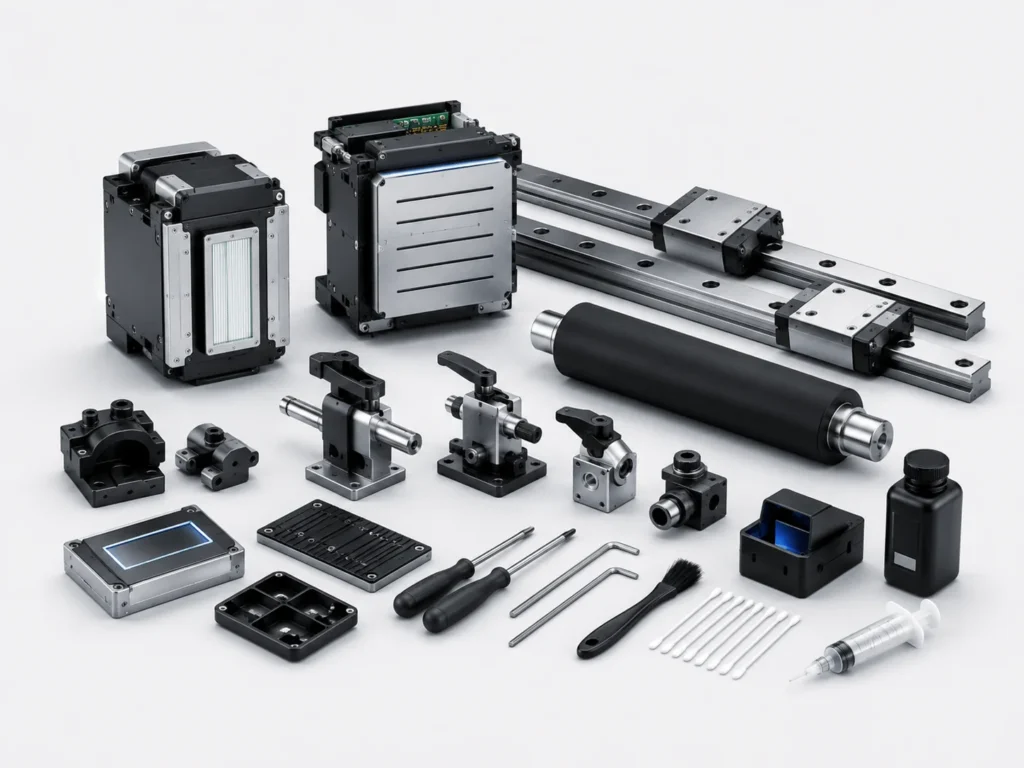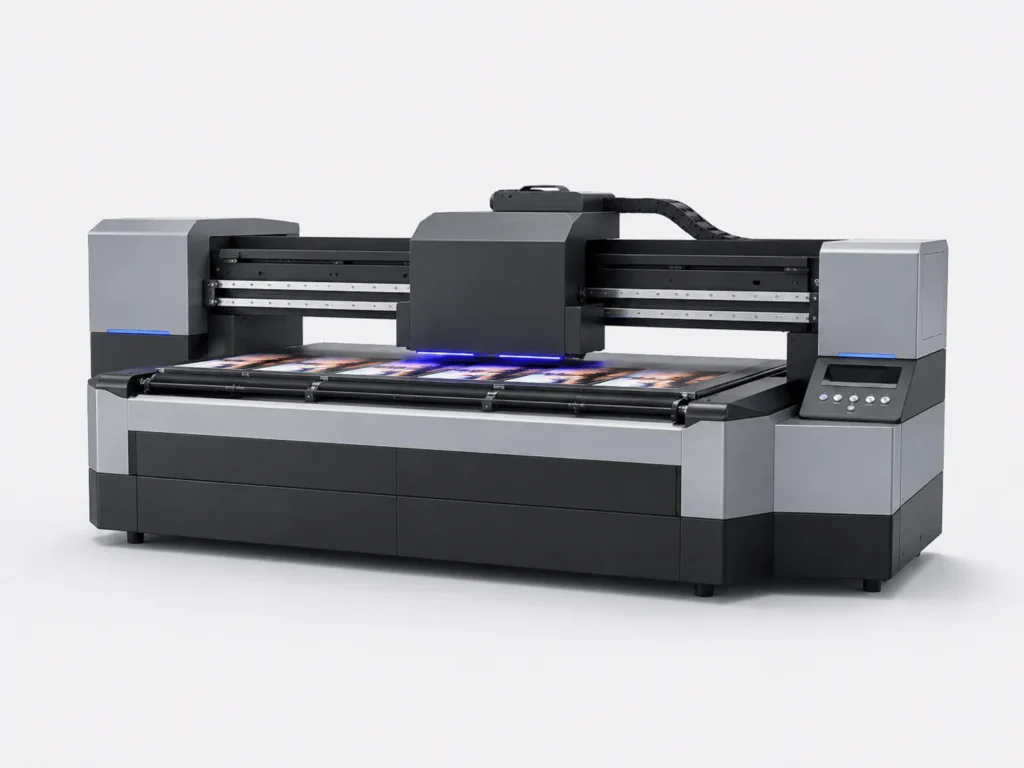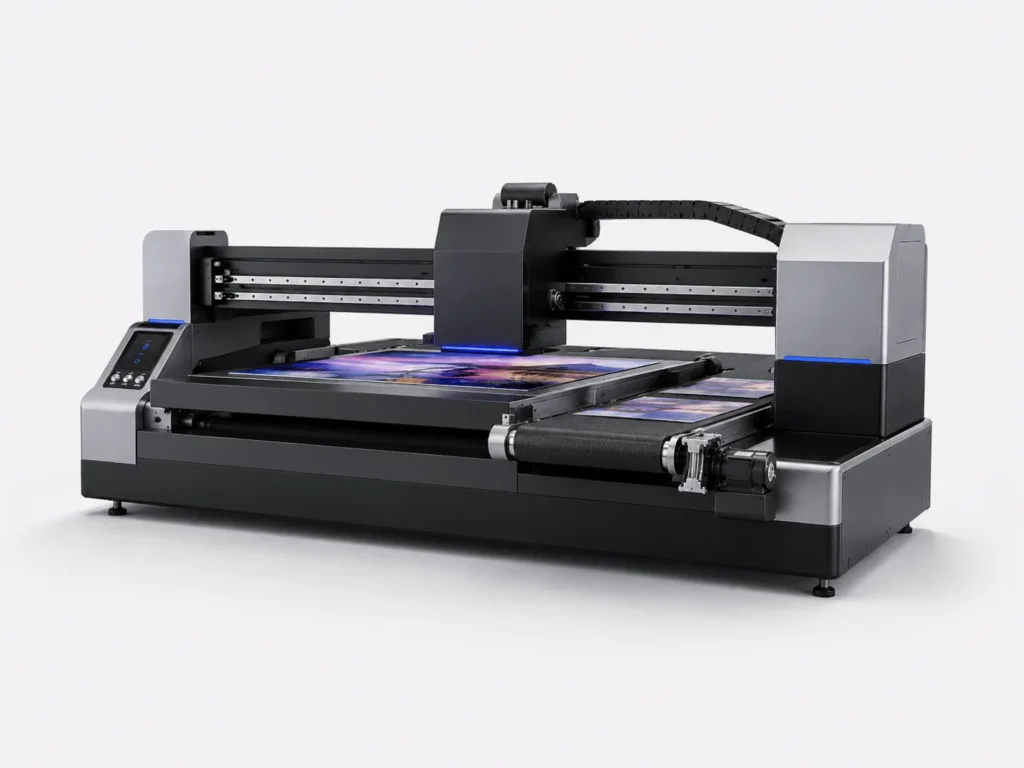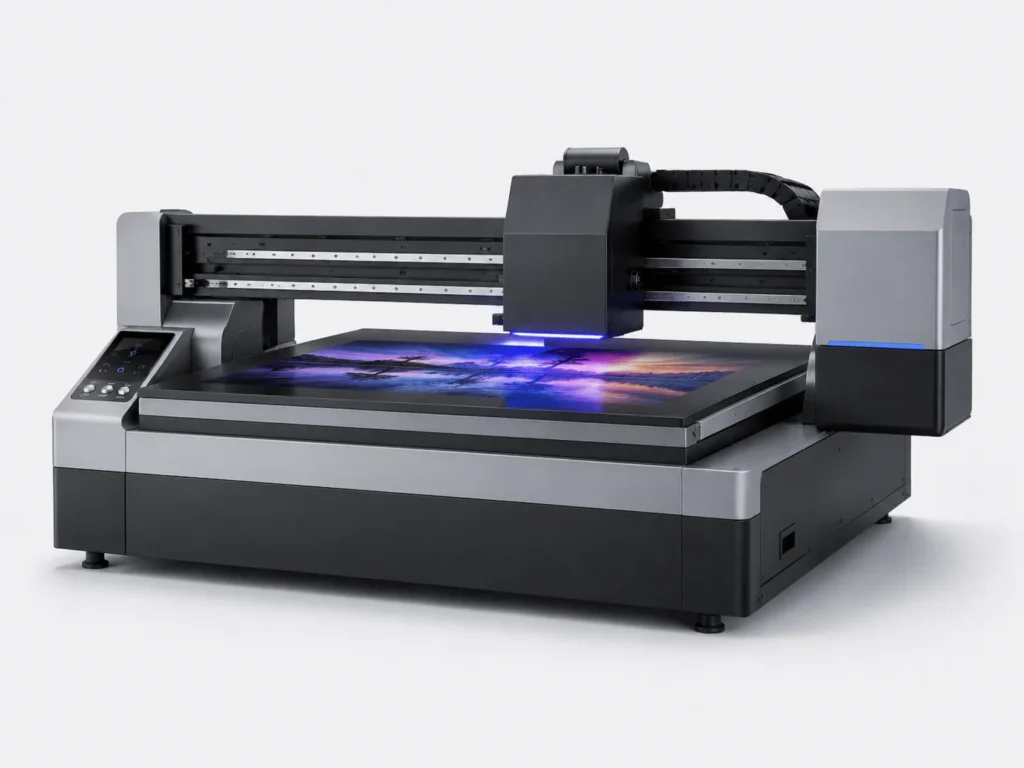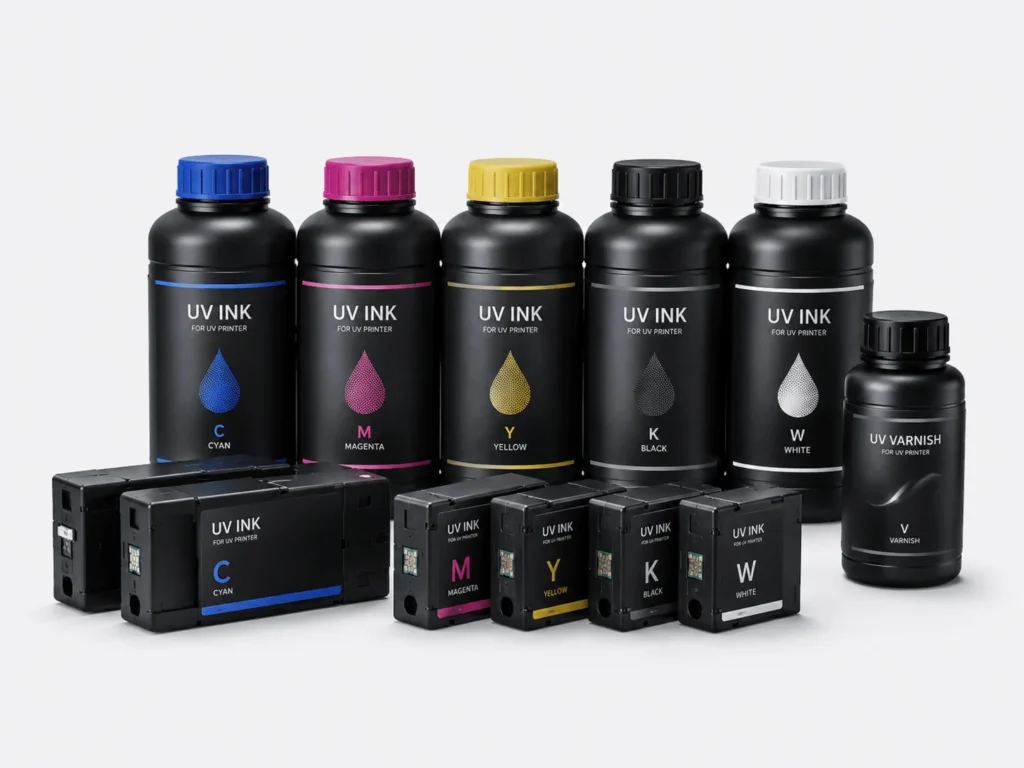
UV flatbed printers are increasingly used in advertising production, industrial signage, acrylic products, metal processing, and decorative materials industries. Keeping the equipment in good condition over the long term not only ensures print quality but also reduces the occurrence of failures and improves production efficiency. Many users focus more on equipment procurement and order fulfillment while overlooking the importance of daily maintenance. However, whether a UV flatbed printer can operate stably over the long term is directly related to routine maintenance habits. Proper maintenance not only extends the service life of the equipment but also reduces issues such as printhead damage, color inconsistencies, nozzle clogging, and ink supply interruptions, saving businesses significant repair costs and downtime.
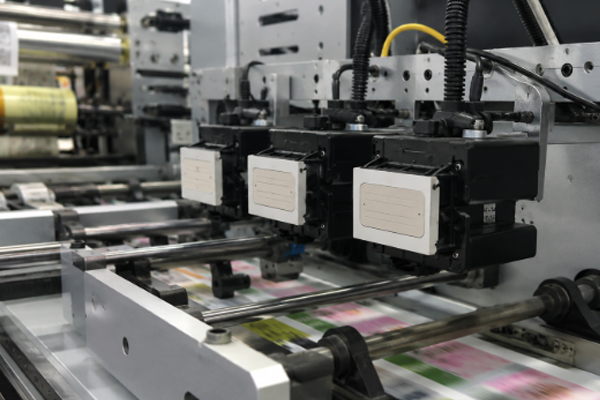
Print nozzle maintenance is a critical task
Keep the Printhead in Stable Condition
The printhead is the most critical component of a UV flatbed printer and the area that requires the most attention during daily maintenance. During operation, a large amount of ink is continuously jetted through the printhead onto the material surface. If the printhead condition becomes abnormal, print quality will be noticeably affected.Therefore, checking the printhead status after powering on the machine has become a standard procedure in many factories. For long-term equipment operation, printhead maintenance involves more than simple inspections; it is an ongoing task.
By observing nozzle test patterns, operators can quickly identify issues such as missing nozzles, nozzle deflection, or color loss. The earlier problems are detected, the easier they are to resolve, helping prevent large amounts of wasted material.Many machines maintain excellent printing accuracy even after years of use, largely because of consistent and standardized printhead maintenance practices.
Perform Regular Printhead Moisturization
Printers do not operate twenty-four hours a day. Many companies experience overnight shutdowns or holiday downtime, making printhead moisturization extremely important.Once ink dries inside the nozzle openings, clogging can occur, affecting future print quality.
The following measures are commonly recommended:
● Use a printhead moisturizing device
● Maintain a proper capping station fluid level
● Run maintenance procedures before shutdown
● Regularly inspect the printhead surface condition
A well-maintained moisturizing environment helps keep the printhead in optimal working condition. This is especially important during dry weather or in air-conditioned environments where moisture evaporates more quickly.
Avoid Human Operational Errors
Many printhead failures are not caused by natural wear but by improper operation.Examples include excessive force during cleaning, improper use of maintenance tools, or accidental contact with the printhead.Because printheads are precision components with relatively high replacement costs, maintenance personnel must strictly follow the manufacturer’s operating procedures.Developing standardized work habits not only reduces maintenance expenses but also helps ensure long-term stable operation of the equipment.
The Ink Supply System Requires Regular Inspection
Ensure Smooth Ink Supply
The ink supply system functions as the printer’s “circulatory system,” continuously delivering ink to the printheads.If blockages or air leaks occur within the ink system, print quality will be affected.When users notice missing colors during printing, they often suspect a printhead problem first. In reality, many issues originate from the ink supply system.Routine inspections allow businesses to identify potential problems before they affect production. For factories with high order volumes, maintaining smooth ink flow is a critical requirement for stable equipment performance.
Regular inspections should include:
● Ink cartridge levels
● Ink tube connection status
● Ink line sealing condition
● Ink filter condition
Replace Filter Components Promptly
Although filters are relatively small components, they play a vital role.Ink may carry microscopic contaminants during transportation, and filters prevent these particles from entering the printhead.As operating time increases, sediment gradually accumulates inside the filter. If the filter is not replaced regularly, ink flow may become restricted and eventually cause ink supply issues.For this reason, many manufacturers recommend establishing a replacement schedule based on production frequency to ensure that the ink system remains in optimal condition.
Use Qualified UV Inks
Ink quality has a direct impact on equipment performance.Some users choose low-cost inks to reduce expenses. Although no immediate differences may be noticeable, long-term use often leads to various problems.
Low-quality inks may cause:
● Increased sediment formation
● Excessive particle contamination
● Poor flow characteristics
● Abnormal curing performance
High-quality inks help maintain stable inkjet performance and contribute to a longer service life for both printheads and ink delivery systems.
The Mechanical Structure Also Requires Maintenance
Clean Rails and Linear Guides
During printing, the carriage moves frequently across the machine to complete printing operations. Rails and linear guides provide critical support for this movement.If large amounts of dust or ink residue accumulate on these components, motion accuracy may be affected.When equipment noise increases or slight printing deviations occur, contamination on guide rails is often the cause.As a result, regular rail cleaning has become an important maintenance procedure in many factories.Keeping the motion system clean helps improve machine stability and operational smoothness.
Check the Operating Condition of the Drive System
The printer contains timing belts, servo motors, and various transmission components.These parts operate continuously and naturally experience wear over time.
During routine maintenance, operators should observe:
● Whether abnormal noises are present
● Whether vibration occurs during operation
● Whether any components have become loose
● Whether signs of wear are visible
Simple inspections can help identify problems early and prevent minor issues from developing into major failures.
Keep the Printing Table Clean
The printing table is where materials are placed directly and is also one of the areas most likely to accumulate ink residue and dust.If debris or ink stains remain on the table surface, material flatness may be affected during placement.Performing basic cleaning after each production day not only improves the appearance of the equipment but also helps maintain printing accuracy.For businesses producing high-precision graphics, keeping the printing platform clean is especially important.
Maintain a Proper Working Environment
Control Temperature and Humidity
The operating environment has a direct impact on printing quality.Excessively high temperatures or large fluctuations in humidity may affect both ink performance and machine stability.
Generally, it is recommended to:
● Maintain a moderate temperature
● Avoid direct exposure to high temperatures
● Prevent excessive humidity
● Minimize environmental fluctuations
Stable environmental conditions help the printer maintain optimal operating performance while reducing the effects of ink property changes.
Reduce Dust Contamination
Once dust enters the printer, it may adhere to the printhead surface or accumulate within the guide rail system, negatively affecting machine performance.Therefore, production workshops should be kept as clean as possible and sources of dust should be minimized.Companies with suitable conditions may also install air purification systems to create a cleaner and more stable working environment.
Proper Power-Off Management
Correct shutdown procedures are also an important part of printer maintenance.Some users are accustomed to disconnecting the main power supply directly. This practice may prevent the printhead from completing its automatic maintenance cycle.Before shutting down the machine, operators should follow the proper procedure so that the system can complete automatic cleaning and carriage parking operations.Consistently following proper shutdown practices helps protect both the printhead and the ink supply system.
Frequently Asked Questions
Does a UV Printer Need Daily Printhead Cleaning?
Not necessarily.If the printer is operating normally, simple inspections and automatic maintenance procedures are usually sufficient.Frequent deep cleaning not only increases ink consumption but may also shorten the service life of certain components.
What Should Be Noted If the Printer Is Idle for Several Days?
If the printer will be shut down for several days or longer, it is recommended to perform proper printhead moisturization and follow the manufacturer’s storage maintenance procedures.Doing so helps reduce the risk of printhead clogging.
How Often Should Ink Be Replaced?
Under normal conditions, ink does not require frequent replacement.However, users should regularly check ink condition and expiration dates. If abnormal sedimentation is observed or the ink has exceeded its recommended usage period, it should be handled appropriately and replaced if necessary.
A UV flatbed printer is a precision industrial machine, and its operating quality is closely related to the level of daily maintenance it receives.From printhead care to ink system inspections, from guide rail cleaning to environmental management, every maintenance task may seem simple but directly affects machine stability and print quality.Many companies experience excellent machine performance during the early stages of ownership. However, as production time increases, a lack of standardized maintenance often leads to various equipment failures.Spending a small amount of time each day on inspections and basic maintenance can significantly reduce downtime, lower repair costs, and help maintain consistent print quality.Particular attention should be given to critical components such as printheads, ink delivery systems, and motion assemblies, all of which require continuous monitoring and regular maintenance.