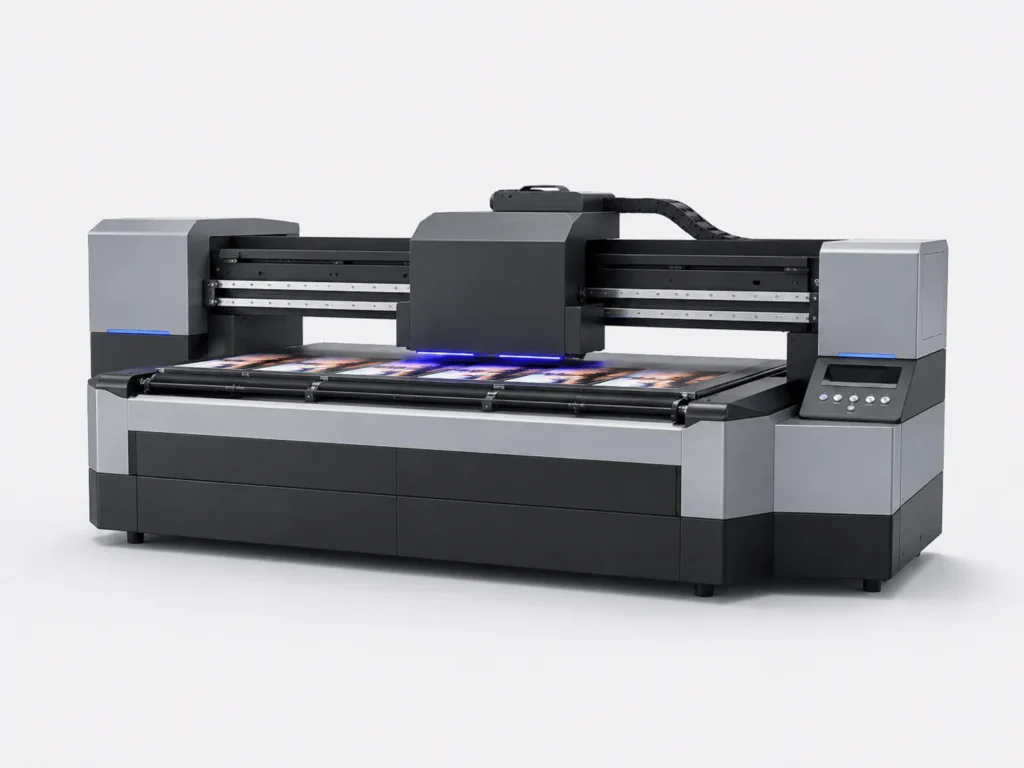
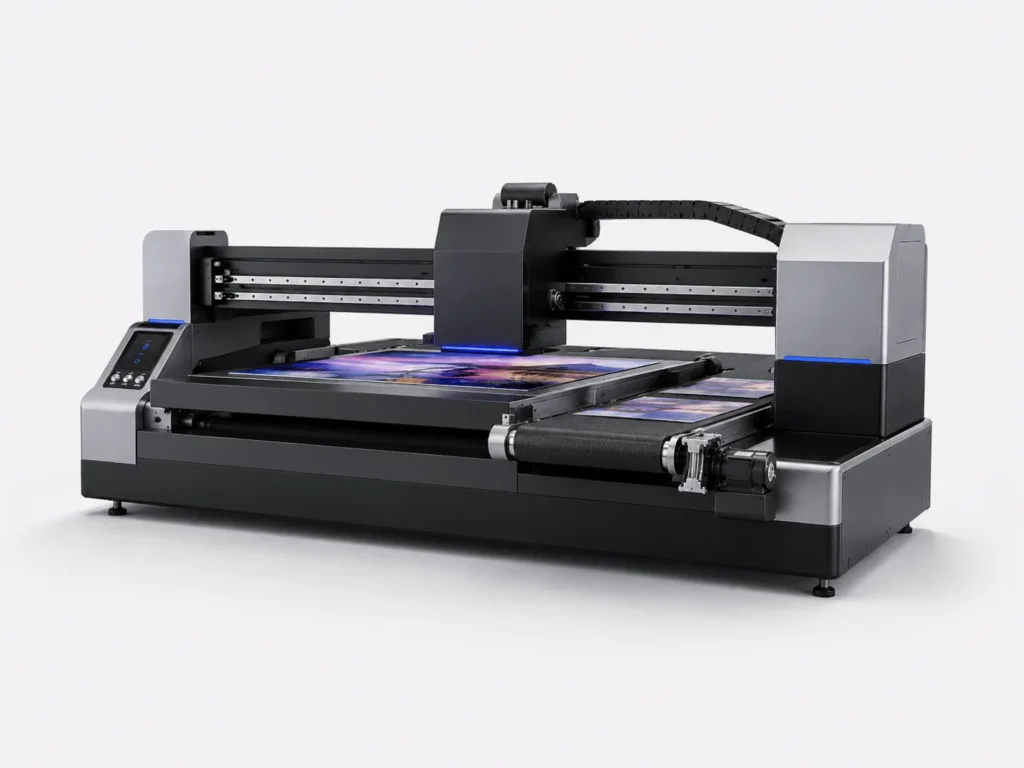
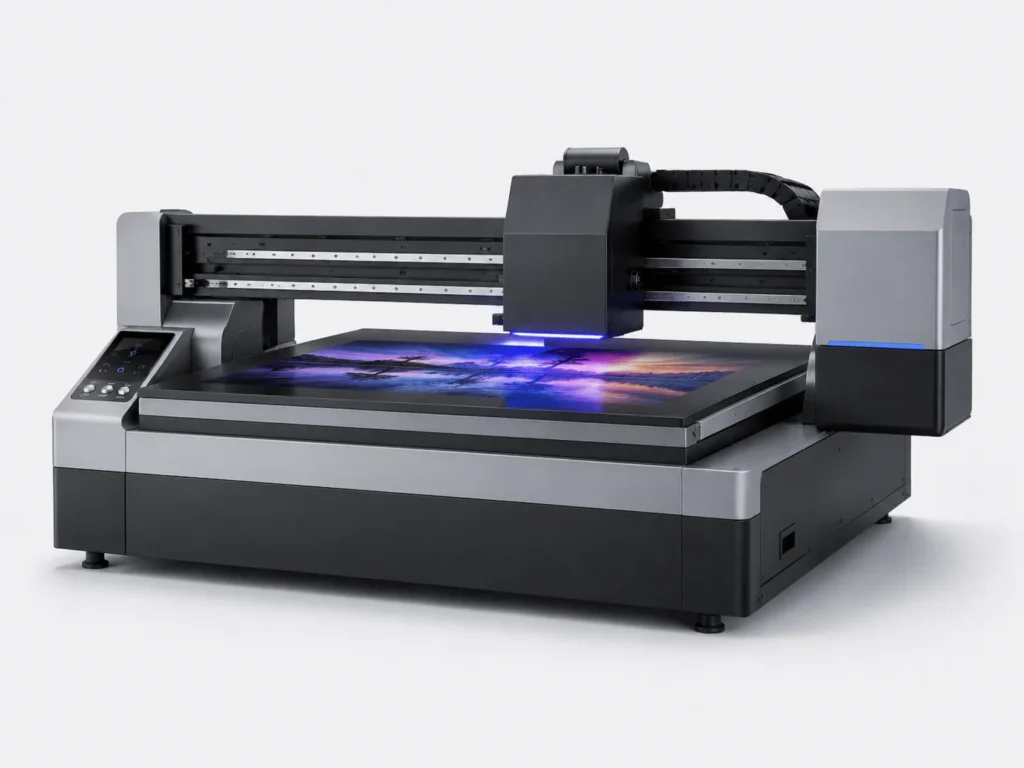
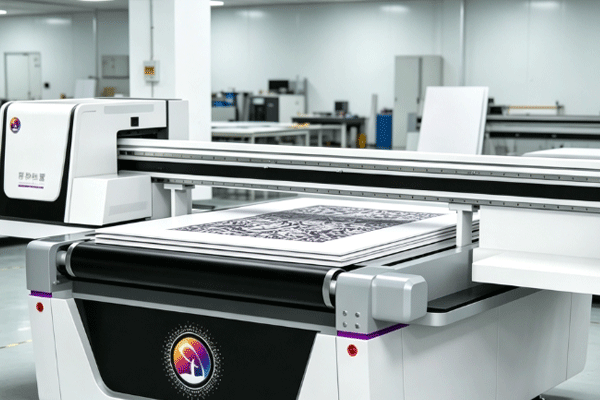
PVC materials are widely used in advertising signage, decorative panels, packaging displays, and other applications. With their smooth surface and flexible processing characteristics, they are well suited for personalized graphic output. As UV flatbed conveyor printers become more popular, more and more businesses are using them to print directly on PVC materials. However, PVC does not always deliver ideal results in every situation. Material condition, machine parameters, ink adhesion, and curing control all affect the final product. To improve printing stability and product quality, it is necessary to build a complete workflow from pre-production preparation to post-production inspection, reducing rework and material waste.
Understand the PVC Material Itself First
Before starting the printing process, understanding the characteristics of PVC materials can make the workflow smoother and help operators identify which steps require closer control, thereby reducing trial-and-error costs caused by insufficient material knowledge.
Distinguish Different PVC Sheet Conditions
Although PVC materials may look similar, they can differ significantly in hardness, thickness, and surface smoothness. Only by clearly identifying these differences can the printing parameters and operating methods be matched more accurately.
- Rigid PVC and flexible PVC differ in ink reception, surface tension, and post-curing stability, so the same parameter set cannot be applied directly.
- Thick sheets and thin sheets require different support methods, positioning methods, and pressure conditions during the conveying process, so adjustments must be made according to the machine structure.
- Whether the surface has a protective film affects direct contact between the ink and the substrate. Improper handling may lead to poor adhesion or uneven printing.
- Different production batches may have subtle variations. Even if they look identical, differences in ink absorption and surface flatness may still exist.
Confirming the material type before printing helps businesses find the right process faster and avoid blind trial-and-error.
Check Whether the Surface Is Suitable for Printing
The surface condition of PVC directly determines whether the ink layer can bond stably. This is especially important for high-precision graphics or large solid-color areas, where even minor flaws can become obvious defects. Before printing, carefully clean dust, oil stains, and static-adhered particles. Check for scratches, dents, or warped edges, confirm that the printing area is flat and free from deformation, and pay attention to whether any coating or protective layer remains on the surface. The cleaner and flatter the surface is, the easier it is for UV ink to adhere evenly, resulting in clearer graphics. If necessary, perform a small sample test first to observe adhesion and curing performance before deciding on mass production. This not only reduces rework but also improves product consistency and stability.
Prepare Printing Parameters Properly
Whether the parameters are set appropriately directly affects the printing efficiency and final performance on PVC materials. This step often determines whether production proceeds smoothly or repeatedly encounters deviations and rework. Before starting the machine, key settings such as positioning, speed, ink volume, and resolution should be adjusted to better suit the material.
Adjust Positioning and Feeding Accuracy
UV flatbed conveyor printers require high positioning accuracy, and batch processing demands even more attention to whether the material shifts. When placing the sheet, the size and feeding direction should be considered to ensure the printing area remains stable. At the same time, check whether the conveyor belt runs smoothly to avoid speed fluctuations affecting positioning. The printing height should also be set appropriately to balance safety distance and landing accuracy. If necessary, additional fixing measures can be used to reduce material movement. It is best to perform an idle run before printing to confirm the position before formal production begins. Accurate positioning not only improves registration accuracy but also reduces misalignment and rework issues.
Set Printing Parameters Suitable for PVC
Different PVC materials require different output methods. The more closely the parameters match the material characteristics, the more stable the printing process will be, and the easier it will be to maintain consistent product quality.
- Adjust the ink volume according to the material’s ink absorption. Too much ink may make the surface sticky, while too little may reduce color saturation.
- Choose the appropriate printing mode. Different modes vary in speed, precision, and tonal performance, so they should be selected flexibly according to order requirements.
- Control printing speed and resolution. Excessive speed may affect detail reproduction, while overly high resolution may increase production time and machine load.
- Perform a small sample test before mass production to identify issues such as color deviation, insufficient adhesion, or blurred edges in advance, reducing losses during formal production.
Once the parameters are properly set, graphic details will be more complete, color layers more stable, and overall efficiency higher.
Pay Attention to Ink Adhesion and Curing Results
Proper handling of ink and curing processes ensures better durability and appearance for PVC products. These two steps are often overlooked, and many products that appear normal on the surface actually hide problems caused by insufficient adhesion or incomplete curing.
Choose UV Ink with Good Compatibility
The compatibility between the ink and PVC material directly affects product durability. This is especially important for products that will be displayed for a long time, transported frequently, or exposed to changing environments.
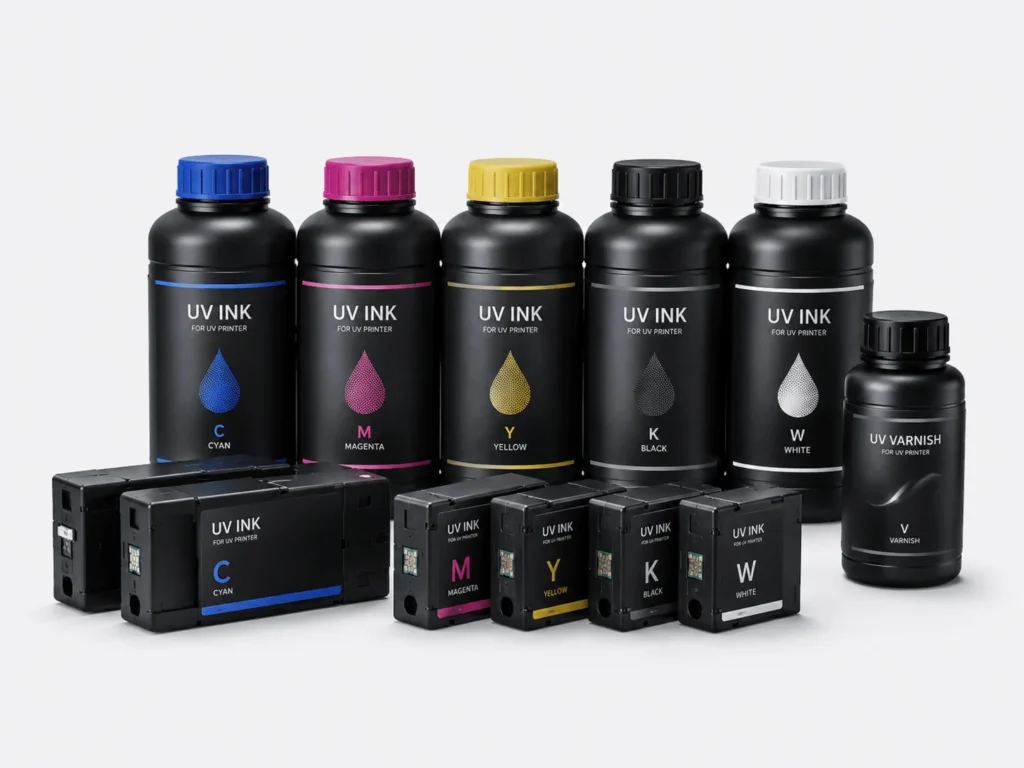
- Prioritize UV inks designed for PVC. These inks usually perform better in adhesion, flexibility, and curing on this type of substrate.
- Pay attention to ink layer flexibility and wear resistance, especially for display, transport, or frequently handled products, as these properties directly affect service life.
- Check color stability and coverage. Good ink not only produces brighter graphics but also performs better on substrates of different shades.
- Avoid peeling caused by poor compatibility. Once the ink and material are mismatched, the surface may still look normal at first, but fading or cracking may appear during use.
The right ink helps the graphics maintain better durability and visual performance during later use.
Control UV Curing Intensity
The curing process determines whether the ink layer truly forms a stable finish. Many PVC products that appear to print normally actually suffer from insufficient or excessive curing.
- Ensure the UV lamp is working properly. Aging lamps, insufficient power, or uneven exposure can all affect the final hardening of the ink layer.
- Match curing intensity with printing speed. The faster the speed, the more precisely exposure time and energy output need to be controlled.
- Avoid insufficient curing that causes sticking. Ink layers that are not fully cured are more likely to be damaged during stacking, handling, or subsequent processing.
- Prevent over-curing from affecting the material surface. Excessive exposure may make the PVC surface brittle and even affect the flatness and adhesion of the graphic.
When curing is properly controlled, the graphics are not only more wear-resistant but also less likely to crack or turn white.
Perform Finished Product Inspection and Process Management Well
Printing completion does not mean the process is over. Follow-up inspection and management are equally important. Especially in batch production, only by combining quality checks with standardized workflows can each batch maintain a consistent output level as much as possible.
Inspect the Quality of Printed Products
Finished products should not be sent directly to storage. Quality confirmation is crucial, especially for bulk orders. If early-stage issues are not detected in time, the losses will often be magnified later.
- Check whether the colors are even, with special attention to large solid-color areas and gradient sections to avoid obvious color differences.
- Inspect whether the edges are clear, especially for text, lines, and fine graphics. Even slight rough edges can affect the overall appearance.
- Test the adhesion strength of the ink layer using simple friction or light pressure to determine whether the surface is stable.
- Observe whether there are bubbles, stringing, or missing prints. These issues often indicate abnormalities in parameters, material condition, or machine operation.
Timely detection of abnormalities can reduce batch rework and material waste.
Establish a Stable Production Workflow
Long-term stable production depends on standardized management. Only by turning experience into workflow can businesses maintain consistent quality across different orders and better handle personnel changes or order fluctuations while keeping production on track.
- Record the parameters for different PVC materials. Save the effective data from each test for quick future reference.
- Summarize suitable process combinations and form relatively fixed schemes for materials, ink, speed, curing, and other conditions.
- Standardize operating procedures and maintenance frequency so that equipment inspection, cleaning, and calibration follow a fixed rhythm, reducing human variation.
- Regularly optimize machine condition and production rhythm, adjusting the workflow in time according to order changes to maintain a balance between efficiency and quality.
The clearer the workflow, the more stable the production. This also makes it easier for businesses to maintain consistent quality when handling multi-batch and multi-specification orders.
When printing PVC materials with a UV flatbed conveyor printer, the key lies not in a single step but in the overall coordination of material judgment, parameter setting, ink selection, curing control, and quality management. Only by refining each step can PVC products achieve better clarity, adhesion, and durability. Springyprinter focuses on the research, development, and manufacturing of industrial UV digital printing equipment and can provide customers with professional UV printing solutions and technical support services.