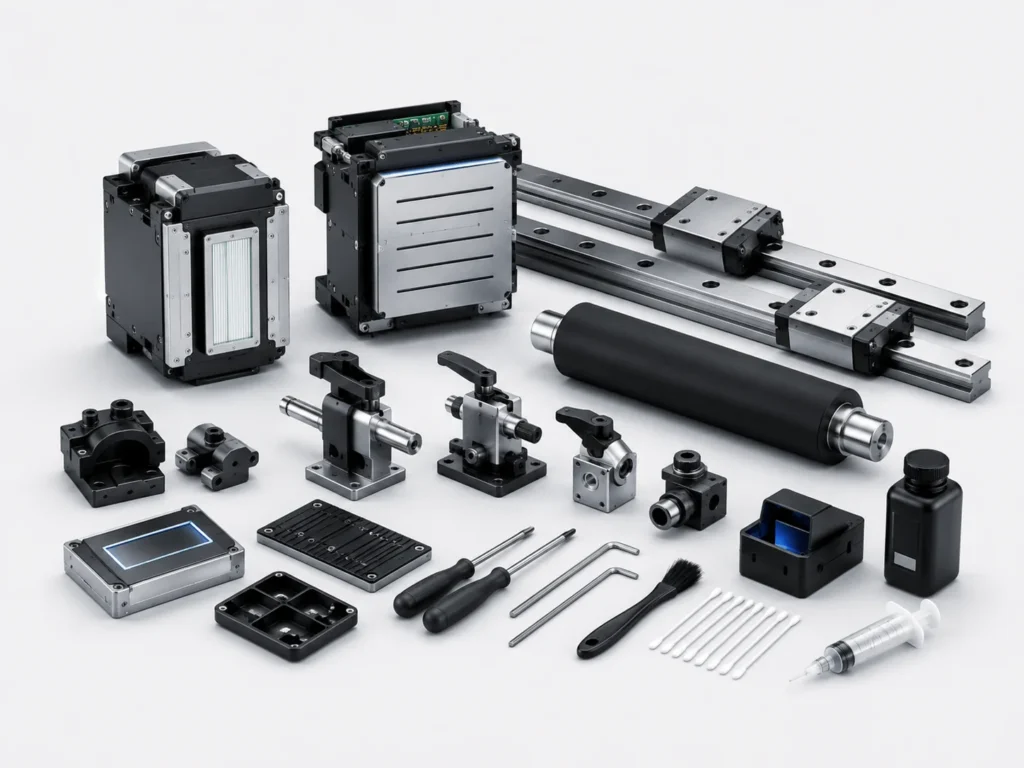
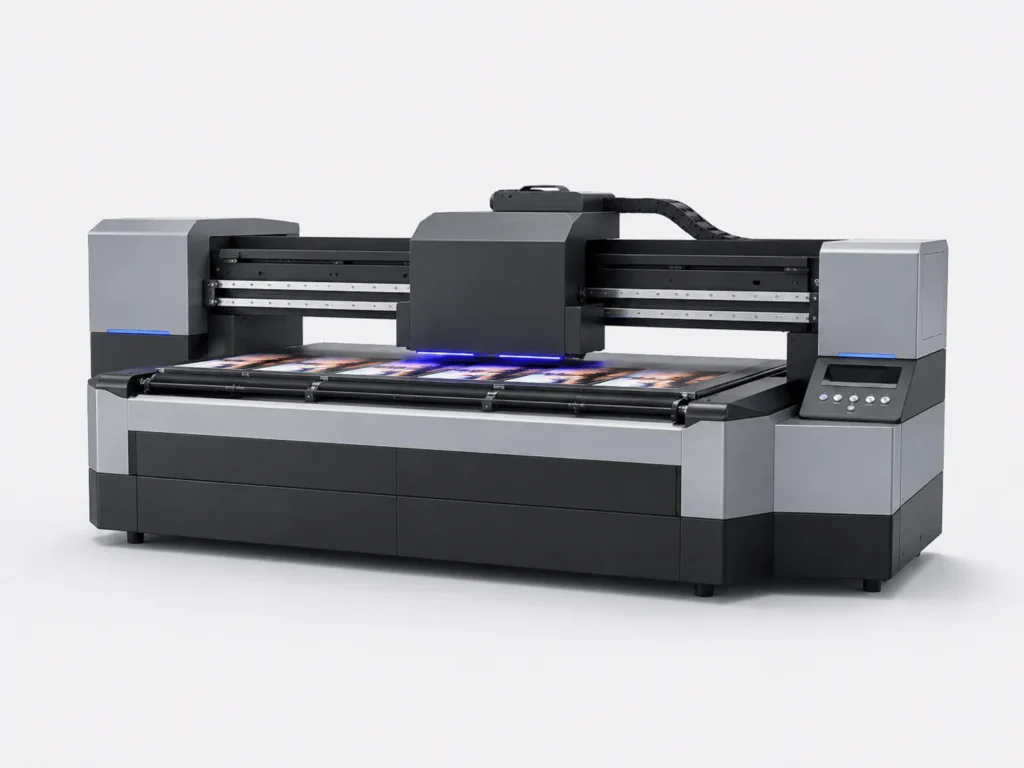
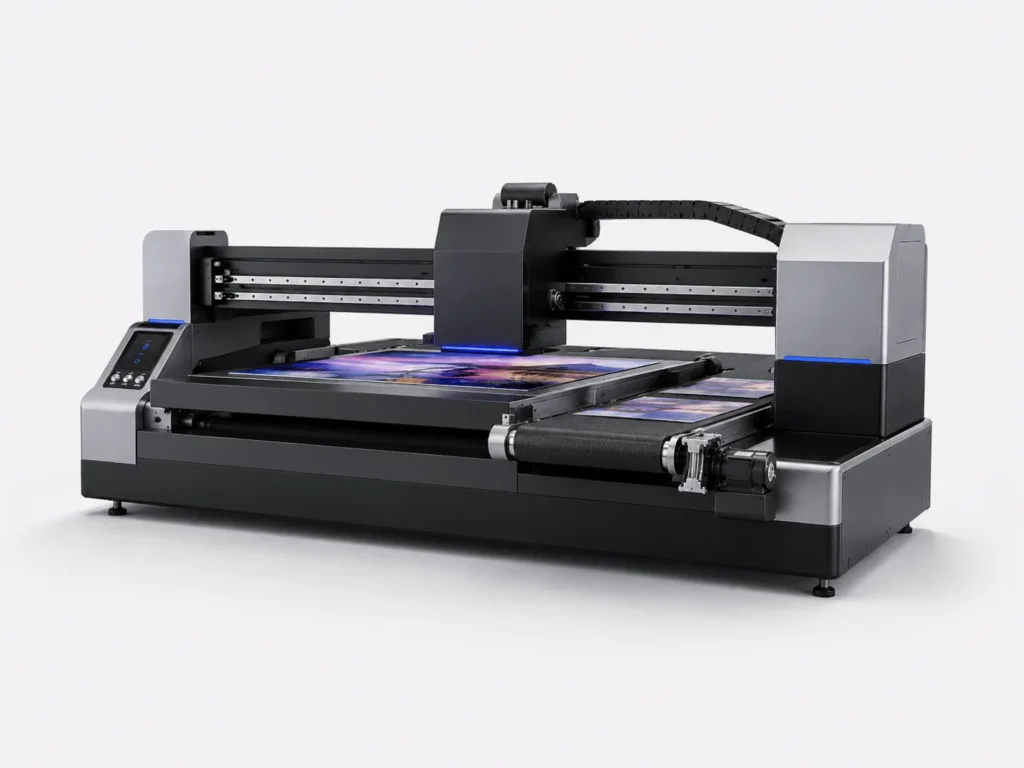
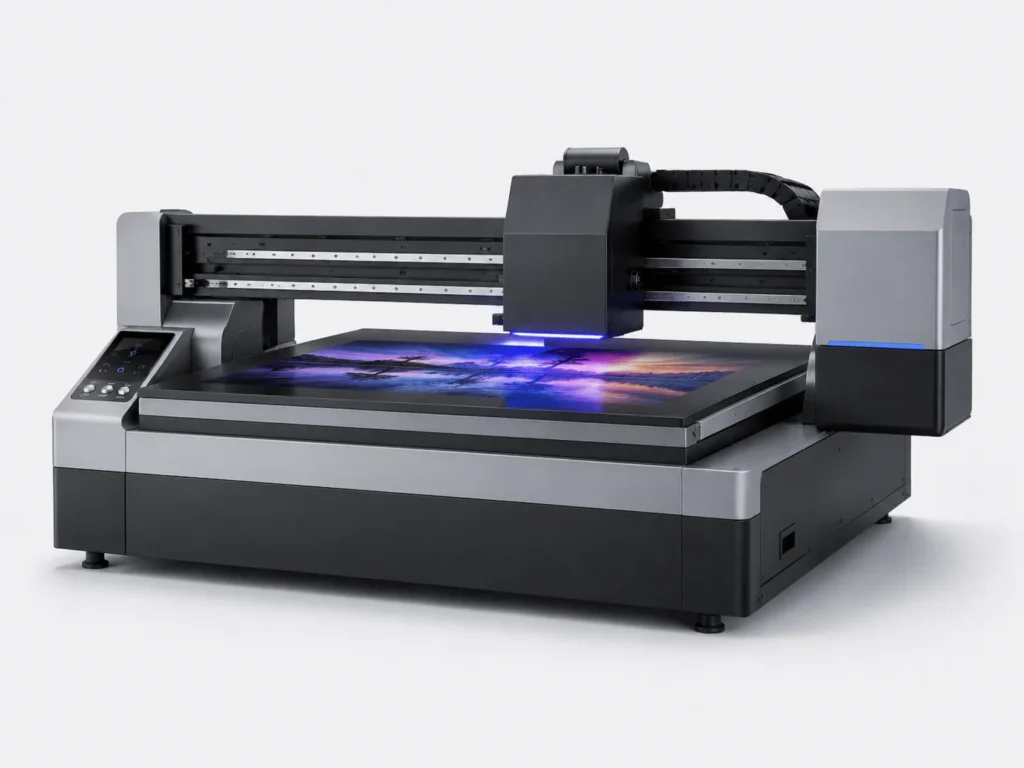
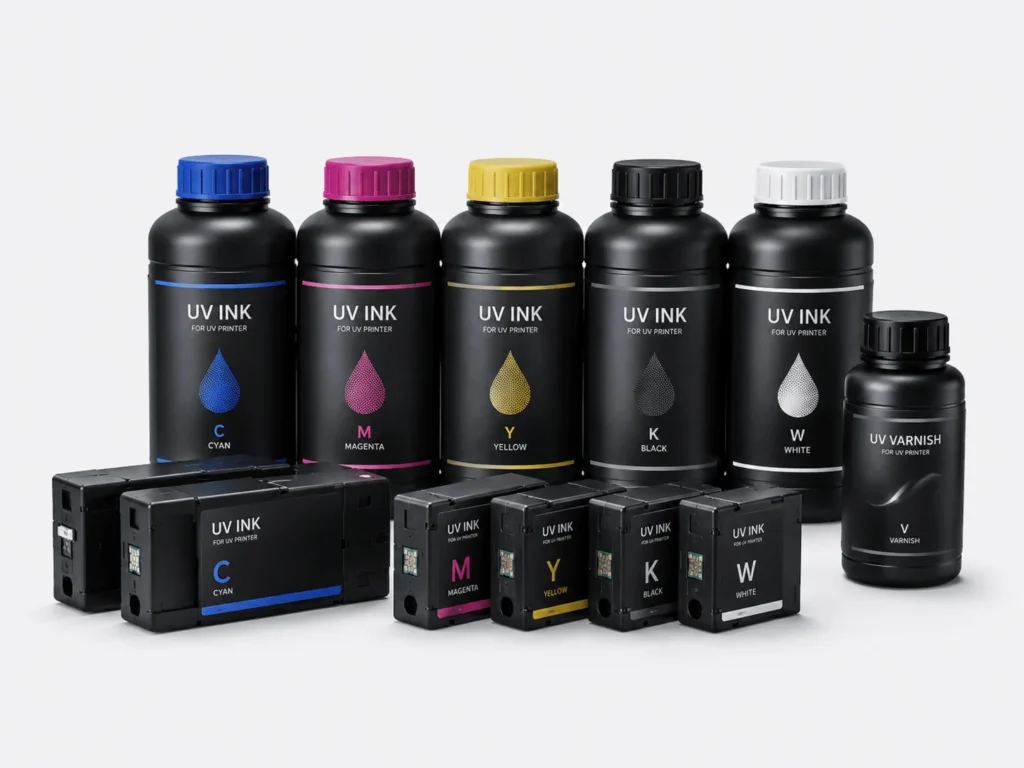
UV flatbed printers are widely used in advertising, packaging, appliance panels, electronic products, and decorative materials. For brand customers and bulk orders, clear graphics are only the basic requirement. Color stability also affects product quality and delivery results. In actual production, color cast problems may appear as darker colors, grayish tones, or obvious color differences between batches. Resolving these issues requires checking the printhead condition, ink system, software parameters, printing materials, and equipment maintenance.

Common Causes of Color Cast in UV Flatbed Printers
Color cast problems may be related to inkjet performance, ink properties, equipment parameters, and material characteristics. Identifying the specific cause helps reduce the time and material waste caused by repeated adjustments.
Printhead and Ink System Affect Color Output
The printhead sprays different colors of ink onto the material surface. Abnormal inkjet performance can change the color proportions of the image.
- Clogged or missing nozzles may cause insufficient output of a certain color.
- When the printhead is unstable, different areas of the image may show variations in lightness and darkness.
- Insufficient ink supply or air bubbles in the ink lines may cause abnormal local color density.
- Unstable white ink circulation may affect overprinting results and color layering.
When color abnormalities occur, first check the printhead test results and ink supply status to determine whether the problem originates from the inkjet side or the ink delivery system.
Parameters and Material Conditions Cause Color Changes
The final color appearance may change when different parameters or materials are used on the same machine. An incompatible ICC color profile in the RIP software may cause differences between the printed colors and the design file. Excessive ink volume may result in overly dark colors, ink buildup, or loss of detail. Changes in print resolution, speed, or unidirectional and bidirectional printing modes may also affect the image appearance. Different materials have different ink absorption, whiteness, and gloss levels, so their final color results will naturally vary. Before printing, check the software settings and material characteristics to avoid parameter mismatches.
How to Quickly Identify the Cause of Color Cast in a UV Flatbed Printer
When color abnormalities occur, check the printhead, ink, software, and materials in sequence to gradually narrow down the possible cause.
Check Nozzle Condition and Ink Supply
A nozzle test pattern can help determine the output condition of each color channel.
- Print a nozzle check pattern and observe whether the CMYK and white ink channels are complete.
- Compare a normal sample with the current sample to identify the specific abnormal color.
- Check the ink level, ink lines, and ink supply status to rule out insufficient ink delivery.
- Inspect the printhead surface, wiper, and capping station to prevent contamination from affecting inkjet performance.
After completing these checks, analyze the missing colors and broken lines to further determine the source of the color cast.
Check Software Settings and Printing Materials
If the printhead test is normal, continue checking the color management and material parameters.
- Confirm that the color profile in the RIP software matches the actual ink and material.
- Check the printing mode, resolution, ink volume, and speed settings.
- Confirm that the current material is the same type as the previously used material or has been properly verified.
- Compare the surface color, coating, and ink absorption performance of materials from different batches.
Software settings and material conditions should be checked together. Adjusting only one of them may not accurately identify the source of the color difference.
Methods for Solving Color Cast Problems in UV Flatbed Printers
After identifying the source of the color cast, make adjustments according to the specific cause. During production, it is recommended to conduct small-scale tests first to avoid affecting subsequent orders through major parameter changes.
Adjust the Printhead Condition and Color Parameters
Color calibration after the printhead has returned to a stable condition can improve the adjustment results.
- Properly clean the abnormal printhead and test the nozzles again.
- Complete printhead calibration according to the equipment requirements to reduce inkjet positioning errors.
- Check the ink volume, printing speed, and print resolution settings.
- Use standard color blocks for testing and compare the color changes before and after adjustment.
Combining printhead maintenance with parameter calibration helps gradually restore the printer’s color performance.
Establish a Unified Color Management Process
Bulk production cannot rely only on one-time color adjustment. A stable production standard is also required.
- Fix the commonly used materials, inks, and printing parameters to reduce arbitrary changes.
- Create corresponding color profiles for different materials.
- Confirm a small sample before bulk production and begin formal production after the color is approved.
- Compare samples from different batches to identify color drift in time.
With an improved color management process, verified solutions can be directly applied to repeat orders, reducing the need for repeated adjustments.
How to Reduce Long-Term Color Cast in UV Flatbed Printers
In addition to resolving current faults, equipment maintenance and process management should be used to reduce long-term color differences.
Maintain the Equipment and Working Environment
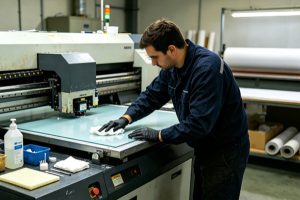
A stable working environment helps keep the printhead, ink, and control system operating normally. Regularly clean the printhead, wiper, and capping station to reduce contamination and clogging. Maintain suitable temperature and humidity levels to reduce fluctuations in ink condition. Inspect the ink supply system to minimize air bubbles, ink leakage, and insufficient ink delivery. Perform a nozzle check before production and address abnormalities promptly. Incorporating daily maintenance, environmental control, and startup inspections into a fixed process can reduce color risks caused by changes in equipment condition.
Standardize Production Standards and Operating Procedures
Consistent parameters and operating methods can reduce color differences caused by manual adjustments.
- Fix the printing parameters for commonly used materials and avoid arbitrary modifications.
- Save proven color profiles and production solutions for convenient use with repeat orders.
- Conduct sample testing before introducing new inks or materials into production.
- Create a color standard sample for key customer orders and compare subsequent production against it.
Standardized operations and sample management help maintain more consistent color performance between different batches.
In actual production, color consistency depends on equipment maintenance, parameter management, and standardized operations. Regularly checking the printhead and ink supply system, properly saving printing solutions for different materials, and confirming samples before bulk production can help reduce color differences and repeated adjustments. Springyprinter specializes in the research, development, and manufacturing of industrial UV digital printing equipment, providing professional UV flatbed printing solutions and technical support for packaging, appliance panels, advertising, industrial customization, and other applications.