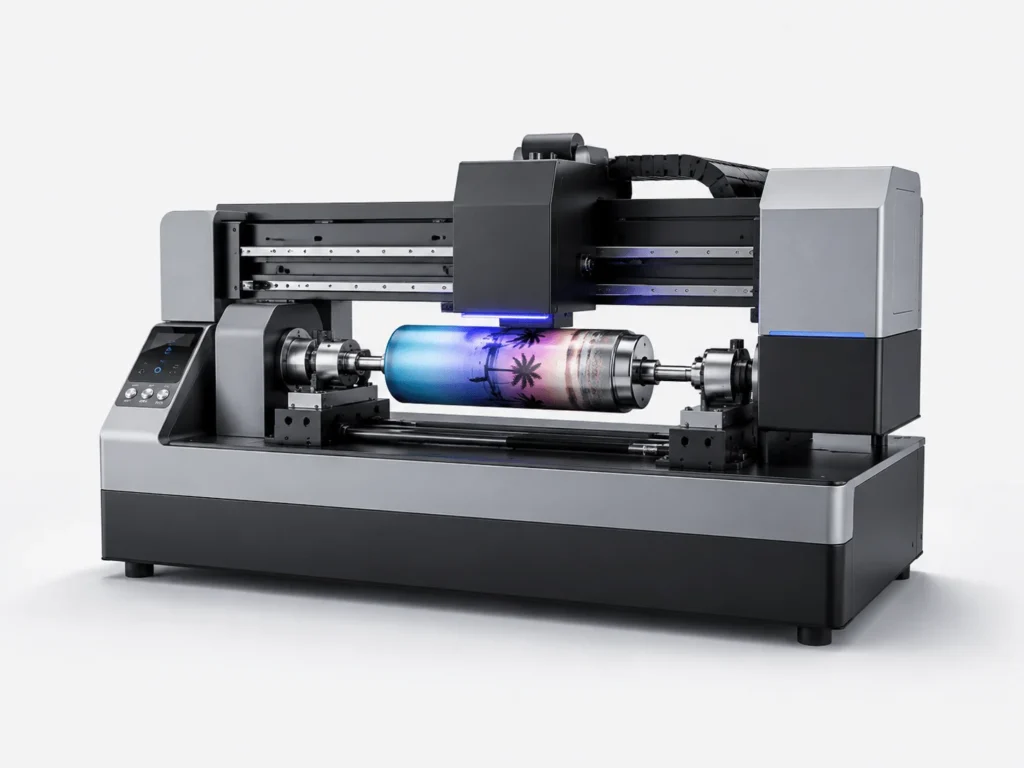
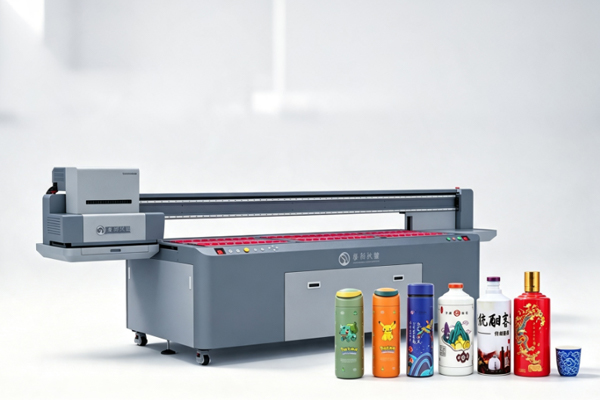
Why does the same design look perfect on one cup but appear slightly different on another? Many businesses that customize cylindrical products often face this problem. Even when the design file and printing equipment remain the same, the final results may still show color differences, such as lighter colors, darker shades, or inconsistent colors between products in the same batch. For products like wine bottles, tumblers, and cosmetic containers that require a high-quality appearance, color consistency directly affects the overall product impression. In fact, color differences in cylindrical printing are not always caused by the machine itself. Ink condition, printing settings, product materials, and operating details can all affect the final result. Finding the real cause and making proper adjustments can help achieve more stable printing quality.
Design Files and Color Settings May Be the Source of Color Differences
When users notice color problems with a cylindrical printer, the first reaction is often to check the machine. However, the issue may actually start from the design file. The colors displayed on a computer screen are not exactly the same as the colors produced by printing. Without proper preparation, the final printed result may naturally look different from the original design.
Common causes include:
- The color mode of the design file is not suitable for printing
- Low image quality affects color details and overall appearance
- Sample testing is not performed before mass production
For example, a red design may look very bright on a computer screen, but appear slightly darker after being printed on a cup surface. This happens because monitors display colors through light, while UV printing creates colors through layers of ink. Testing samples before production can help adjust colors closer to customer expectations.
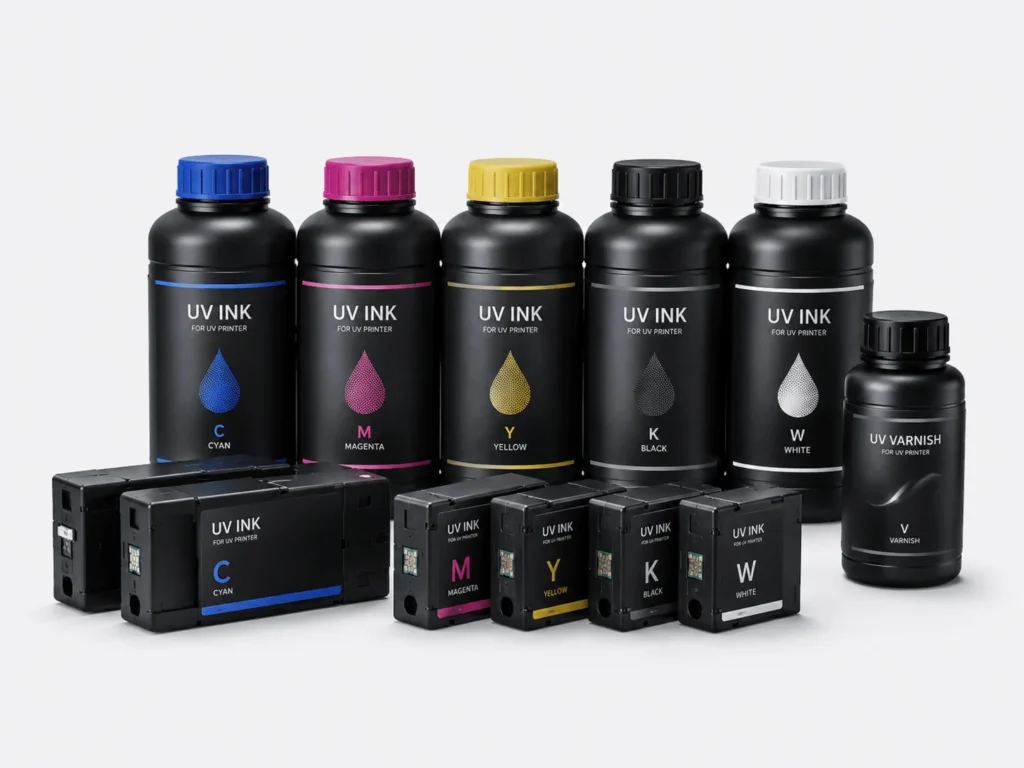
UV Ink Condition Can Affect Printing Color Performance
The color quality of cylindrical printing largely depends on the condition of UV ink. If the ink quality is unstable, or the ink system has problems after long-term use, color differences can easily occur.
Factors that may affect ink performance include:
- Ink stored for too long, causing changes in color stability
- Different batches of ink creating slight color variations
- Uneven ink supply causing some colors to appear lighter or darker
- Air bubbles in the ink system affecting ink spraying performance
During actual production, it is recommended to use UV ink that matches the cylindrical printer and store it properly. If a certain color suddenly becomes lighter, such as black losing its depth or red becoming less vivid, checking the ink supply system first can help identify the problem.
Incorrect Printing Parameters Can Easily Cause Color Changes
Many businesses adjust settings mainly for faster production, but different products and materials often require different printing parameters. If the settings are not properly adjusted, colors may appear less saturated and image details may not be displayed clearly.
When adjusting printing parameters, pay attention to:
- Choosing the right printing mode according to the product material
- Adjusting ink volume to achieve richer and more accurate colors
- Controlling printing speed to ensure accurate ink placement
- Setting white ink and gloss effects according to product requirements
For example, when printing on dark-colored cups or metal bottles, the white ink layer plays an important role. If the white ink settings are not properly adjusted, the color layer may look darker and fail to achieve the expected visual effect. When color problems occur, optimizing printing parameters is often more effective than simply replacing equipment.
Product Materials and Equipment Condition Also Affect Color Consistency
Many users overlook an important factor: the product material itself can influence the final color effect. The same design may produce different visual results when printed on glass bottles, stainless steel cups, or plastic containers.
During production, businesses should pay attention to:
- Cleaning the product surface before printing to prevent dust from affecting ink adhesion
- Applying proper surface treatment according to different materials
- Checking printhead condition regularly to avoid color problems caused by missing ink
- Keeping the rotary system stable to prevent position changes during printing
For example, glass bottles have a very smooth surface. Without proper surface treatment, UV ink may not adhere well, making colors look dull or less vibrant. In addition, slight printhead clogging can cause certain colors to disappear, resulting in overall color differences.
Color differences in cylindrical printing are usually not caused by a single issue. Design files, ink condition, printing parameters, and product materials all work together to affect the final result. To achieve more stable colors on cylindrical products, businesses need not only a suitable cylindrical printer but also proper testing and adjustment procedures. By confirming samples in advance, maintaining equipment, and optimizing production processes, companies can effectively reduce color differences and improve product quality and efficiency. SpringYprinter provides professional cylindrical printer solutions to help businesses achieve more accurate and stable cylindrical product printing results.