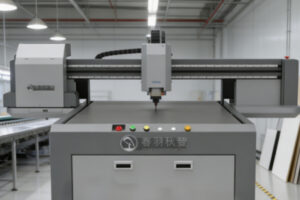
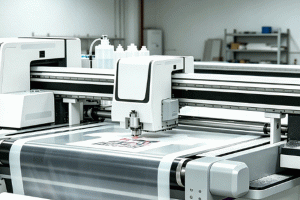
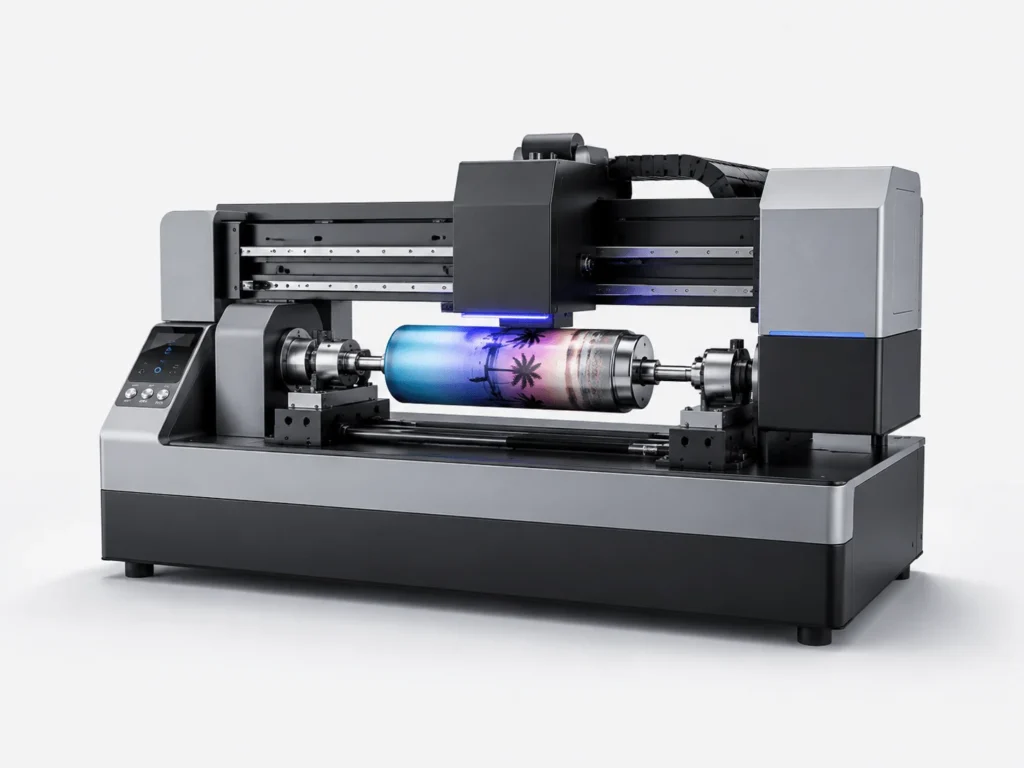
After a UV flatbed conveyor printer finishes the day’s production, shutdown is not as simple as pressing the power button. The printheads, ink supply system, conveyor structure, and UV curing components all need to be closed down in sequence to reduce clogging, residual ink, mechanical wear, and abnormal startup issues the next time it is powered on. Many equipment failures do not occur during printing itself, but are caused by improper shutdown procedures that leave hidden risks behind. Standardizing the shutdown process can extend equipment life and make the next startup more stable.
Complete the Basic Wrap-Up Before Shutdown
The cleanup work before shutdown may seem like just part of daily operation, but it directly affects whether the equipment can enter standby mode smoothly and also determines how difficult future maintenance will be.
Clear Tasks and Check the Printing Status
Before shutting down, complete the current job so the equipment does not enter sleep mode with unfinished tasks. This helps reduce residual abnormalities in the control system and prevents materials and printheads from staying in abnormal positions for too long.
- Check whether there are any unfinished files, and pause, end, or reschedule them in time to avoid leaving data residue after shutting down in a semi-running state, which could affect task recognition at the next startup.
- Remove the material from the printing area to prevent the board from sitting on the conveyor belt for too long and causing local deformation, while also reducing the risk of accidentally touching the printhead or scratching the machine surface after shutdown.
- Check whether the printhead carriage has returned to a safe position and confirm that the moving parts have stopped within the designated area to avoid mechanical interference or accidental collision during power-off.
- Record the day’s printing parameters, material types, and any abnormal conditions to make it easier to quickly restore production status at the next startup and to provide more accurate references for later troubleshooting.
Tidying up the tasks and status helps the equipment shut down more safely and reduces the trouble caused by later misoperation.
Handle the Printhead and Ink Supply System
The printhead and ink path are the most important parts to protect during shutdown. Proper handling not only significantly reduces the chance of clogging, but also helps the equipment return to a stable ink output state more quickly when restarted.
- Run a nozzle check to confirm whether the nozzle condition is normal and detect issues such as missing lines, deflection, or slight clogging in time, preventing these minor problems from worsening after shutdown.
- Use a dedicated cleaning solution to gently wipe away residual ink on the printhead surface. The motion should be soft and even to avoid damaging the printhead surface, and special care should be taken to prevent debris from entering the nozzle area.
- Keep the white ink circulation system running for a period of time so that sediment particles continue to move, reducing the possibility of white ink settling and clumping in the tubing and lowering the risk of ink path blockage.
- For long-term shutdowns, perform capping and moisturizing treatment to keep the printhead in a relatively stable humid environment, reducing the risk of dried ink adhesion and lowering the cleaning burden before the next startup.
Properly wrapping up the printhead and ink path can effectively maintain ink output stability and reduce the cleaning workload and debugging time required for the next startup.
Shut Down the Equipment in the Correct Order
The shutdown sequence is very important. Standard operation not only reduces electrical impact, but also lowers the extra wear on mechanical parts during shutdown.
Turn Off Auxiliary Functions Before Cutting Main Power
An incorrect shutdown sequence can cause extra stress on electrical and mechanical components. During shutdown, auxiliary modules such as the UV lamp, suction system, and heating system should be turned off first so the equipment can gradually exit working mode. Then, after the printhead carriage has fully returned to its home position, the main program should be ended to avoid the motion system getting stuck or colliding during shutdown. Do not cut off the main power directly, especially while the equipment is still running or cooling down. Forced power loss can affect the control system and stored data. Confirm that the equipment has completed its automatic return action and that all functions have stopped before performing the final shutdown. This makes the shutdown process smoother and reduces the risk of sudden failures.
Inspect the Electrical Circuit and Mechanical Components
The equipment status should be checked both before and after power-off to prevent small issues from accumulating into major failures. Confirm that the power cable and data cable are not loose or strained to avoid poor contact causing errors at the next startup. Check whether there are foreign objects, leftover material, or ink stains on the conveyor belt and guide rails, as these contaminants can continue to affect mechanical accuracy after shutdown. Inspect the emergency stop button and control panel to ensure the equipment still has reliable control capability in case of emergencies. After shutdown, allow time for cooling so the internal components can gradually return to a safe temperature, reducing the impact of residual heat on the circuit. Reviewing the electrical and mechanical status helps identify hidden risks in time and keeps the equipment in a more stable condition after shutdown.
Manage the Environment During Shutdown
After the equipment is shut down, it does not become completely inactive. Environmental conditions can still affect the stability of internal components, especially the printhead, ink path, and transmission structure, which are sensitive to the environment.
Control Temperature, Humidity, and Cleanliness
UV printing equipment is relatively sensitive to the environment. A stable shutdown environment helps keep the equipment stable as well.
- Keep the workshop ventilated to reduce the buildup of ink mist, dust, and odors around the equipment, preventing contamination of the printhead and guide rail areas.
- Control temperature and humidity within an appropriate range to prevent excessive dryness from causing ink skinning and to avoid humid conditions that accelerate component aging.
- Cover the equipment with a dust cover to reduce dust falling into the transmission structure and printhead area, especially during nighttime or long shutdown periods.
- Avoid direct sunlight and moisture intrusion to prevent the machine housing, wiring, and ink system from being affected during long-term storage.
Good environmental management reduces ink sedimentation and component aging, and also helps the equipment maintain better working conditions during shutdown.
Perform Regular Equipment Inspections
Even when the equipment is shut down, it should not be left completely unattended, especially the white ink system and printhead area. During short-term shutdowns, check the ink level and printhead condition every day to confirm there is no obvious settling, backflow, or leakage. During long-term shutdowns, simple inspections should also be carried out every few days to detect issues such as dried tubing, ink separation, or failed capping in time. At the same time, pay attention to whether there is sediment, air bubbles, or abnormal backflow in the tubing, as these small issues can become major failures when the equipment is restarted. Also clean the guide rails, filters, and surrounding dust in time so the equipment remains relatively clean during shutdown. Regular inspections can keep problems under control at an early stage and prevent hidden risks from becoming harder to handle the longer the shutdown lasts.
Perform a Full Check Before Restarting
The more detailed the inspection before restarting, the more stable the subsequent printing will be. This is especially important after the equipment has been shut down for a long time, when testing is needed to confirm that each system has returned to normal.
Run Tests Before Startup
Checking before restarting can reduce losses caused by wasted prints and errors.
- Power on again in the proper sequence, allowing the control system and auxiliary modules to recover gradually before entering the formal printing process.
- Perform a nozzle test before formal printing to confirm that the printhead condition, ink continuity, and color performance are all within usable range.
- Check whether the conveyor belt runs smoothly and observe whether there is any deviation, vibration, or unusual noise to avoid affecting positioning accuracy during formal production.
- Print a sample to confirm that the color, adhesion, and registration are normal before starting batch production, which is a safer approach.
Running tests before startup helps quickly determine the equipment status and makes formal production smoother.
Build the Habit of Keeping Shutdown Records
Recording the shutdown process provides a better basis for future maintenance.
- Record the shutdown time, reason, and handling steps to make it easier to compare changes in equipment status later and form a complete maintenance chain.
- Note the ink and material types used that day to help analyze how different materials affect equipment status and to optimize the process.
- Record any abnormal phenomena, even minor clogging, unusual noise, or temperature fluctuations, as they can provide important clues for later troubleshooting.
- Establish a fixed workflow to reduce human omissions and make every shutdown and startup more standardized.
Once a recording habit is established, equipment management becomes clearer and future maintenance and troubleshooting become more efficient.
The handling of a UV flatbed conveyor printer after shutdown may seem like a simple finishing step, but in fact it is closely related to equipment lifespan, printing stability, and production efficiency. Turning printhead protection, power-off sequence, environmental management, and restart checks into a standard process helps keep the equipment in better working condition and avoids many preventable failures. Springyprinter focuses on the research, development, and manufacturing of industrial UV digital printing equipment and can provide customers with stable and reliable printing solutions and technical support services.