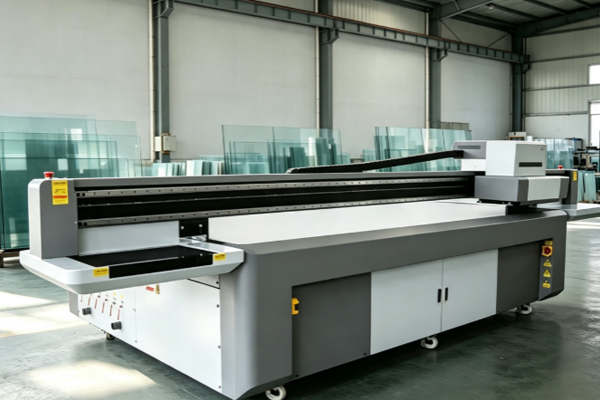
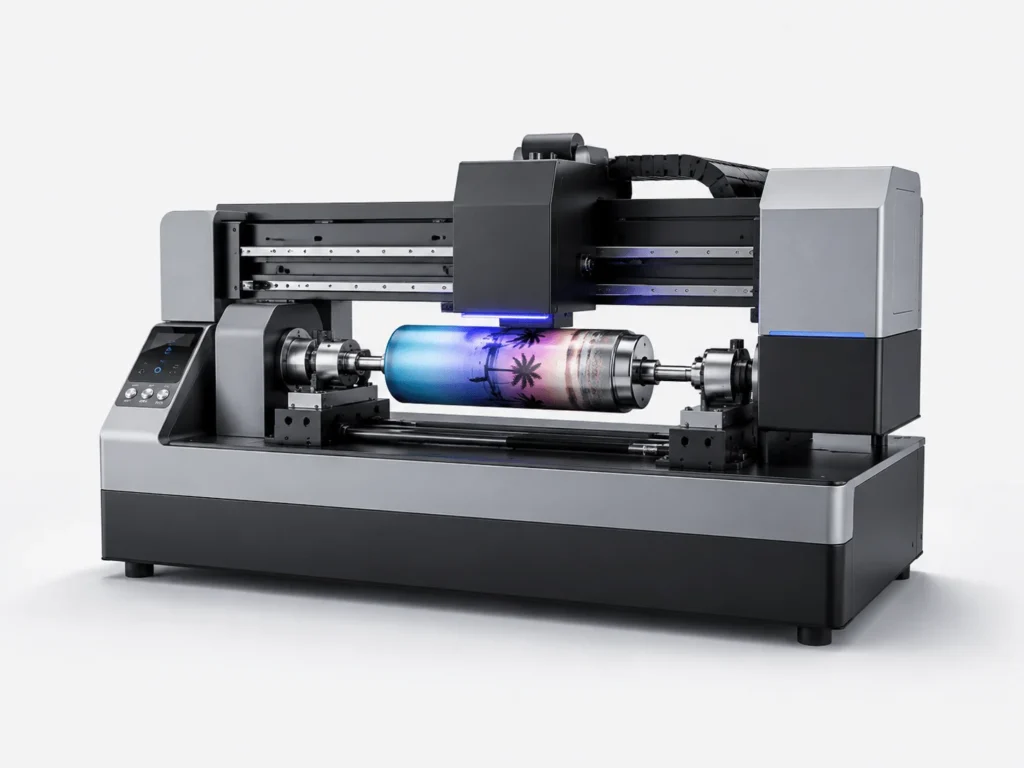
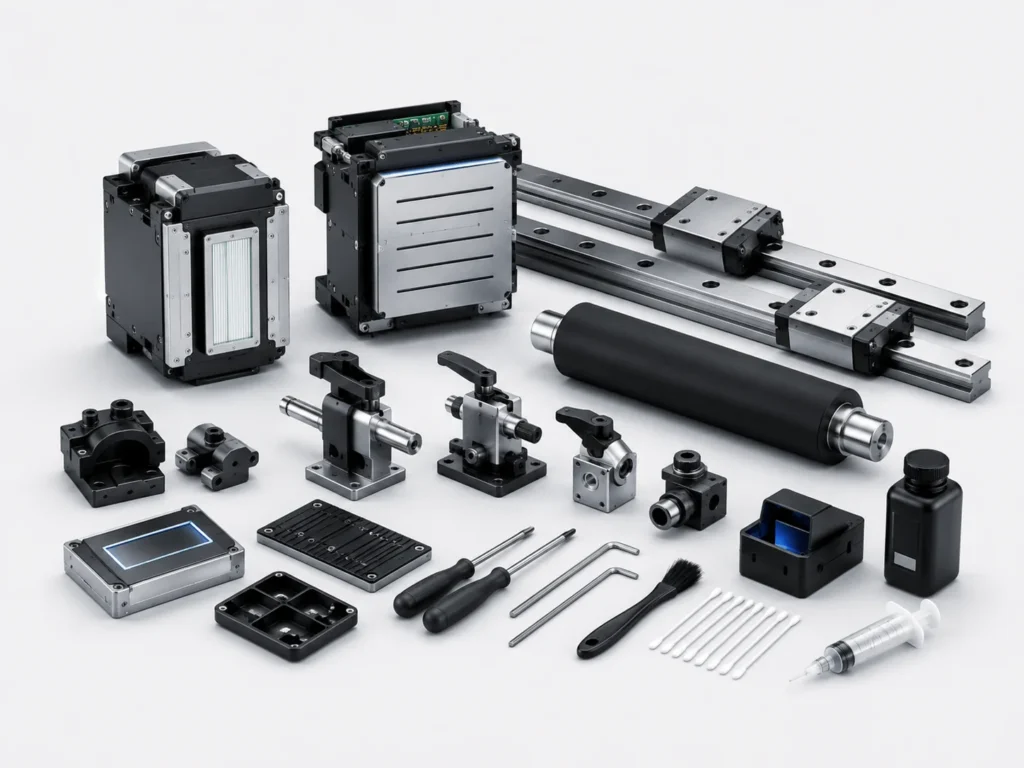
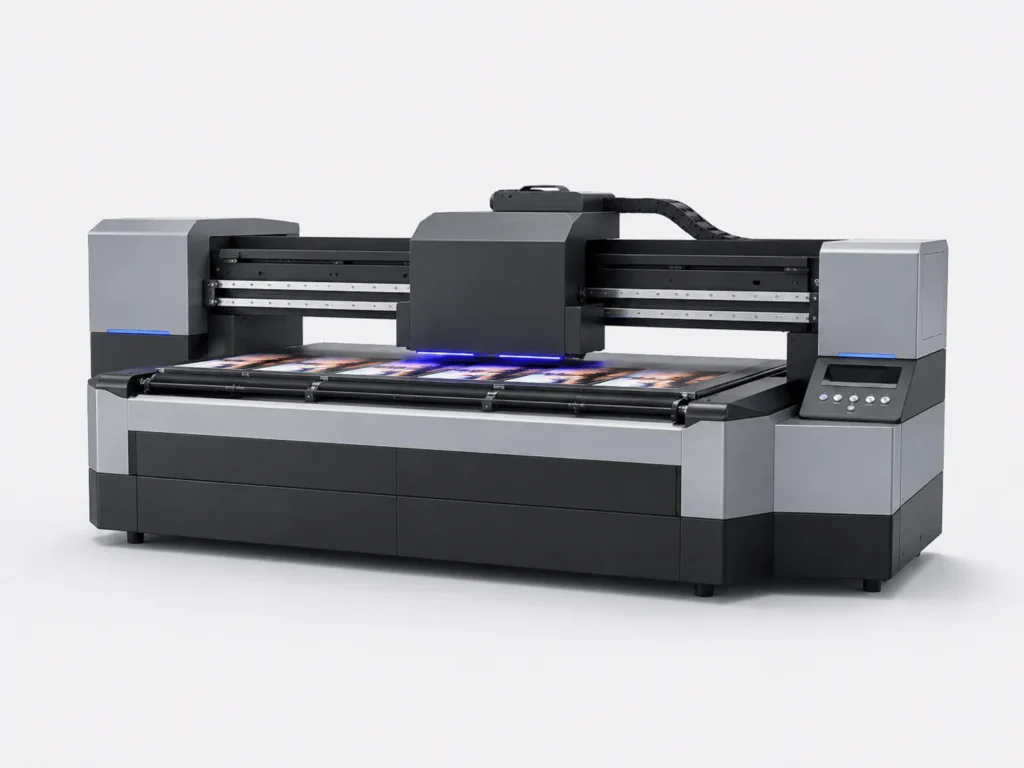
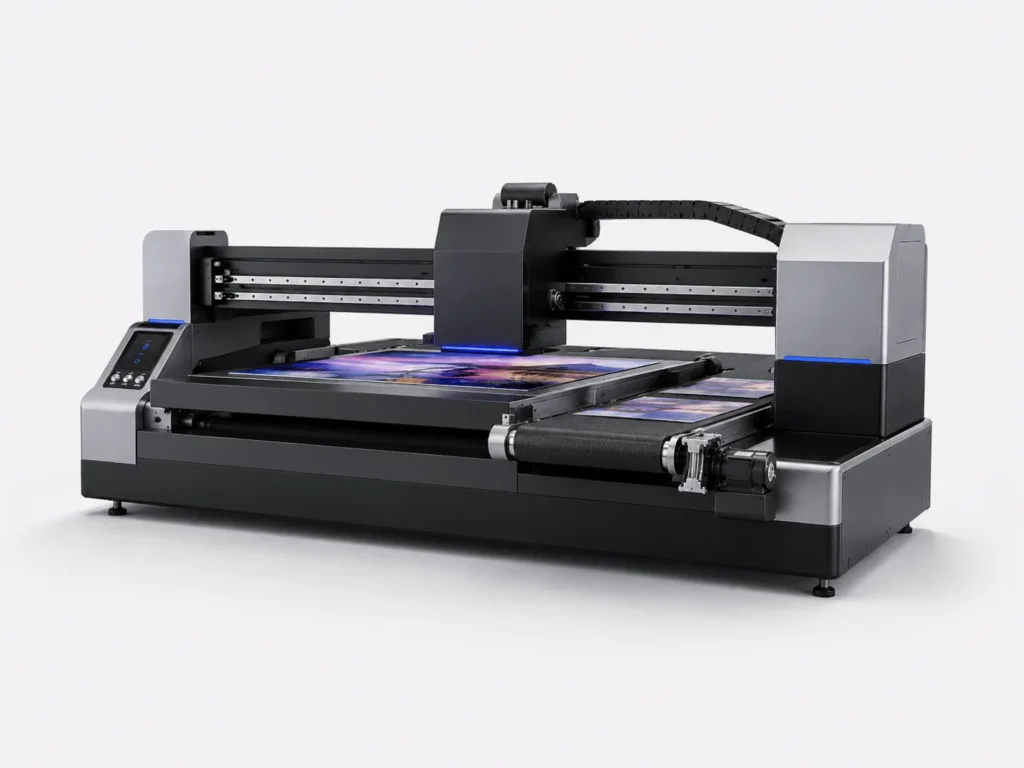
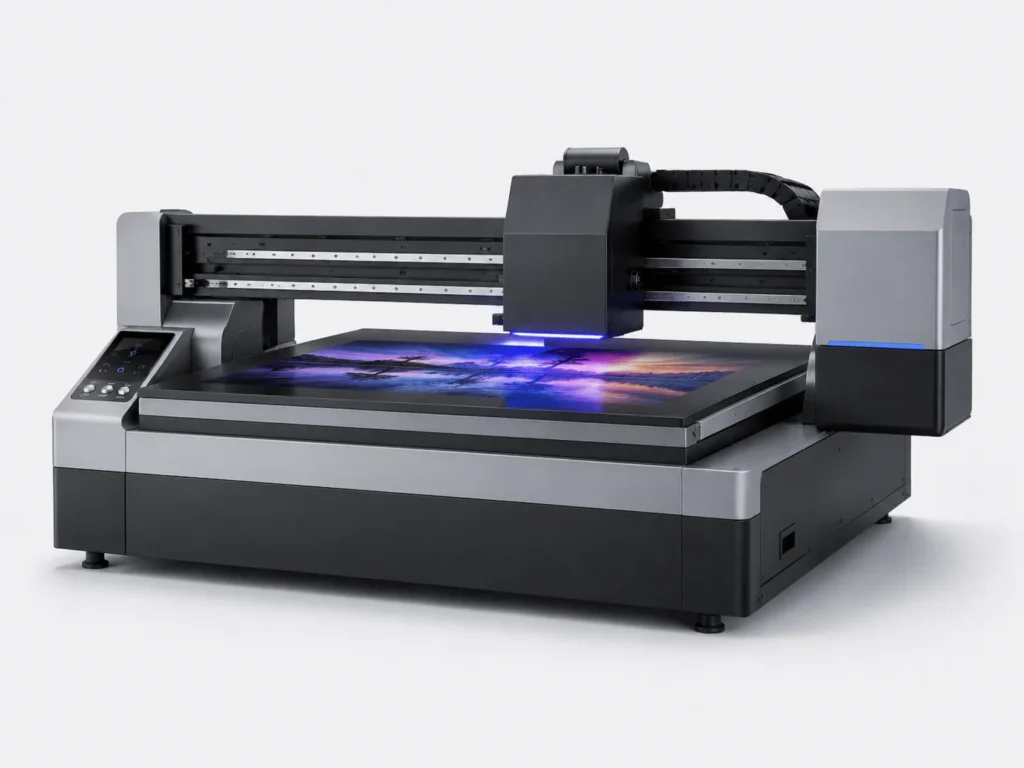
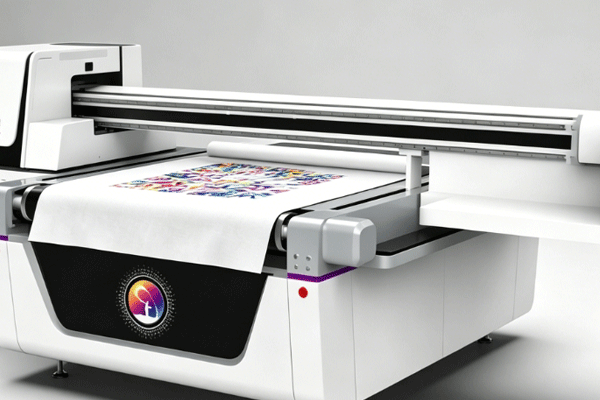
In a production environment where customized orders are becoming increasingly dense, what enterprises care about is no longer just “can it print,” but “can it print continuously, stably, and with fewer errors.” A UV flatbed conveyor printer connects loading, positioning, printing, curing, and unloading into a complete chain, allowing the equipment to keep running with minimal manual intervention. To make automatic printing truly valuable, the key is not a single function, but whether every step can connect accurately and transition smoothly.
Prepare the Files and Materials Before Printing
Whether automatic printing can start smoothly often depends on how carefully the preparation work is done in advance. The more stable the file specifications and material condition are, the easier it is for the later process to remain continuous.
Standardize File Parameters First
Whether the printing process runs smoothly starts with whether the file is standardized. Basic items such as size, resolution, color mode, and output order are best unified before production begins.
- After importing the design file, first check the size, resolution, and color mode, and organize commonly used parameters into fixed templates so repeated modifications can be reduced later.
- For common orders, nozzle channels, ink volume, speed, and printing order can be preset. During production, they can be called directly, which improves efficiency and lowers the chance of errors.
- For complex patterns, it is best to confirm with a small sample first, especially for gradients, fine lines, and multi-layer overprinting content. Early verification can reduce the risk of rework for the entire batch.
- The more standardized the file is, the stronger the stability during automatic printing, and the easier it is for the equipment to maintain consistent output during continuous operation.
Organizing file parameters in advance makes later equipment operation easier and is also more suitable for scenarios with multiple batches and multiple specifications running in parallel.
Calibrate Material Conditions in Advance
Whether the material is prepared properly will directly affect the continuity of automatic printing. Board flatness, cleanliness, and thickness consistency will all be magnified into different degrees of effect differences in actual production.
- Board thickness, flatness, and surface cleanliness all affect printing results. Slight warping or dust residue may cause positioning deviation and adhesion problems.
- The conveyor height, nozzle gap, and suction force must match the material. When the parameters are appropriate, the equipment runs more stably.
- Pre-calibrating registration points and edge positions can reduce misalignment and scratching, and also make automatic recognition and continuous feeding smoother.
- The more carefully the material is prepared, the smoother the later automated operation will be, and the production line will be less likely to be interrupted by small issues.
The more stable the material condition is, the easier it is for the equipment to enter a high-efficiency continuous production rhythm. Spending a little more time on calibration in advance often brings fewer stoppages and a lower rework rate.
Automatic Feeding and Positioning Connect the Process
The focus of this stage is to let the material quickly enter the correct position after entering the equipment, and maintain a stable rhythm during continuous conveying, turning manual handling into a more efficient automated connection.
The Conveying System Delivers Material Stably
Automatic feeding is a key step in turning manual handling into continuous conveying, and whether the conveying system is stable directly determines whether the entire production line can truly start running.
- The automatic feeding device sends the material into the printing area, reducing manual handling and repeated placement. This not only saves labor, but also makes the production rhythm easier to unify.
- The conveying speed must stay consistent with the printing rhythm to avoid pauses, material buildup, or poor coordination between front and rear workstations.
- During continuous order processing, the equipment can maintain high operating efficiency, especially for long-duration batch output tasks.
- When dealing with mixed orders of multiple specifications, this method makes it easier to switch quickly, because the system can flexibly adjust according to material size and task sequence.
The more stable the conveying system is, the easier it is to keep the rhythm of the entire production line consistent, and the more likely the equipment is to maintain good efficiency during long-term operation.
Vision Positioning Improves Registration Accuracy
Accurate positioning is what allows automatic printing to truly deliver value. A vision recognition system can turn the placement process, which originally depended on manual experience, into something more standardized, and can also automatically correct deviations so that patterns remain in more stable positions across different batches. Pattern edges, hole positions, and splicing positions are easier to align, especially when registration processing or multi-pass overprinting is required. It can also reduce errors caused by manual placement and lower deviations caused by operational differences. The more stable the registration, the higher the consistency of the finished product, and the fewer reworks and corrections there will be. Vision positioning allows even complex patterns to be output stably, giving enterprises more confidence when handling high-precision orders.
Printing and Curing Complete the Output Together
The tighter the coordination between printing and curing, the easier it is to improve both efficiency and quality in automatic printing. This is also an important feature that distinguishes a UV flatbed conveyor printer from ordinary output equipment.
The Printhead Works Automatically According to the Program
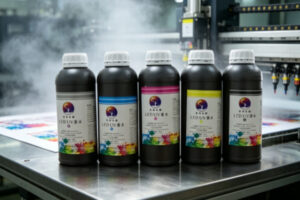
The printing stage determines whether the pattern is clear and whether the colors are rich, and the value of automatic program control lies in making every ink ejection follow the same trajectory, ink volume, and layering performance as consistently as possible.
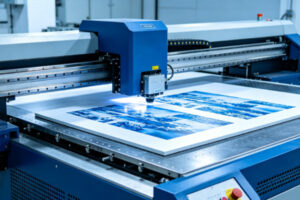
- The equipment sprays ink automatically according to the file path, without frequent manual intervention. This not only reduces human error, but also makes the production process more continuous.
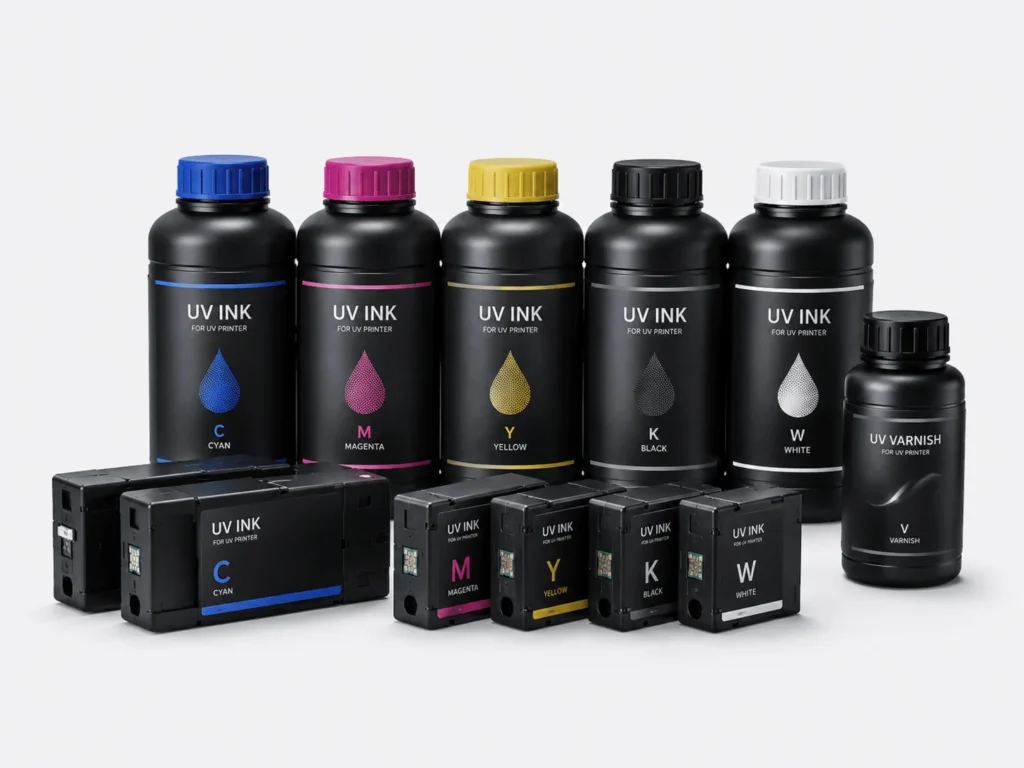
- White ink, color ink, and varnish can be output in layers, making the image more layered and improving both the three-dimensional effect and detail performance of the pattern.
- Fine details, gradient effects, and small text content are also easier to keep intact, which is especially important in high-precision orders.
- Real-time monitoring of issues such as missing ink and ink splashing helps with timely adjustments and prevents small problems from accumulating into batch defects.
Only when the printhead works stably according to the program can automatic printing be both efficient and capable of maintaining image quality, while also helping enterprises keep a unified standard during continuous production.
UV Curing Follows the Printing Rhythm Closely
If curing cannot keep up with the printing rhythm, the entire process will be slowed down. The timeliness of UV curing is exactly the key to ensuring that the pattern sets quickly and outputs stably.
- Once the pattern is printed, it immediately enters the curing area, where the ink layer can set quickly and reduce the risk of contamination and sticking while still wet.
- The UV lamp locks the ink onto the surface, improving adhesion and wear resistance, and making the finished product more stable during later handling and use.
- When the curing rhythm is stable, the finished product is less likely to become sticky or fade, which is especially important for orders that require fast delivery.
- The tighter the connection between printing and curing, the higher the overall efficiency, and the easier it is for the equipment’s continuous production capability to be fully utilized.
Only when printing and curing move forward in sync can the finished product leave the equipment with stable quality, making later packaging, handling, and delivery more worry-free.
Unloading, Inspection, and Records Form a Closed Loop
The automated process is not complete when printing ends. Later handling also affects overall efficiency. Unloading, inspection, and data archiving are exactly what make production truly form a closed loop.
Automatic Collection Reduces Manual Handling
The finished product output stage also affects automation efficiency, and the significance of automatic collection is not only to eliminate handling work, but also to ensure that the product remains in a stable condition after leaving the printing area. Once the finished product is automatically output to the collection area, the risk of bumps and scratches can be reduced, and the product can maintain a better appearance during transfer. Operators do not need to frequently move materials, so they can focus more on inspection and exception handling, making overall management easier. During continuous production, automatic collection can also speed up turnover and prevent finished products from piling up and affecting the next processing cycle. For large-volume orders, this step can significantly improve efficiency and make the entire production line closer to true automated operation. Automatic collection also brings the end of production into process management, making the entire line more complete and helping enterprises maintain a stable delivery rhythm in high-frequency order scenarios.
Quality Inspection and Data Archiving
For an automated process to remain stable over the long term, inspection and recordkeeping are essential. Every piece of production data accumulated will become an important basis for later process optimization.
- After printing is completed, the color, clarity, and adhesion should be checked so that subtle problems can be detected in time and defective products can be prevented from entering the next stage.
- Common problems and parameter combinations should be recorded so that similar orders can be directly reused later. This not only saves debugging time, but also improves the success rate of repeat orders.
- The more complete the data archive is, the easier it is for the equipment to form a stable process. Over time, it can also help enterprises optimize production experience.
- The longer the automated process runs, the more valuable the accumulated experience becomes, and equipment management will gradually shift from “knowing how to use it” to “using it stably.”
Inspection and archiving allow every production run to accumulate experience, making later orders easier to replicate successfully and ultimately forming a more mature and reliable automatic printing system.
The automatic printing process of a UV flatbed conveyor printer may seem like the equipment is working on its own, but in reality it is the result of files, materials, positioning, printing, curing, and collection working together. Standardizing every step makes production smoother and labor costs more controllable. For enterprises that want to improve efficiency and expand order capacity, automation is not an extra feature, but part of competitiveness. Springyprinter focuses on the research, development, and manufacturing of industrial UV digital printing equipment, and can provide customers with stable automated printing solutions and technical support services.