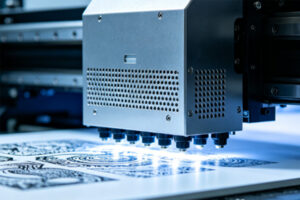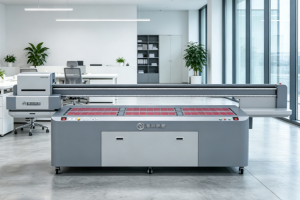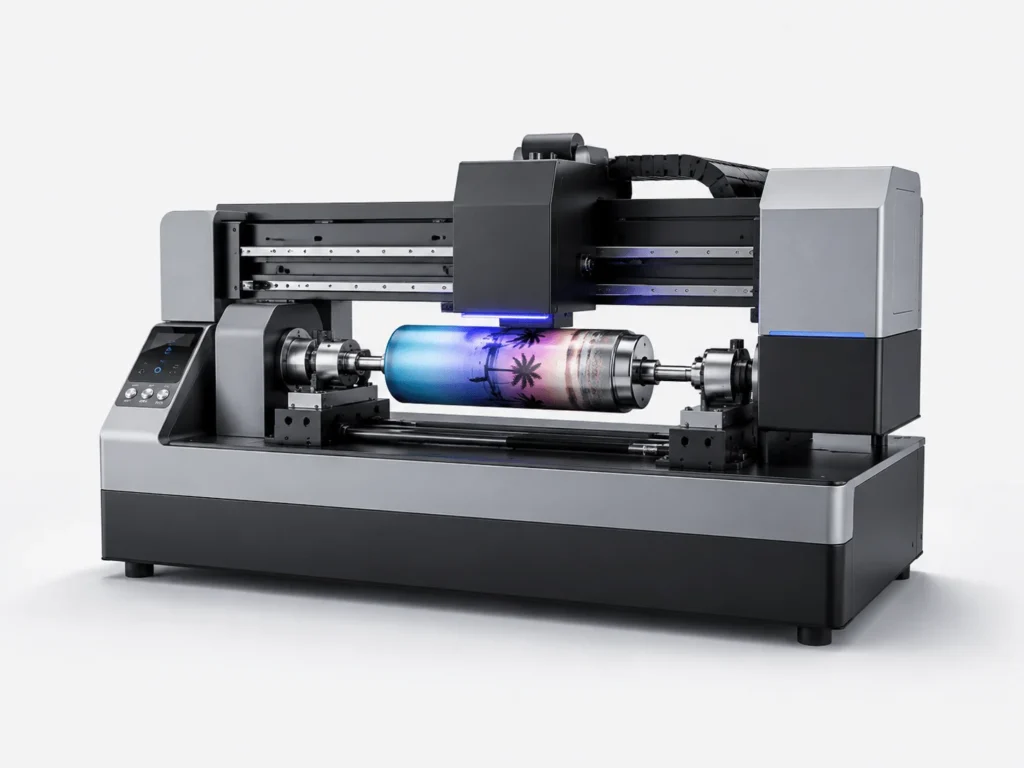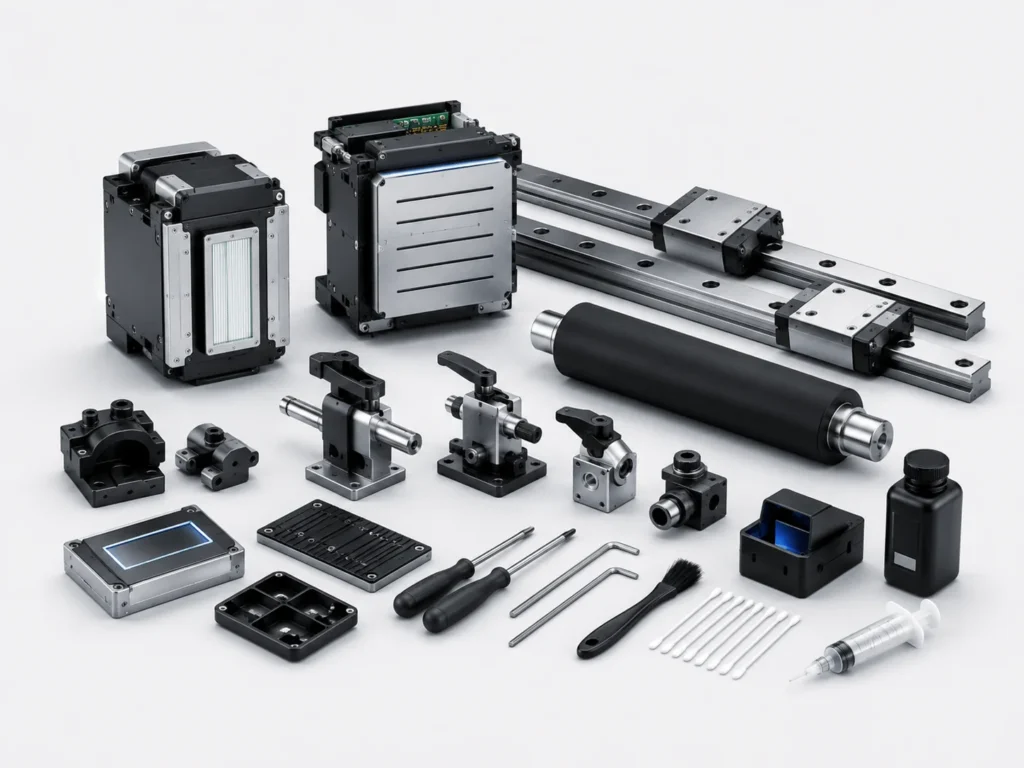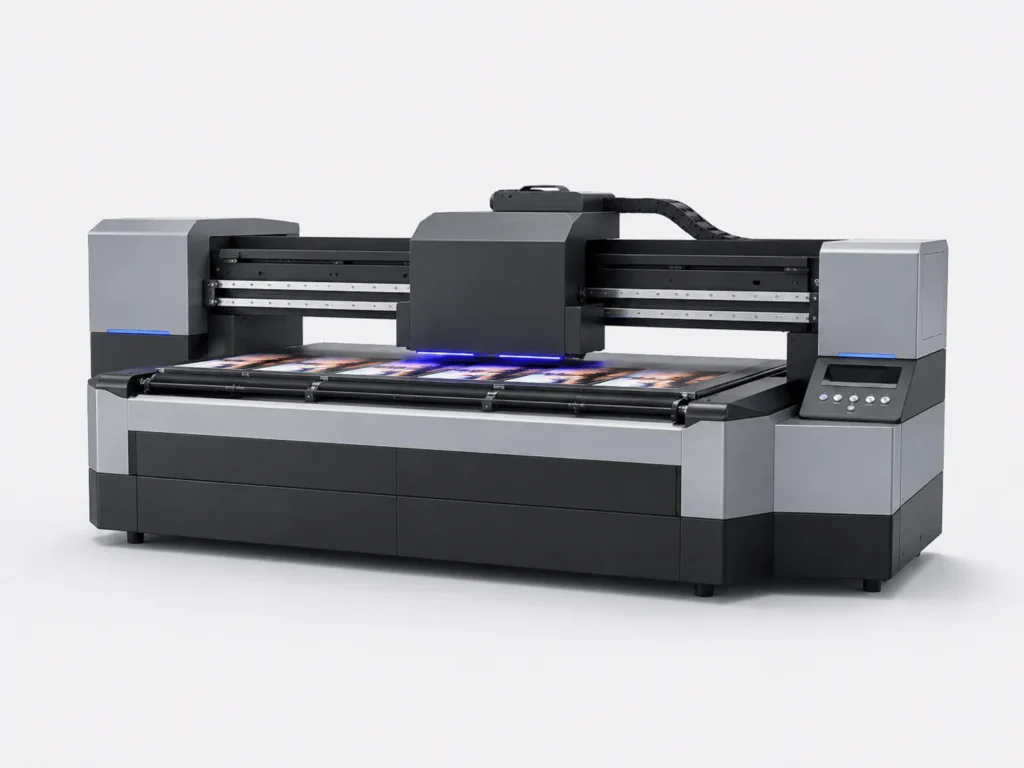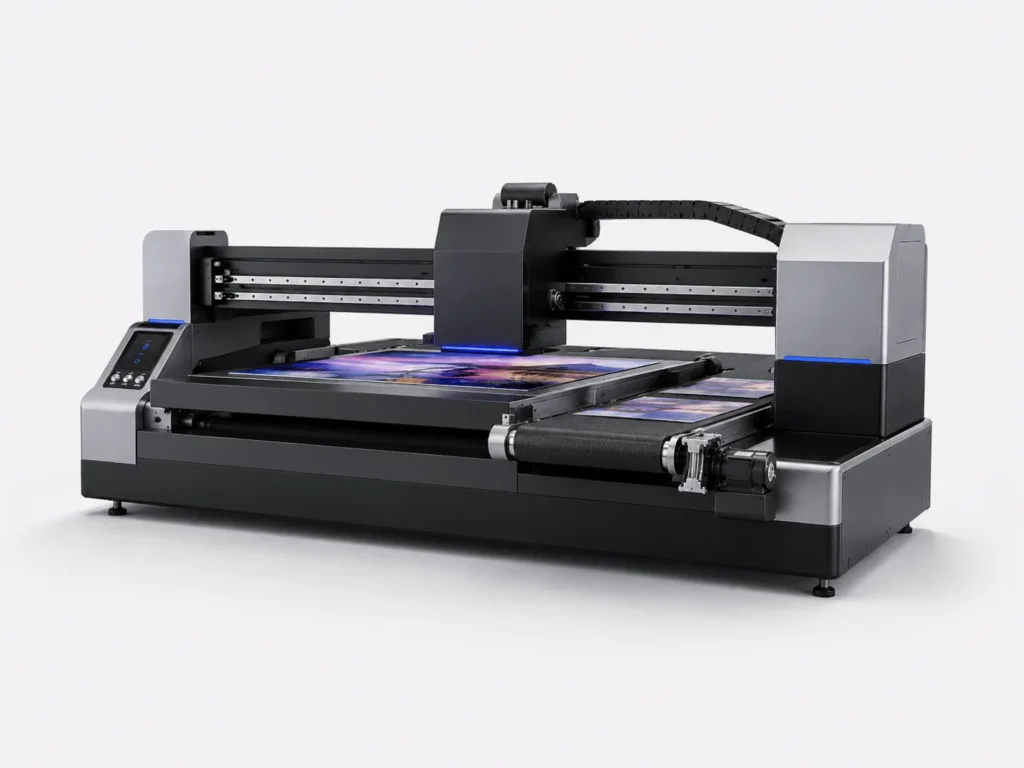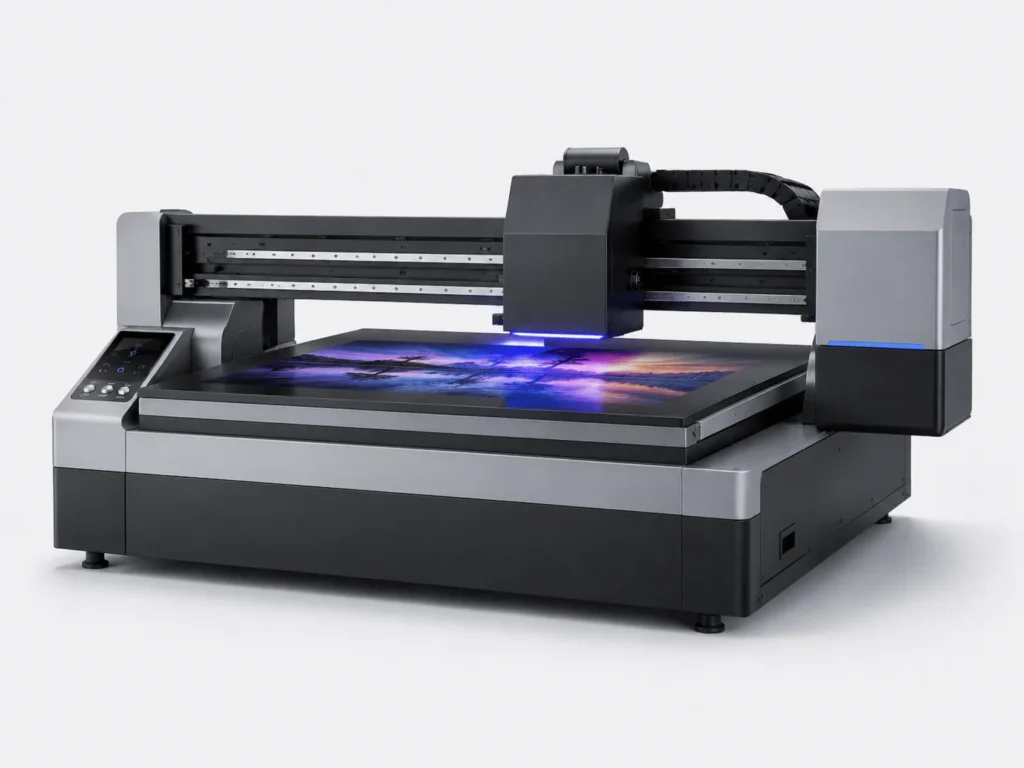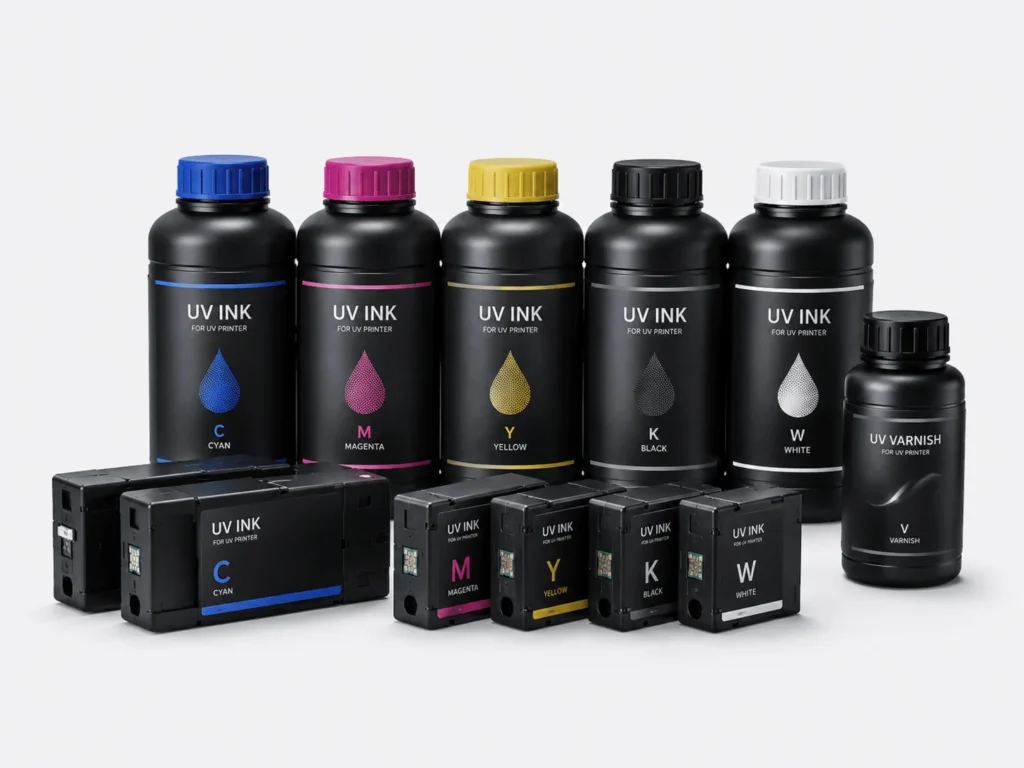
As demand for industrial digital printing continues to grow, more and more companies are adopting UV flatbed conveyor printers for batch production. In practical applications, equipment configuration is certainly important, but what truly determines productivity is not just printing speed—it is the combined coordination of equipment performance, production workflow, operator handling, and daily management. Many companies find that after investing in equipment, actual output falls short of expectations, and the reason is often not that the machine is too slow, but that production details have not been optimized. As long as improvements are made simultaneously in four areas—parameter settings, equipment condition, workflow arrangement, and management mechanisms—the utilization rate of the equipment can be effectively improved, allowing the UV flatbed conveyor printer to maintain efficient and stable operation continuously.
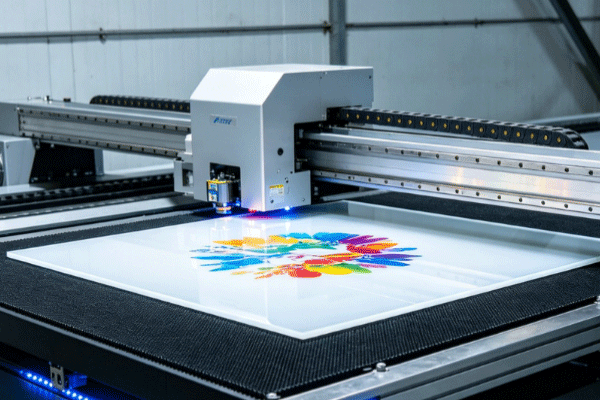
Optimize Printing Parameters to Reduce Ineffective Loss
Reasonable parameter settings allow the equipment to output more efficiently while ensuring quality.
Switch Printing Modes According to Product Requirements
Different orders have different requirements for image quality and speed, so the same fixed parameters should not be used for a long time. Instead, adjustments should be made flexibly based on product type, material characteristics, and delivery requirements.
- For ordinary batch orders that do not require high detail, high-speed mode can be prioritized to increase output per unit time.
- High-precision patterns or products with higher color layering requirements are more suitable for fine printing mode to ensure finished product quality.
- Different materials have different ink absorption and surface conditions, so the corresponding resolution must be matched to avoid blurry images or unstable adhesion.
- When the order type changes, operators should reconfirm the parameters in time instead of continuing to use the previous batch settings, so as not to affect overall efficiency.
The more accurately the parameters are matched, the higher the production efficiency, while also reducing rework and material waste.
Optimize Inkjet and Curing Parameters
A balance must be maintained between inkjet and curing. Only when the two are coordinated can continuous production capacity be improved while ensuring adhesion.
- When controlling ink output, excessive ink spraying should be avoided, because overly thick ink layers not only increase curing pressure but may also affect surface flatness.
- When adjusting UV curing intensity, material tolerance must be considered to prevent excessive energy from causing brittleness, deformation, or abnormal color changes on the surface.
- Maintaining a consistent printhead height is crucial, because height deviation directly affects inkjet accuracy and image uniformity.
- According to the absorption characteristics and drying speed of different materials, appropriately fine-tuning the printing speed allows the equipment to continue outputting in a stable state.
Once the parameters are stabilized, the rework rate will drop significantly, and the equipment can maintain efficient operation for longer periods.
Improve Continuous Equipment Operation Capability and Reduce Downtime
One of the keys to improving productivity is to keep the equipment stopped as little as possible, because every shutdown interrupts the production rhythm and lowers overall efficiency.
Maintain the Printheads and Ink Supply System Properly
The condition of the printheads and ink supply system directly affects continuous production. Once clogging, ink interruption, or unstable ink supply occurs, the entire production line will be affected. Checking whether the nozzles are functioning normally before startup every day, performing regular cleaning and testing, keeping the ink circulation smooth, and promptly removing residual ink and impurities can reduce failures and extend printhead life, allowing the equipment to output stably over the long term. At the same time, maintaining stable temperature and humidity in the workshop also helps further improve printhead stability.
Keep the Mechanical Structure Running Stably
Only when the mechanical parts are stable can printing efficiency be guaranteed, because even the best printing parameters still require the mechanical system to execute them accurately.
- Regularly check the lubrication of the guide rails to ensure smooth movement of components and avoid reduced positioning accuracy caused by increased friction.
- When cleaning the conveyor platform, special attention should be paid to foreign objects and dust, because even these small impurities may cause material deviation or surface scratches.
- Observe whether the conveying system is running off-track, especially during continuous batch production, and make timely adjustments when necessary.
- If abnormal alarms, unusual noises, or vibration occur, the cause should be investigated immediately to prevent small issues from developing into major failures.
Reducing mechanical failures means reducing production interruptions, thereby allowing the equipment to maintain a higher effective working time.
Optimize the Production Process to Shorten Waiting and Changeover Time
In many cases, low productivity is not because printing is slow, but because preparation and changeover take too much time. Therefore, process optimization is often more effective than simply increasing speed.
Complete Production Preparation in Advance
Adequate preparation can reduce idle time and allow the printer to enter efficient operation as soon as it starts.
- Organize the printing files in advance and confirm that layers, dimensions, and output formats all meet production requirements.
- Classify materials by order so that they can be retrieved quickly during task changes, reducing searching and handling time.
- Check ink levels and consumable conditions to avoid temporary shutdowns due to shortages during production.
- Confirm equipment parameter settings in advance, especially key items such as resolution, speed, and curing intensity, which can significantly reduce debugging time.
The more fully prepared the process is, the smoother the production connection will be, and the more effective operating time the equipment will gain.
Arrange the Order of Orders Reasonably
Scientific scheduling can reduce frequent adjustments and keep the equipment in a relatively stable working state.
- Try to arrange production of the same material together to reduce the number of platform adjustments and parameter switches.
- Continuous processing of products with similar sizes can reduce positioning time and improve conveying efficiency.
- Handling tasks with the same color together helps reduce waiting and calibration costs caused by color switching.
- Minimize frequent material and plate changes, because each switch consumes extra time and affects the overall rhythm.
After process optimization, equipment utilization will be higher, and order delivery will become more stable.
Strengthen Automation and Management to Improve Overall Output Efficiency
Even if the equipment performs well, it still requires proper management and operator coordination. Only by combining the machine, workflow, and people can productivity truly be released.
Improve the Level of Automated Production
The higher the degree of automation, the less manual intervention is needed, and the more stable the production process becomes—especially suitable for batch orders and continuous operation scenarios.
Installing an automatic feeding system can reduce manual handling time and make material entry into the printing area smoother.
- Using automatic positioning functions can reduce manual alignment errors and improve consistency across each batch of products.
- Adopting continuous conveyor production helps improve equipment continuity and makes the printing process closer to assembly-line operation.
- Reducing manual handling and repetitive operations not only speeds up production but also lowers the risk of downtime caused by human error.
Automation not only increases speed but also improves stability, making it an important direction for productivity improvement.
Establish a Standardized Management and Personnel Training Mechanism
Skilled operation and standardized management are equally important, because even if the equipment is advanced, it is difficult to achieve the expected productivity level if the operators are not proficient.
- Provide systematic training for operators so they become familiar with the equipment structure, parameter logic, and common troubleshooting methods.
- Establish a daily equipment inspection system to ensure that abnormalities can be detected and handled in time during each shift.
- Recording downtime causes and continuously analyzing them can help the company identify the main bottlenecks affecting productivity and gradually optimize them.
- Regularly summarizing production data and optimizing workflows helps form a more scientific management model, keeping the equipment in an efficient state at all times.
The more standardized the management, the easier it is to release stable equipment productivity, and the more guaranteed the company’s overall production efficiency will be.
If you want your UV flatbed conveyor printer to truly achieve high productivity, the key is not to blindly pursue faster speed, but to coordinate equipment parameters, daily maintenance, production scheduling, and automation configuration to minimize losses caused by downtime, rework, and line changes. Only when equipment performance and operator handling work together in a stable manner can output be continuously increased while overall costs are reduced. Springyprinter specializes in the R&D and manufacturing of industrial UV digital printing equipment and can provide customers with professional UV flatbed conveyor printer solutions and comprehensive technical support services.