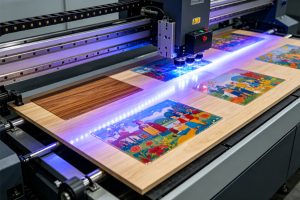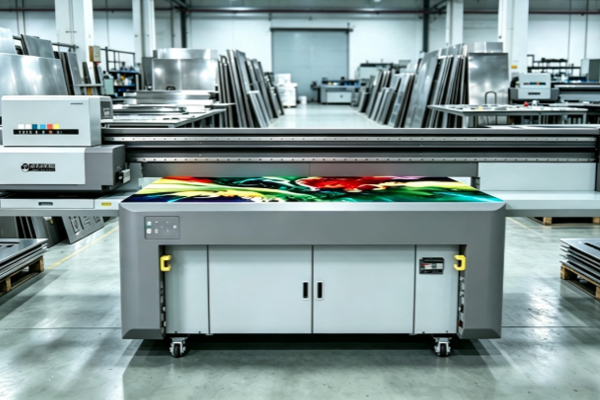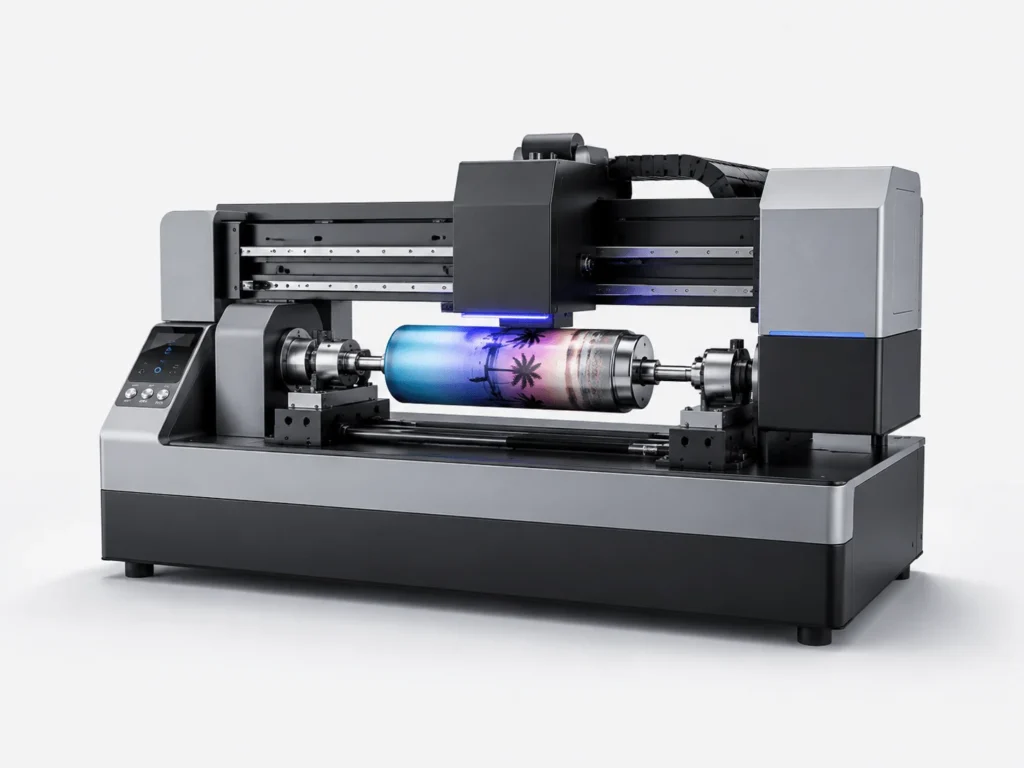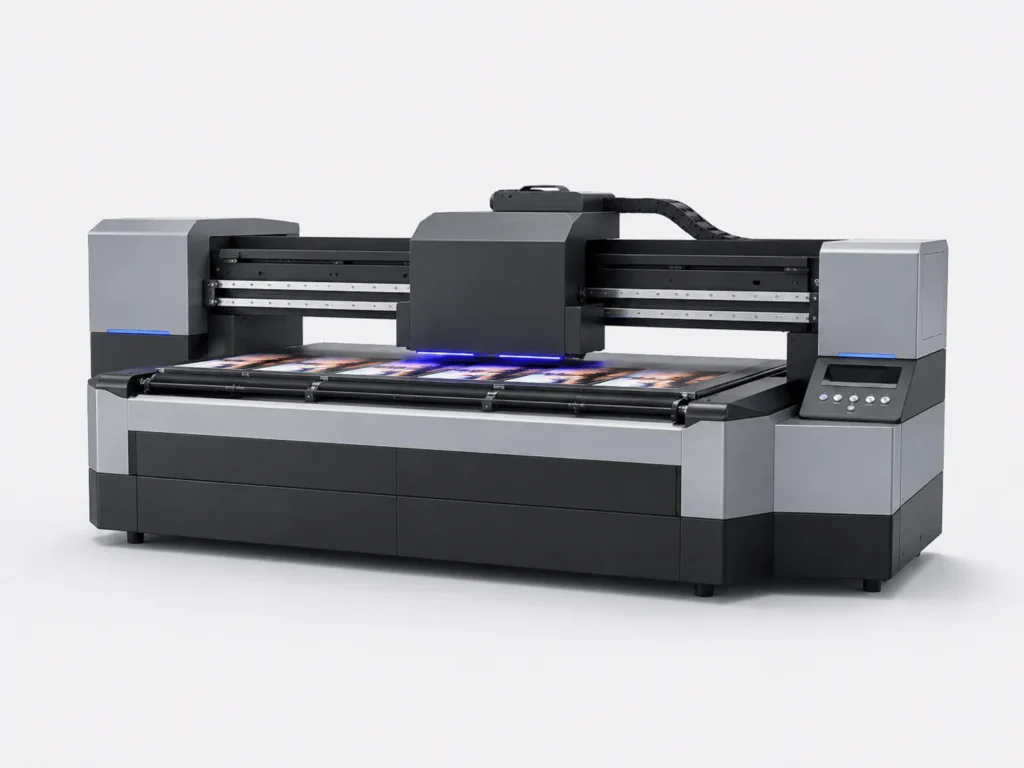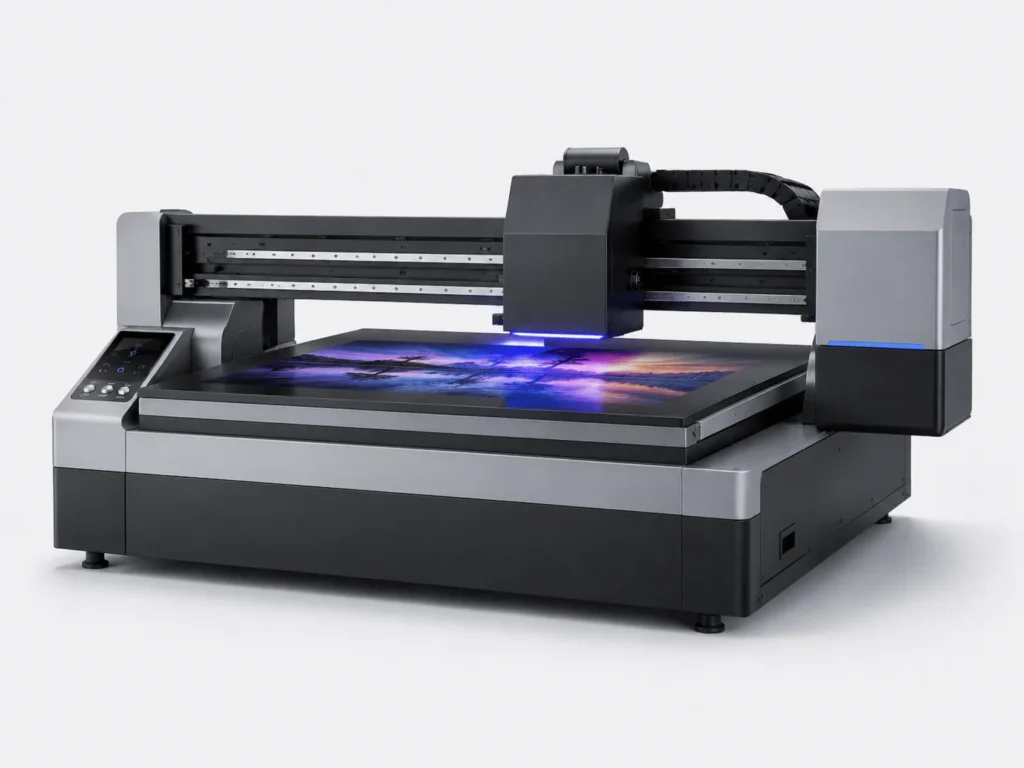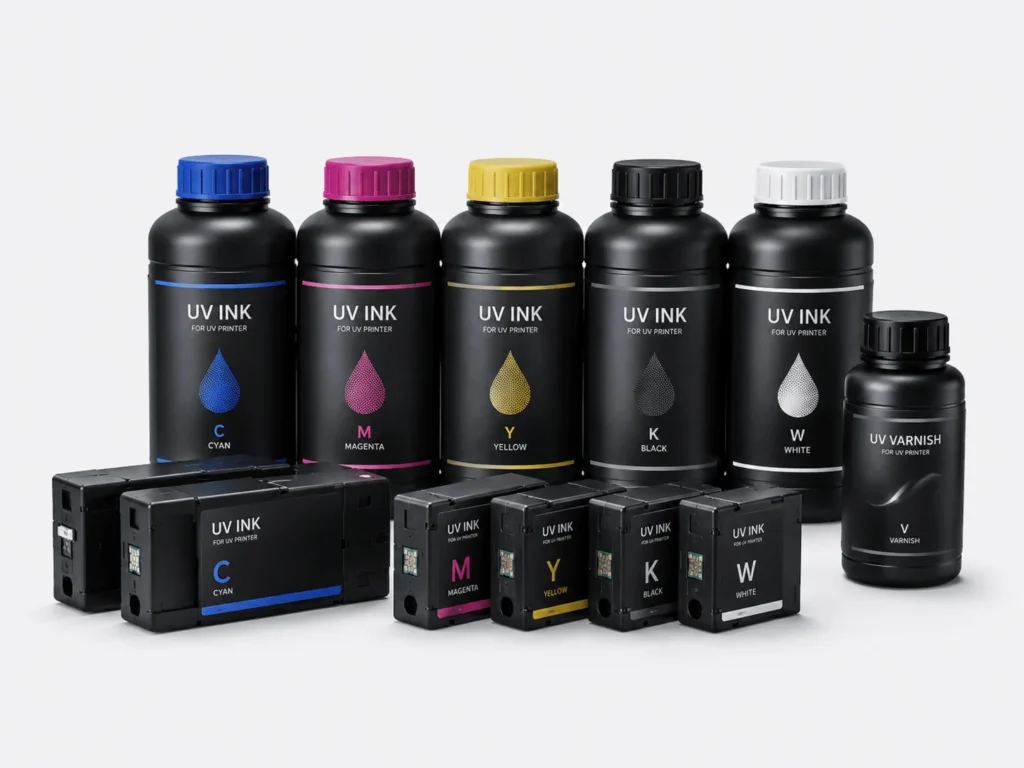
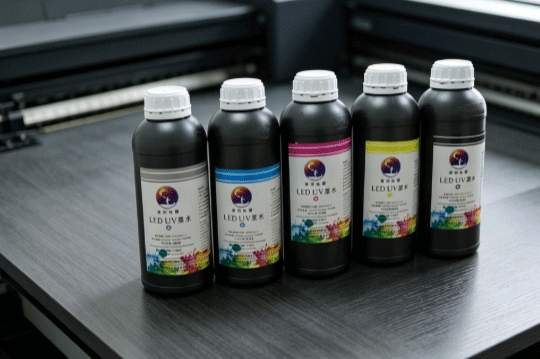
With the continuous advancement of UV digital printing technology, UV LED ink has been widely used in industries such as advertising production, packaging printing, industrial signage, home decoration, and personalized customization. Compared with traditional inks, UV LED ink offers advantages such as fast curing speed, vibrant colors, strong adhesion, and the ability to print directly on a wide range of materials. As a result, it has become increasingly popular among businesses. However, UV LED ink is a UV-curable material, and its proper use requires attention to equipment, environment, materials, and operating procedures. Improper operation may not only affect print quality but also increase the risk of printhead clogging, ink waste, and equipment maintenance costs. Understanding and following the correct operating procedures can help maintain stable equipment performance while improving product consistency and production efficiency.
What Preparations Should Be Made Before Use?
Check Whether the Ink Is in Good Condition
Before starting each print job, it is recommended to inspect the ink instead of pouring it directly into the machine. A simple inspection can prevent many potential problems and help ensure consistent printing quality.Before use, check whether the ink shows any signs of sedimentation, separation, clumping, or abnormal color. If the ink has been stored for a long period, slight sedimentation is normal. You can gently shake or slowly stir the ink according to the product instructions before use. However, if the ink has become noticeably thick, developed a surface film, or emits an unusual odor, it is not recommended to continue using it, as this may affect both the printhead and print quality.
Confirm That the Equipment Is Compatible with the Ink
Different brands and models of UV printing equipment have different ink compatibility requirements. Therefore, ink types should not be changed arbitrarily.Before official production, you can perform several simple checks:
- Verify whether the printhead model supports the selected ink to avoid clogging or ink supply interruptions caused by incompatible formulations.
- Check the curing system type. If the printer uses LED curing, it should be paired with compatible UV LED ink.
- Follow the manufacturer’s recommended settings and perform a small-scale test print. Confirm the adhesion and curing performance before beginning full-scale production.
If the printer uses a traditional UV mercury lamp system while the ink is designed for LED curing, insufficient curing and reduced adhesion may occur. Using the manufacturer’s recommended matching ink generally provides more stable printing results.
Inspect the Printing Material Surface
The cleanliness of the printing material directly affects ink adhesion, so surface preparation should never be overlooked before printing.Materials such as glass, metal, acrylic, and PVC may accumulate dust, grease, or moisture during transportation and storage. Printing directly onto contaminated surfaces can easily cause poor ink adhesion, ink shrinkage, or peeling. It is recommended to clean the surface with a lint-free cloth, ensuring that the material is clean, dry, and flat before printing begins.
What Details Should Be Noticed During Printing?
Control the Printing Environment Temperature
The printing environment affects not only equipment performance but also ink flow characteristics, making a stable environment extremely important.It is recommended to maintain appropriate temperature and humidity levels in the printing workshop while avoiding excessively high or low temperatures. Low temperatures may reduce ink fluidity and affect inkjet consistency, while high temperatures may reduce ink stability. Maintaining a stable working environment helps achieve more consistent printing quality.
Avoid Leaving the Ink Exposed to Air for Extended Periods
Although UV LED ink does not cure immediately under ordinary lighting, prolonged exposure to air can still affect its quality.If the ink container remains open during printing, dust, moisture, and other contaminants in the air may enter the ink, increasing the risk of contamination. At the same time, a thin film may gradually form on the ink surface, affecting future use. Therefore, after adding ink, always close the container promptly and keep the ink delivery system clean.
Monitor the Printhead Condition
The printhead is one of the most important components of a UV flatbed printer, and its condition directly affects finished product quality.During printing, nozzle test patterns should be checked regularly to determine whether there are missing lines, missing colors, or ink misting. If abnormal nozzle performance is detected, the printhead should be cleaned or maintained immediately rather than continuing large-volume production. This helps prevent quality problems across an entire production batch and reduces rework costs.
Maintenance After Printing
Clean the Equipment Promptly
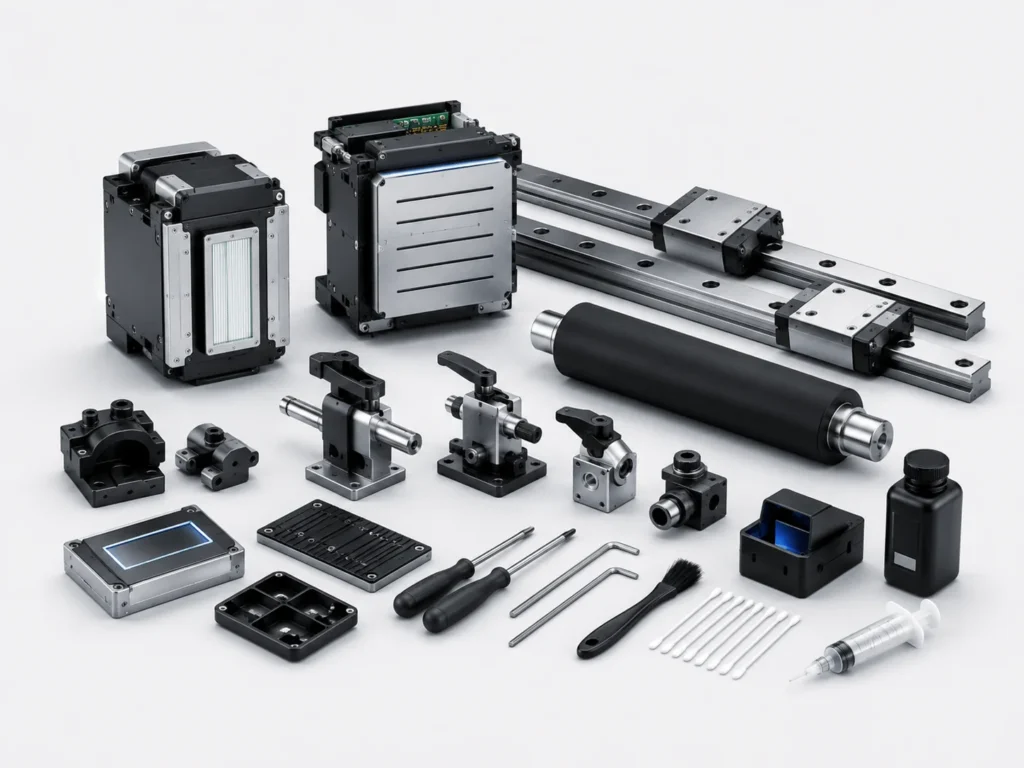
Many equipment failures are not caused during printing but result from inadequate cleaning after use.At the end of each working day, clean the printhead, capping station, wiper blade, and printing platform according to the equipment manufacturer’s recommendations to prevent residual ink from curing. Keeping the machine clean not only reduces printhead clogging but also helps extend the service life of the equipment.
Properly Seal and Store Remaining Ink
After printing is completed, any remaining ink should also be stored properly to maintain its quality for future use.Unused UV LED ink should be sealed immediately and stored in a cool, dry location away from direct sunlight. Proper storage helps maintain stable ink performance while reducing unnecessary waste.
Regularly Inspect Equipment Condition
Long-term equipment operation requires regular inspections rather than relying solely on routine maintenance.The ink supply system, filters, ink tubes, and LED curing lamps should all be inspected periodically. Any signs of wear or abnormal operation should be addressed promptly. Preventive maintenance helps reduce unexpected downtime and improves production continuity.
Frequently Asked Questions About Using UV LED Ink
Can Different Brands of Ink Be Mixed?
Some users consider mixing different ink brands to reduce costs. Generally, this is not recommended.Different brands use different formulations. Mixing them may affect curing performance, color consistency, and adhesion while increasing the risk of printhead clogging.
How Long Can Ink Be Stored After Opening?
Many businesses purchase ink in large quantities, so they are concerned about its storage life after opening.After opening, the ink should be used within the period recommended by the manufacturer and kept properly sealed. When stored under suitable conditions, the ink can maintain good performance. However, long-term storage after opening is generally not recommended.
What Should Be Done If Adhesion Is Poor After Printing?
Poor adhesion is usually caused by multiple factors rather than a single issue.Check whether the material surface is clean, whether the curing lamp is functioning properly, whether the printing parameters are appropriate, and whether the ink is compatible with the material. Once the specific cause has been identified and corrected, adhesion performance can usually be improved.
Important Summary for Using UV LED Ink
Standardized Operation Helps Improve Print Quality
Although UV LED ink offers fast curing and excellent adhesion, its advantages can only be fully realized when it is used according to proper operating procedures.From ink inspection and material preparation to printing parameter adjustment, every step affects the final printing result. Therefore, developing standardized operating habits is extremely important.
Routine Maintenance Helps Reduce Equipment Failures
Equipment maintenance should not begin only after problems occur. Instead, it should become part of a regular maintenance routine.Cleaning the printhead promptly, maintaining a stable ink supply system, and storing ink correctly can reduce printhead clogging, ink supply interruptions, and printing abnormalities while lowering maintenance costs.
When using UV LED ink, particular attention should be paid to ink condition, equipment compatibility, material preparation, printing environment, and routine maintenance. Every operational detail affects both the final print quality and the operating condition of the equipment. Establishing standardized ink handling procedures can not only improve product consistency but also extend equipment service life, reduce ink waste and maintenance costs, and make the entire printing process more stable and efficient.