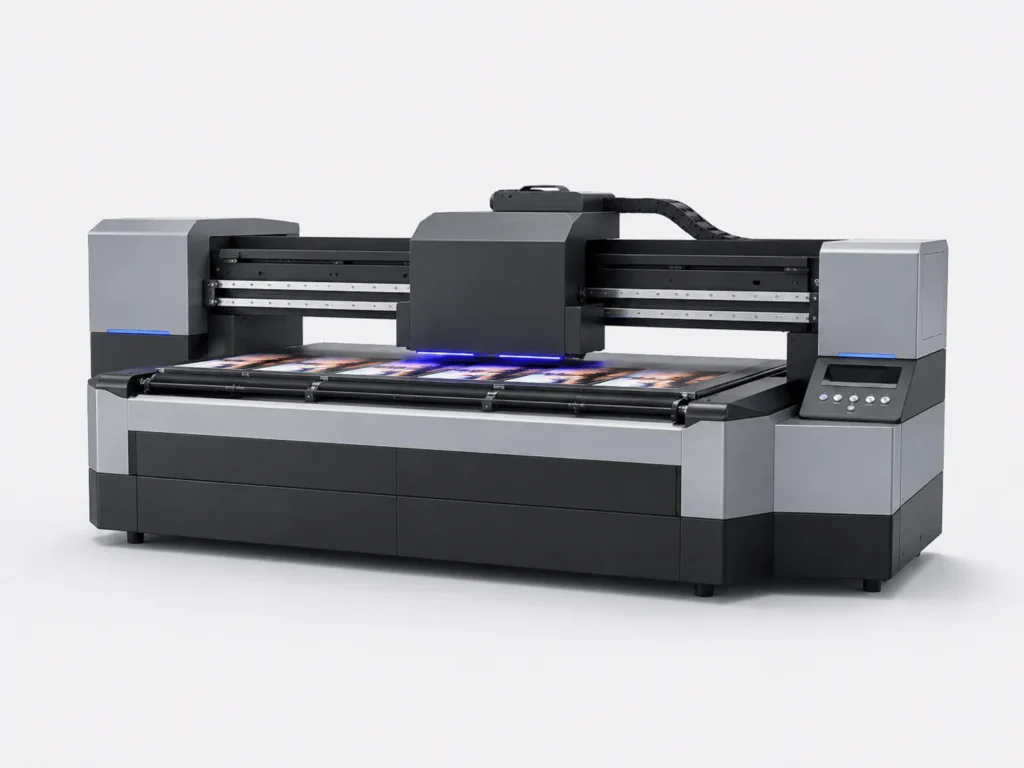
During high-precision output with a UV flatbed conveyor printer, ink splatter can directly affect the appearance of the finished product and the quality of delivery. Scattered ink dots, blurred edges, and localized smudging not only damage image details, but also increase cleaning work, rework, and material waste, disrupting an otherwise smooth production rhythm. To control ink splatter, it is not enough to focus on a single parameter. Instead, the printhead condition, ink supply system, printing parameters, material surface, and environmental conditions all need to be checked together. Once these details are gradually sorted out, the printed image will look cleaner, and batch production will be easier to keep consistent.
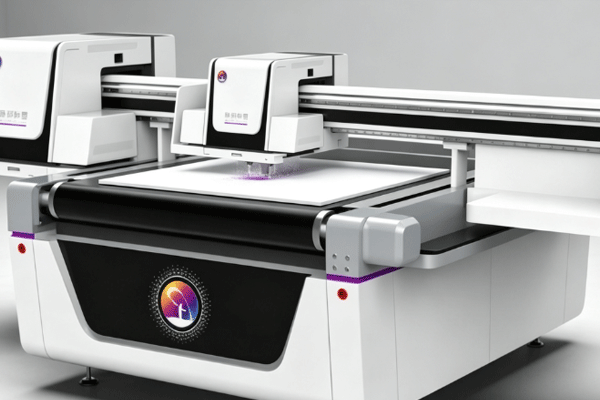
First Identify the Main Sources of Ink Splatter
Ink splatter is not caused by a single fault. In many cases, it is the result of multiple factors working together. Identifying the source first gives later adjustments a clear direction. Only by breaking the problem down can you find the real interference point more quickly and avoid wasting time on repeated trial and error.
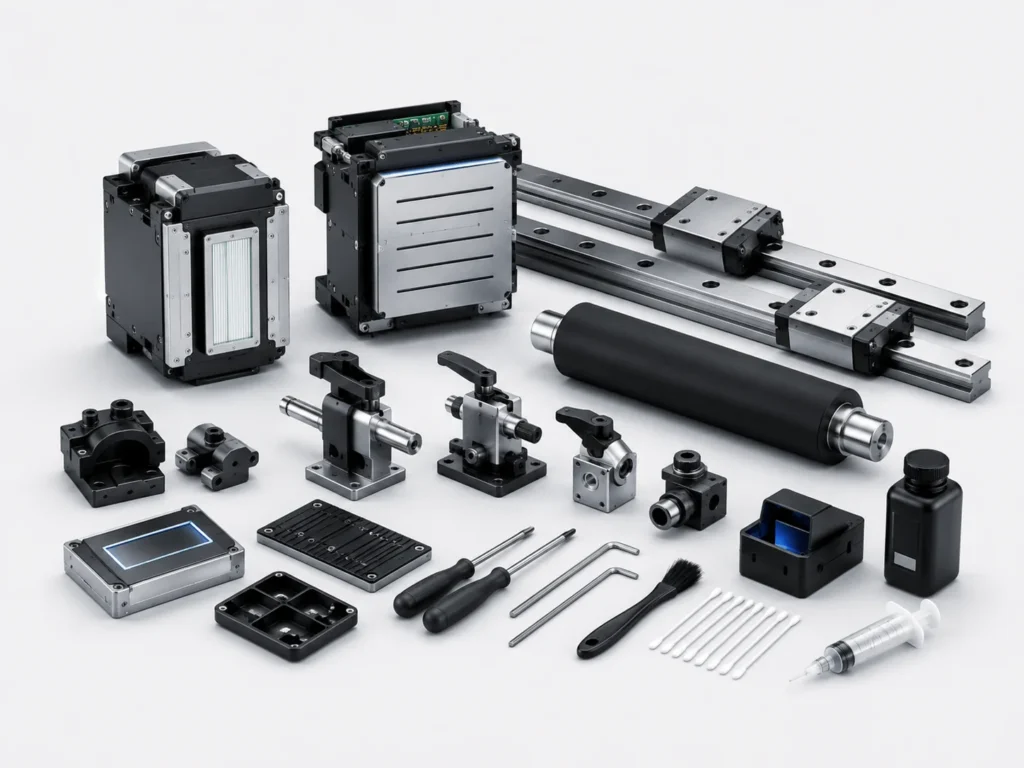
The Printhead Condition Must Be Carefully Checked
When the printhead condition is unstable, the ink droplet trajectory can easily deviate from the normal range. Even a slight abnormality may appear on the finished product as rough edges or tiny scattered dots.
- When nozzles are misaligned or partially clogged, the ink spray direction becomes uneven, and fine splatter is more likely to appear along image edges.
- If the printhead height is too high, ink droplets spread more noticeably when landing, especially on light backgrounds or fine-line patterns.
- Residual ink or hanging ink on the printhead surface may also cause secondary splashing, creating irregular contamination in localized areas.
- Observing whether the spray pattern is neat and whether the edges are clear through test strips can help determine printhead abnormalities more quickly and make timely handling easier.
The more carefully the printhead is checked, the easier it is to detect ink splatter problems in advance, and the more targeted later adjustments can be.
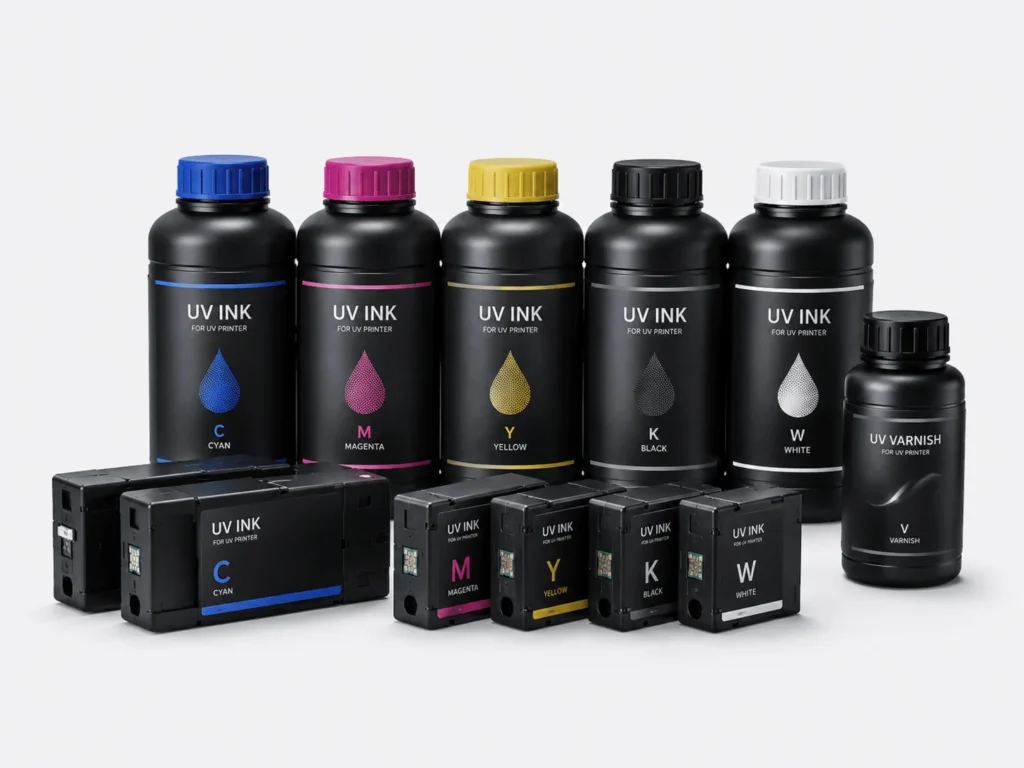
The Ink Path and Ink Supply System Cannot Be Ignored
Once the ink supply system fluctuates, ink splatter often follows, especially during continuous printing or long operating periods, when such problems are more likely to be amplified.
- Unstable ink supply pressure causes the ink output to rise and fall unpredictably, and the droplet size and landing position will change accordingly.
- Air entering the ink tubes can cause intermittent spraying and fine splatter, and in severe cases it can also affect the consistency of an entire row of nozzles.
- Poor white ink circulation makes particle sedimentation more obvious, which in turn increases uneven spraying and the likelihood of localized splatter.
- Filters, pumps, and connectors should all be checked regularly to prevent hidden faults from gradually turning into batch-level problems.
Once the ink path is stable, the printhead output is more likely to remain consistent, and the printing process will also run more smoothly.
Adjust Printing Parameters to the Proper Range
Whether the parameter settings are reasonable directly determines whether the ink droplets can land stably. Many ink splatter issues can be improved through fine parameter adjustments. Parameters are not better just because they are more aggressive. What matters more is choosing settings that suit the current material and pattern, especially when high-precision output requires greater stability.
Speed and Precision Must Be Matched
A balance needs to be found between printing speed and precision. Faster speed does not necessarily mean higher efficiency; instead, it may reduce image stability.
- When the speed is too high, the ink droplets do not have enough time to settle properly, and edge areas are more likely to show scattered dots and blurred borders.
- If the media feeding rhythm is unstable, image edges are more likely to shift, and localized splatter becomes more obvious.
- During multi-layer printing, the timing between layers should remain as consistent as possible to avoid misalignment between the front and back layers.
- Doing small sample tests before scaling up to batch production makes it easier to reduce mistakes and helps find the rhythm that suits the current material more quickly.
When the speed is adjusted properly, the image edges will look neater, ink splatter will be easier to control, and the overall finished appearance will be more stable.
Ink Volume and Waveform Need Careful Adjustment
Ink volume and waveform settings directly affect how much the ink droplets spread, and many ink splatter problems can be traced back to these two parameters. When the ink volume is too high, edges are more likely to build up excess ink, and contamination marks are more likely to appear in fine-detail areas. When the waveform settings are not suitable, droplet dispersion increases and the spray trajectory becomes less concentrated. Reducing the amount of ink sprayed in a single pass appropriately usually makes the image cleaner and also reduces localized splatter. Repeated testing with different materials is the only way to find the balance between clarity and stability, so the output better meets actual production needs. Once the parameters are properly adjusted, both image detail and overall cleanliness improve, and later batch production becomes easier to manage.
Material, Environment, and Curing Must Be Controlled Together
Printing results depend not only on the equipment itself. The condition of the material and the workshop environment also affect ink droplet behavior. When these three factors work together properly, ink splatter becomes much easier to control. In many cases, the problem does not lie in the printing action itself, but in external conditions that have not kept up, causing originally stable output to be disrupted.
The Material Surface Must Remain Stable
The cleaner and flatter the material surface is, the more easily the ink droplets will adhere stably, and the less likely ink splatter and edge contamination will occur.
- When PVC, acrylic, or metal sheet surfaces contain dust, the ink dots spread more easily, and localized adhesion problems may also occur.
- Residual adhesive from protective film affects adhesion, blurs the edges, and in severe cases can even cause irregular breaks in the image.
- Warped sheets change the spray distance, making splatter marks more obvious, especially in large-area printing where the issue is easier to expose.
- Wiping, dust removal, and leveling before printing usually produce more stable results and also reduce later rework.
Once the material condition is controlled well, many problems can be avoided later, and finished-product consistency will also be higher.
Temperature, Humidity, Static Electricity, and Curing Timing Must All Be Managed
Environmental changes can quietly amplify ink splatter, especially during continuous production, when even small deviations become more noticeable on the finished product.
- When the air is too dry, static electricity can pull fine ink droplets off course, causing scattered dots or slight shifts along the edges.
- When humidity is too high, the image edges become blurred, and the sharpness of the pattern is affected.
- When there is too much dust in the workshop, splatter marks become more visible, and uneven adhesion may also occur in localized areas.
- Using humidification, dehumidification, ionized air, and proper UV curing together improves stability and makes the printing rhythm smoother.
When the environment and curing timing are properly coordinated, the printed image looks cleaner and the overall quality is easier to keep consistent.
Maintenance and Testing Should Become a Fixed Process
Ink splatter control cannot rely only on temporary adjustments. Establishing stable inspection and testing habits is the only way to keep the equipment in good output condition over the long term. Turning maintenance into a process makes recurring problems less likely and makes the production site easier to manage.
Small Sample Tests Can Detect Problems Early
Small sample testing is the most direct way to judge ink splatter trends, especially when changing materials, adjusting parameters, or switching batches. Different patterns do not have the same sensitivity to ink splatter. Fine lines, gradients, and light backgrounds are more likely to expose problems. After test printing, focusing on edges, bright spots, and contamination points helps determine more quickly whether the issue comes from the printhead or the parameters. Recording the settings makes later reuse more efficient and reduces repeated trial and error. Comparing different samples also makes it clearer which set of settings is better suited to the current production needs. The more carefully testing is done, the lower the risk in batch production, and the more evidence there is for on-site adjustments.
Daily Maintenance Determines Long-Term Stability
The more standardized the daily maintenance is, the more stable the equipment output will be, and the less likely ink splatter problems will recur.
- The printhead cleaning frequency should be fixed to prevent residual ink buildup from affecting spray trajectory and droplet stability.
- White ink and color ink should be managed separately to reduce the hidden risks caused by cross-contamination and sedimentation.
- Basic inspections should be performed before and after equipment shutdown so abnormal conditions can be detected and handled early.
- Once a standard process is established, batch production becomes easier to manage, and the equipment condition is easier to keep stable over time.
Maintenance is not an extra burden. It is an important safeguard for reducing ink splatter and rework. The earlier the habit is established, the more cost can be saved later.
Ink splatter may seem like a localized issue, but in reality it affects the entire printing chain. The printhead, ink path, parameters, material, environment, and curing timing all need to be adjusted together for the image to look cleaner and for batch production to remain consistent. Springyprinter focuses on the research, development, and manufacturing of industrial UV digital printing equipment and can provide customers with more stable ink splatter control solutions and technical support services.