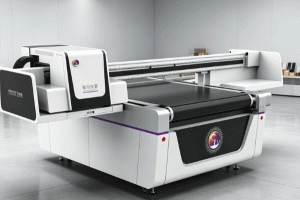
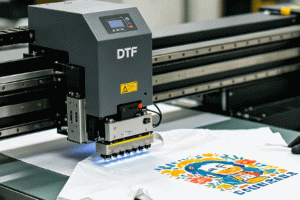
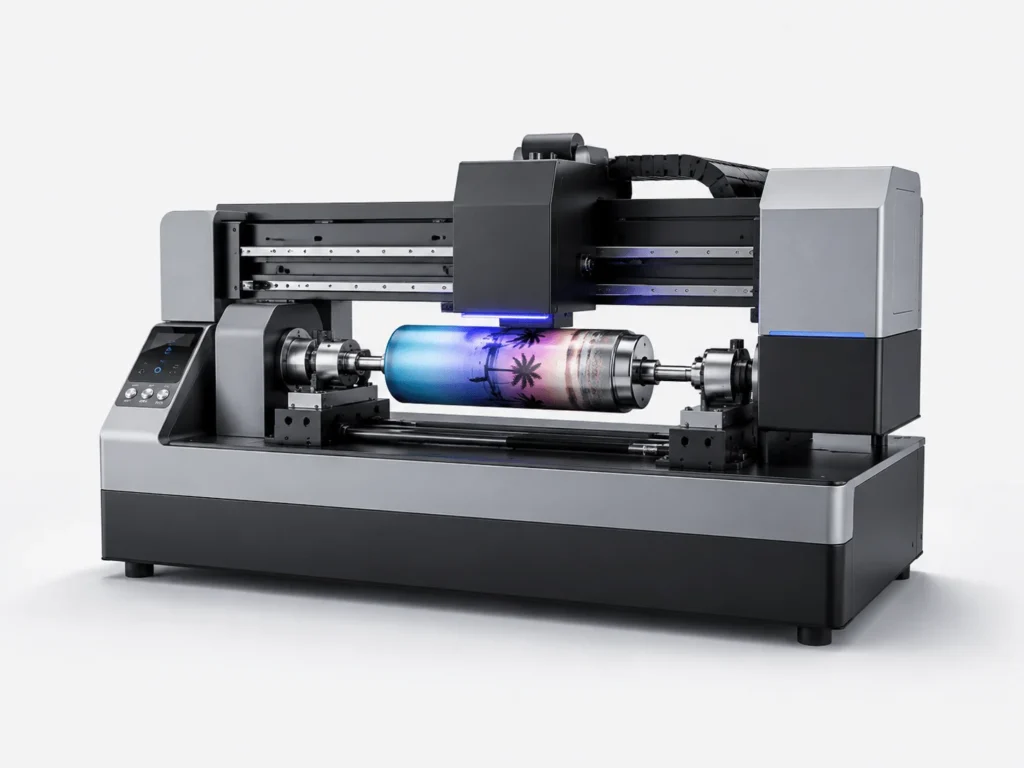
Industrial UV Single Pass printers rely on continuous and stable ink output from printheads to ensure complete graphics, consistent colors, and efficient production. During long-term operation, some businesses may encounter print line break issues, such as white lines appearing in images, missing colors, or incomplete graphic areas. Print line breaks not only affect product appearance but may also cause material waste and production interruptions. The causes are usually related to printhead conditions, ink delivery systems, ink supply stability, printing parameters, and operating environments. By identifying the root cause and applying proper solutions, businesses can quickly restore printing performance, improve equipment reliability, and maintain stable operation of Industrial UV Single Pass printers.
Common Causes of Print Line Breaks in Single Pass Printers
Print line breaks usually appear as regular blank lines, missing sections, or incomplete color output in printed images. Since Industrial UV Single Pass printers rely on a large number of nozzles working simultaneously, any abnormal condition in the printing system may affect the final output quality.
Printhead blockage is one of the most common causes. When small impurities, dried ink residue, or settled particles accumulate near the nozzles, ink droplets may not spray correctly, causing some nozzles to stop working and creating missing lines in printed graphics.
Ink delivery system problems can also lead to unstable printing. If air bubbles enter the ink path, ink cannot be delivered smoothly to the printhead, resulting in inconsistent ink output. Improper negative pressure settings may also affect ink flow and cause interruptions during high-speed printing.
After long periods of continuous operation, dust or ink residue may accumulate on the printhead surface and affect spraying accuracy. In addition, incorrect printing parameters, environmental temperature changes, and unstable ink conditions may reduce print quality and cause line breaks.
Checking Printhead Conditions to Quickly Identify Problems
When print line breaks occur, the first step is to determine the exact source of the problem through proper inspection. Instead of immediately cleaning or replacing components, businesses should use testing methods to identify the actual condition of the printer.
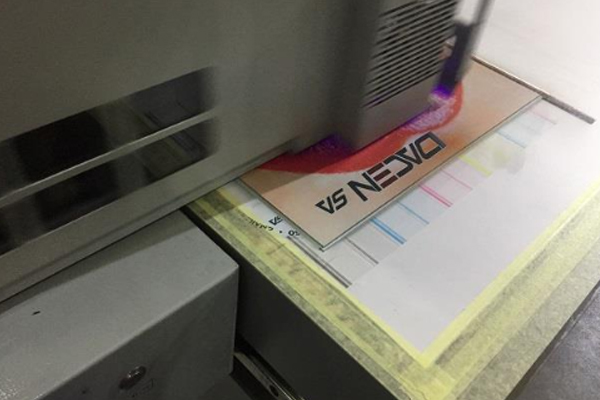
Printing a nozzle check pattern is an effective way to evaluate printhead performance. The test pattern displays the output status of each color channel. Missing lines, broken segments, or uneven color output can indicate nozzle-related issues.
During inspection, operators should observe the pattern of the line breaks. If only one color channel has problems, the issue may be related to that specific ink path or printhead channel. If multiple colors show abnormalities at the same time, the ink supply system, control software, or overall operating condition should be checked.
The printhead inspection process includes:
- Print a Nozzle Check Pattern:Use the test pattern to identify missing nozzles and determine the location and severity of the printing problem.
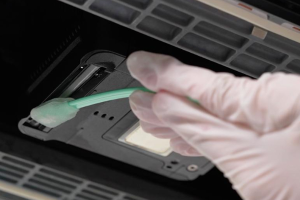
- Inspect the Printhead Surface:Check whether ink residue, dust, or cured materials are attached to the printhead surface and determine whether cleaning is required.
- Check Ink Supply Conditions:Inspect the ink tubes for air bubbles, confirm smooth ink flow, and verify that the ink supply system maintains proper pressure.
- Review Printer Operating Parameters:Check printing speed, ink volume settings, and machine control status to prevent printing defects caused by incorrect configurations.
Systematic inspection helps reduce unnecessary maintenance and improves troubleshooting efficiency.
Correct Methods for Solving Single Pass Printer Line Break Problems
After identifying the cause, appropriate solutions should be applied to restore normal printing performance. Different causes require different maintenance methods.
If line breaks are caused by minor printhead blockage, the printer’s automatic cleaning function can be used. The cleaning process circulates ink through the system and removes some blockages, helping restore nozzle performance. For more serious blockages, professional cleaning solutions may be required. However, cleaning time should be carefully controlled to avoid reducing printhead lifespan.
If the issue comes from the ink delivery system, the ink path should be inspected. Removing air bubbles from ink tubes and ensuring continuous ink flow to the printhead can improve printing stability. Ink cartridges, filters, and circulation systems should also be checked for possible problems.
If incorrect printing parameters are responsible, settings such as printing speed, ink volume, and curing parameters should be adjusted according to production requirements to maintain stable ink output.
Recommended troubleshooting methods include:
- Run Automatic Printhead Cleaning:Use the printer’s built-in cleaning program to improve minor blockages and restore nozzle performance.
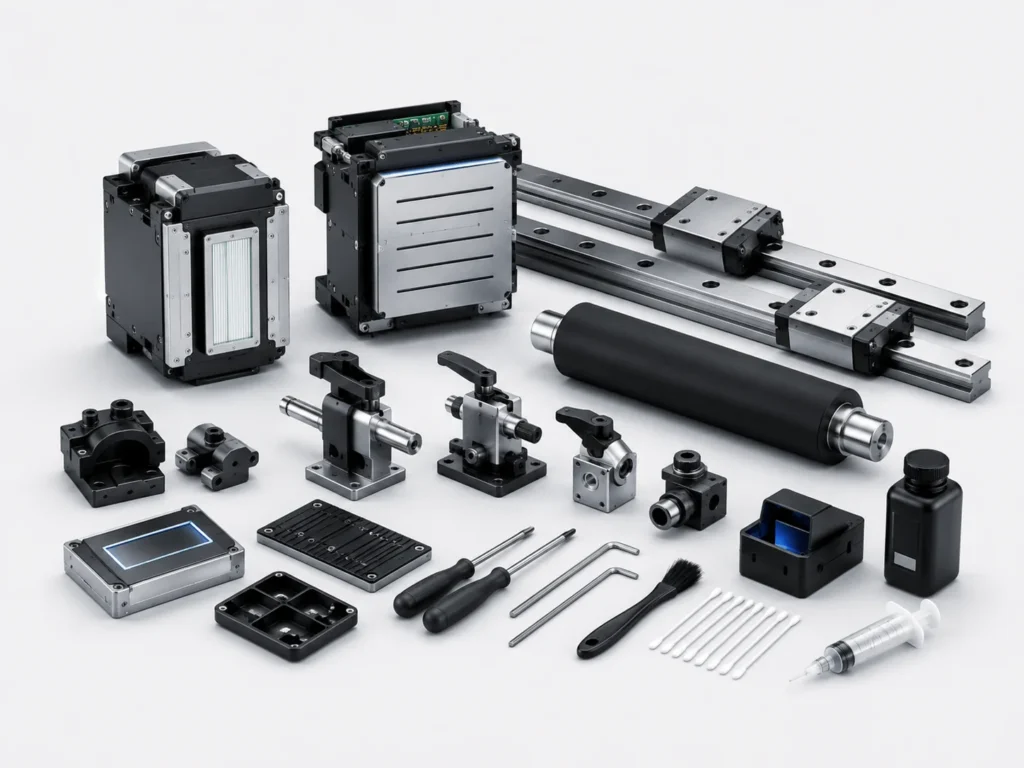
- Remove Residual Ink from the Printhead:Use professional cleaning tools to remove surface contamination and improve ink droplet accuracy.
- Inspect the Ink Circulation System:Check for air bubbles, filter blockages, and abnormal ink pressure to ensure stable ink delivery.
- Optimize Printing Parameters:Adjust machine settings according to production conditions to reduce printing problems during high-speed operation.
Proper troubleshooting helps minimize downtime and maintain continuous production efficiency.
Daily Maintenance Methods to Prevent Print Line Breaks
Preventive maintenance is more effective than repairing problems after they occur. Industrial UV Single Pass printers are precision production machines that require regular care and proper operating procedures.
Before daily production begins, operators can perform nozzle checks to confirm printhead conditions. During operation, keeping the printing area clean helps reduce dust and particles entering the printhead system.
When the machine remains unused for an extended period, proper moisture protection procedures should be followed to prevent nozzle drying and blockage. Ink storage conditions should also remain stable to maintain proper ink flow characteristics.
Preventive maintenance practices include:
- Regular Nozzle Inspection:Detect printhead issues early and prevent small problems from affecting larger production tasks.
- Maintain a Clean Ink Path:Regularly inspect filters and ink tubes to reduce contamination entering the printhead.
- Manage Equipment Operating Time Properly:Avoid extended inactivity and follow correct shutdown procedures to maintain machine performance.
- Control the Production Environment:Maintain suitable temperature, humidity, and cleanliness conditions to support stable printing.
Consistent maintenance improves equipment reliability and reduces production losses caused by print line breaks.
Key Measures to Improve Single Pass Printer Stability
Stable operation of Industrial UV Single Pass printers requires cooperation between equipment maintenance, operating procedures, and production management. Although print line breaks are a common issue, most problems can be quickly resolved through accurate inspection and proper handling.
With continuous improvements in industrial digital printing technology, modern Single Pass printers now include intelligent inspection systems, automatic cleaning functions, ink path monitoring, and equipment status alerts, making printer management more efficient. By using these functions properly and combining them with regular maintenance procedures, businesses can extend printhead service life, improve printing quality, reduce production interruptions, and maintain reliable machine performance.
For companies involved in packaging printing, advertising signage, building decoration materials, and industrial product manufacturing, maintaining stable Single Pass printer operation helps increase production efficiency, reduce maintenance expenses, and ensure consistent output quality that meets market requirements.