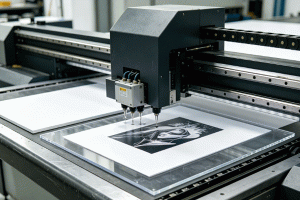
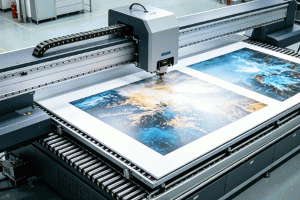
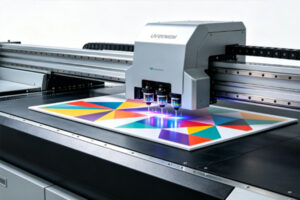
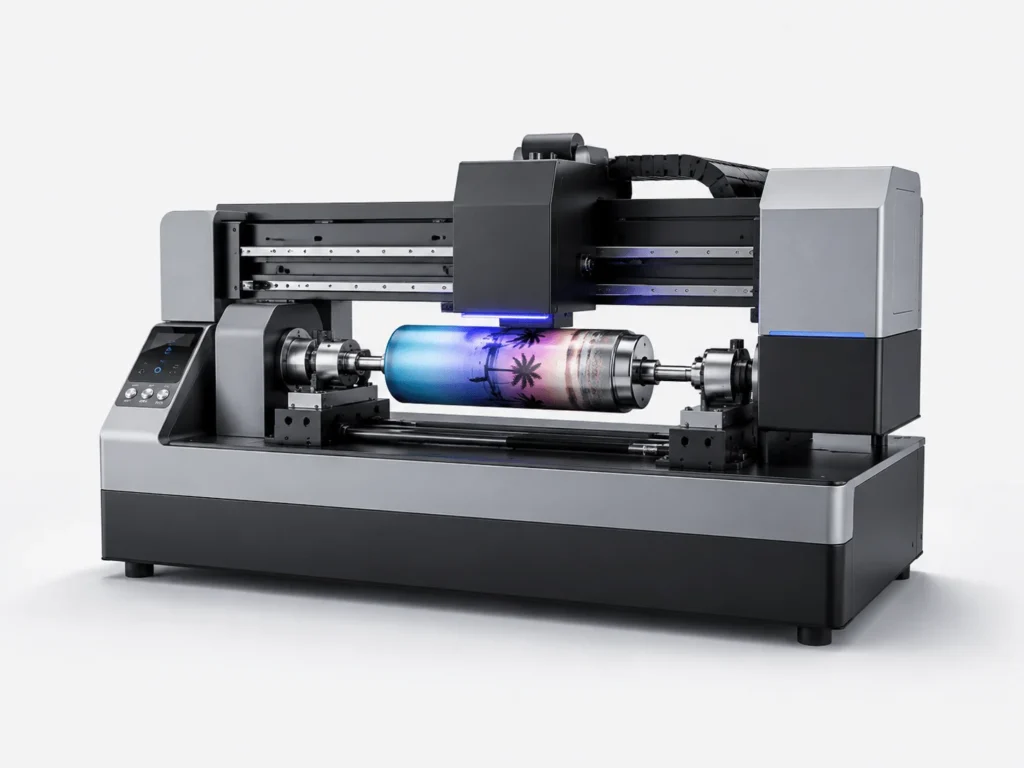
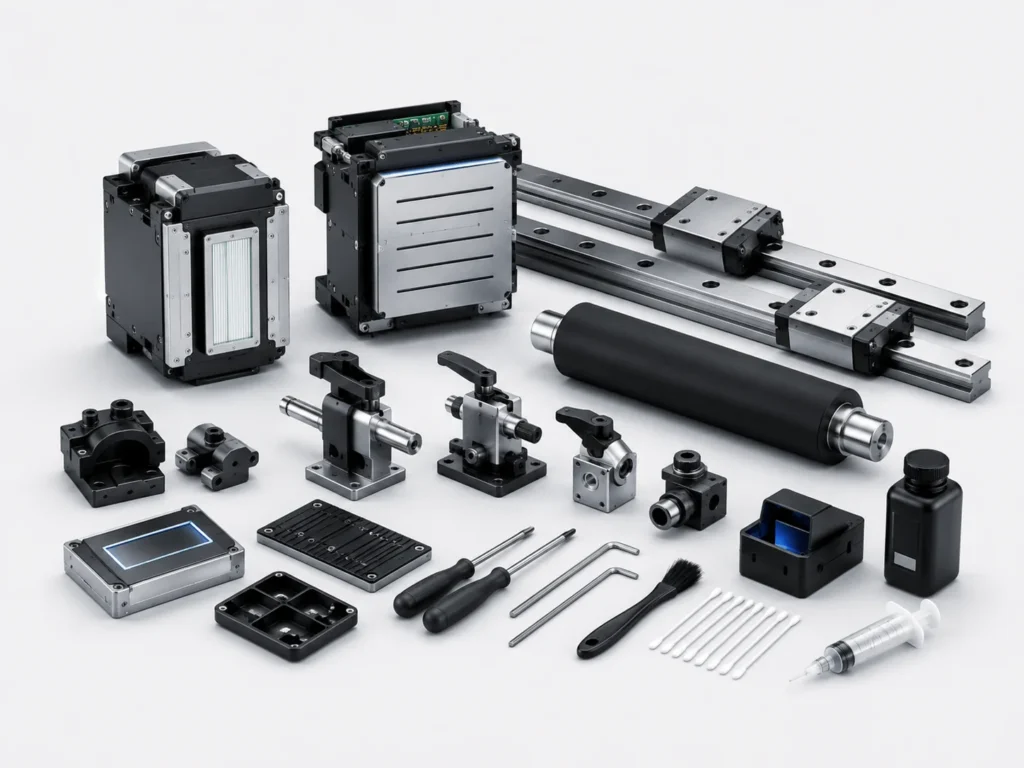
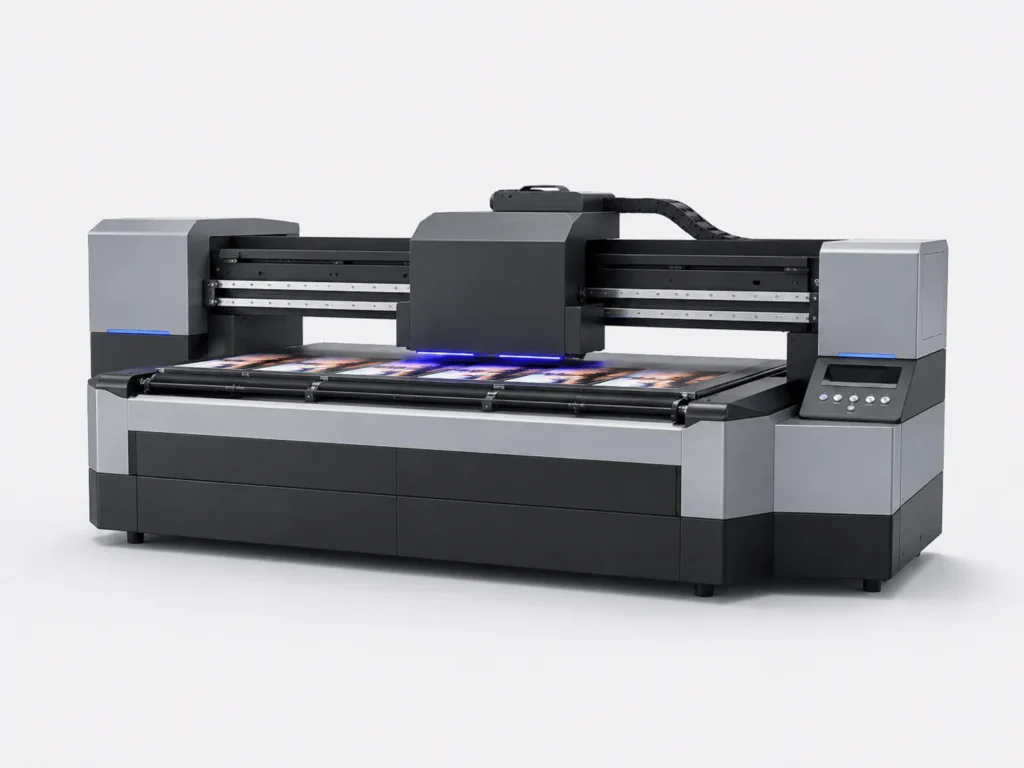
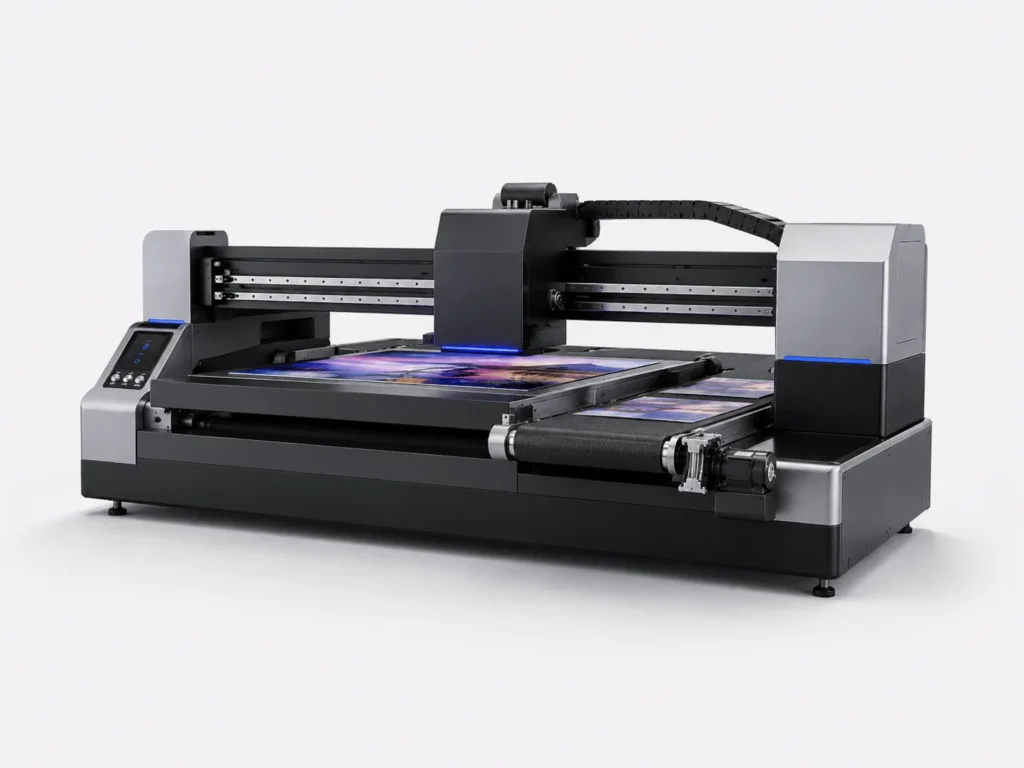
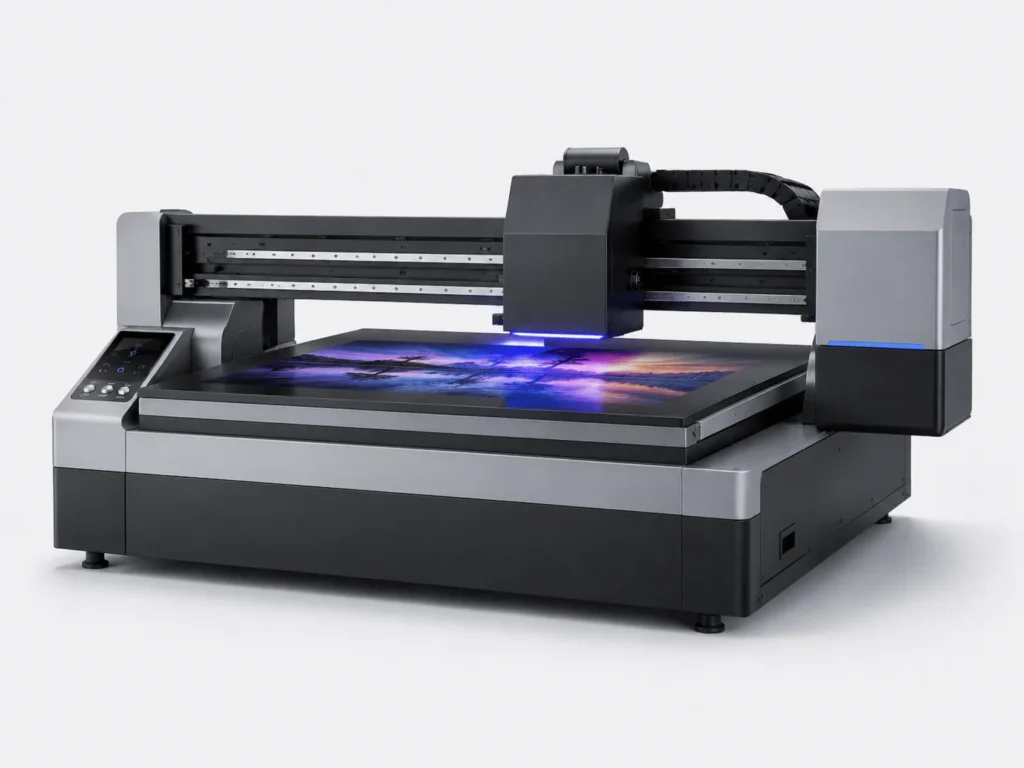
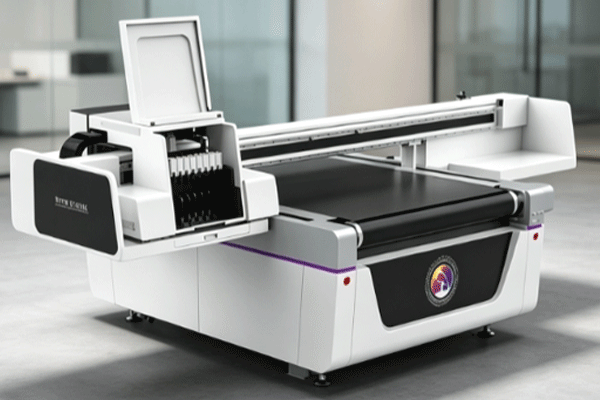
UV flatbed conveyor printers combine the high precision of flatbed printing with the high efficiency of a conveyor structure, and have become important equipment in packaging, advertising, home appliance panels, and industrial customization. When purchasing, many companies focus more on printing speed and output quality, while easily overlooking the impact of equipment lifespan on long-term costs. In fact, keeping a UV flatbed conveyor printer running stably for a longer time depends not only on the manufacturing quality of the machine itself, but also on whether daily maintenance is thorough, whether operating procedures are standardized, whether consumables are managed consistently, and whether the production environment is suitable for long-term operation. When these details are truly implemented, equipment failure rates will drop significantly, and production capacity will be easier to maintain at a stable level.
Perform Daily Maintenance Well to Reduce Wear on Core Components
The length of a machine’s service life is often reflected in daily maintenance. Many seemingly sudden failures are actually caused by a long-term lack of upkeep.
Keep the Printheads and Ink Path Clean
The printhead is the most precise component of a UV printer. Once the ink path becomes clogged, it will not only affect print quality, but also significantly increase future maintenance costs.
- Before starting up each day, carefully inspect the nozzle condition to confirm whether the ink ejection is uniform and whether there are any missing lines or deflection issues, so that problems can be detected early and addressed promptly.
- After shutdown, the cleaning procedure should be carried out promptly to prevent ink from settling or drying inside the printhead after sitting idle for too long, thereby reducing the risk of clogging and printhead damage.
- The internal tubing should also be checked regularly for air bubbles, ink leakage, or poor return flow, because these details often directly affect printing stability and ink path lifespan.
Keeping the printhead and ink path unobstructed not only reduces the risk of missing lines, color deviation, and printhead scrapping, but also helps the machine maintain a more stable output state during long-term operation.
Inspect the Transmission Structure Regularly
Conveyor-type equipment runs frequently, so mechanical parts wear out faster. Maintenance of the transmission system should not stop at surface cleaning.
- The guide rails should be checked often to see whether movement is smooth, and whether the slider shows sticking, abnormal noise, or increased resistance during motion, because these signs often indicate that mechanical parts have begun to wear.
- Belt tension also needs to be kept within a reasonable range. Too loose will affect positioning accuracy, while too tight will increase motor load and shorten the service life of the entire transmission system over time.
- Dust, debris, and residual ink spots inside the platform and machine should also be cleaned in time to prevent contaminants from entering moving parts and causing increased friction or positioning deviation.
- Key moving parts should be lubricated regularly according to the equipment requirements so that mechanical operation remains smooth. In this way, both printing accuracy and equipment lifespan will be better protected.
The more stable the mechanical structure is, the more accurate the printing positioning will be, and the stronger the durability of the machine will be during long-term high-frequency use.
Standardize Operating Procedures to Avoid Human Damage
Operating habits may seem simple, but they directly affect equipment stability and service life. Many machines are not “worn out” by the machine itself, but rather “damaged” by improper operation.
Standardize Startup and Shutdown Procedures
Many equipment failures are not caused by the machine itself, but by non-standard operation and incomplete procedures, especially when rushing to meet deadlines.
- The machine should be started and shut down according to a fixed procedure, and necessary steps should not be skipped just to save time, otherwise the system may be interrupted suddenly before protection actions are completed.
- Forced power-off should be avoided as much as possible, because this not only affects the stability of the control system, but may also prevent printhead cleaning, ink recovery, and other actions from being completed properly.
- During operation, avoid pausing casually or repeatedly starting and stopping the machine, as these actions increase system load and can also cause fluctuations in printing status.
- Before shutdown, it is best to complete the necessary cleaning and moisturizing actions so that the printhead and ink path remain in good condition during standby, reducing clogging and drying problems.
Standardized operation reduces system abnormalities and also lowers wear on the printhead, mainboard, and ink supply system, making the machine more suitable for long-term stable use.
Do Not Run Printing Parameters at Overload for Long Periods
Running at high intensity for the sake of speed will accelerate equipment aging, especially for core components such as printheads, guide rails, and motors, which are more likely to enter a wear stage prematurely. During production, printing speed should be set according to order requirements, and extreme modes beyond the machine’s capacity should be avoided for long periods; printhead operating temperature should also be controlled within the recommended range, because excessive temperature affects ink condition, while too low a temperature may affect spray stability; at the same time, continuous overtime operation should be avoided to prevent the machine from remaining under high load for too long. For large-volume orders, production can be divided into batches and scheduled in off-peak periods to reduce machine stress. This not only ensures efficiency, but also extends the service life of the entire machine.
Choose the Right Consumables and Accessories, and Control the Production Environment
Consumables and the environment are not part of the machine body, but they continuously affect operating conditions. Many equipment failures do not happen suddenly; they are gradually accumulated under the influence of external conditions over time.
Keep Ink and Auxiliary Materials Consistently Matched
Differences between brands and batches of consumables directly affect equipment performance, especially the flowability, curing speed, and particle stability of UV ink.
- UV ink with high compatibility with the machine should be used whenever possible to avoid clogging, poor curing, or color deviation caused by formula differences.
- Do not mix consumables of unknown origin casually, because the chemical properties of different materials may not be consistent, and long-term use can easily increase ink path contamination and the probability of equipment failure.
- Attention should also be paid to ink flowability, adhesion performance, and curing effect to ensure stable output during printing rather than frequent issues such as stringing, ink splashing, or sedimentation.
- Wear parts such as wiper blades, filters, and ink bags should also be checked and replaced regularly. Although these small components are not conspicuous, they directly affect the smoothness of the entire machine.
A stable consumables combination reduces clogging, sedimentation, and printing abnormalities, and also helps the machine maintain better working condition during long-term use.
The Workshop Environment and Equipment Placement Must Be Reasonable
The environment and installation location also affect service life, especially since UV equipment is relatively sensitive to temperature, humidity, dust, and heat dissipation conditions.
- The workshop temperature should be kept within an appropriate range as much as possible. Large temperature fluctuations can affect ink condition and the stability of electronic components, thereby affecting print quality.
- Humidity should also be properly controlled. Excessive dryness may accelerate ink evaporation, while excessive humidity may affect circuits and material performance, so environmental management cannot be ignored.
- Dust entry around the machine should be minimized, especially in the printhead area, guide rail area, and near the control system. Once dust accumulates excessively, wear and failure rates will increase.
- During installation, enough maintenance space should be reserved, heat dissipation channels should remain unobstructed, and the floor should be kept level and stable so the machine is less likely to vibrate or shift during operation.
A good environment keeps ink condition more stable and also reduces damage to electronic components, making the machine more suitable for long-term continuous production.
Establish Maintenance Records to Improve Long-Term Stability
Recording maintenance work makes equipment management more evidence-based and makes it easier to identify patterns in problems, instead of waiting until failures expand before reacting.
Regular Inspections Are More Important Than Repair After Failure
Many major failures can be detected early, but only if continuous inspections are used to identify hidden risks in time.
- The changes in printhead condition should be recorded, such as whether the nozzles are gradually developing missing lines, deflection, or uneven ink ejection—these details are often precursors to failures.
- Equipment alarm information should also be summarized, because repeated alarms of the same type usually indicate that a certain component has begun to malfunction and needs prompt inspection.
- Printing accuracy decline, blurred image edges, abnormal noise, or vibration during operation should all be included in the inspection scope.
- By identifying hidden risks in advance and handling them promptly, downtime losses can be significantly reduced, and small issues can be prevented from turning into major failures.
The more detailed the inspections are, the easier it is for the machine to maintain long-term stable operation, and the easier it is for the company to execute its production plans.
Train Staff to Improve Maintenance Awareness
Equipment lifespan is closely related to the professionalism of the operating team. In many cases, whether the machine is in good condition depends on whether on-site personnel truly understand the importance of maintenance.
- Operators need to be familiar with basic maintenance procedures and know which actions must be done daily and which checks should be done weekly, so maintenance can truly be implemented.
- A handover inspection system should also be established between shifts to prevent problems left by the previous shift from being overlooked and magnified during the next shift’s use.
- Maintenance standards must be unified. Different habits among different personnel should not lead to inconsistent operations, otherwise it will be difficult to keep the machine in a stable condition over time.
- The team’s ability to judge abnormal situations should also be continuously improved, so operators can report even slight changes in the machine in time rather than waiting until failures become obvious.
The more professional the team is, the easier it is for the machine to remain stable over the long term, and the higher the return on equipment investment will be for the company.
Extending the service life of a UV flatbed conveyor printer is not about a single measure, but about combining maintenance, operation, consumables, environment, and management. As long as a company establishes standardized usage habits and a maintenance system, it can significantly reduce failure rates, improve equipment utilization, and make investment returns more stable. Springyprinter focuses on the R&D and manufacturing of industrial UV digital printing equipment and can provide customers with stable and durable UV printing solutions.