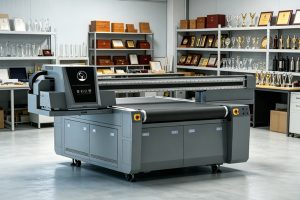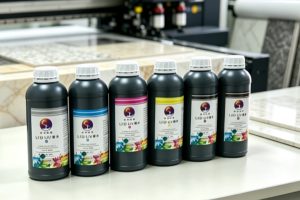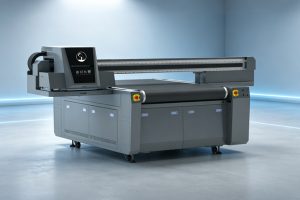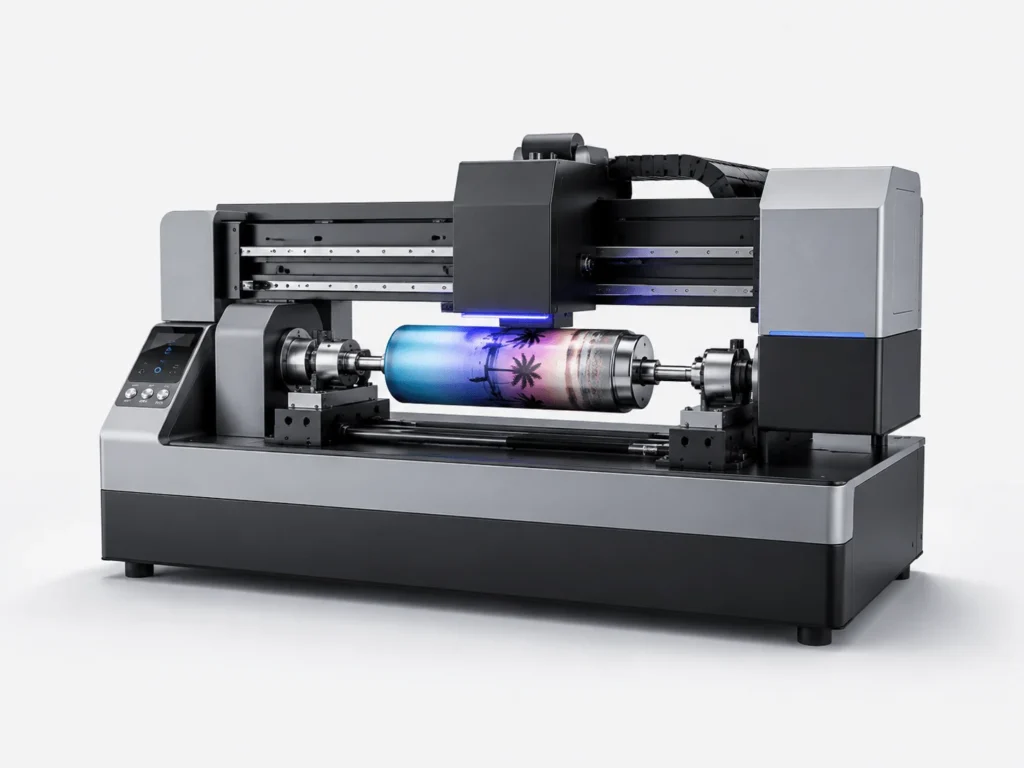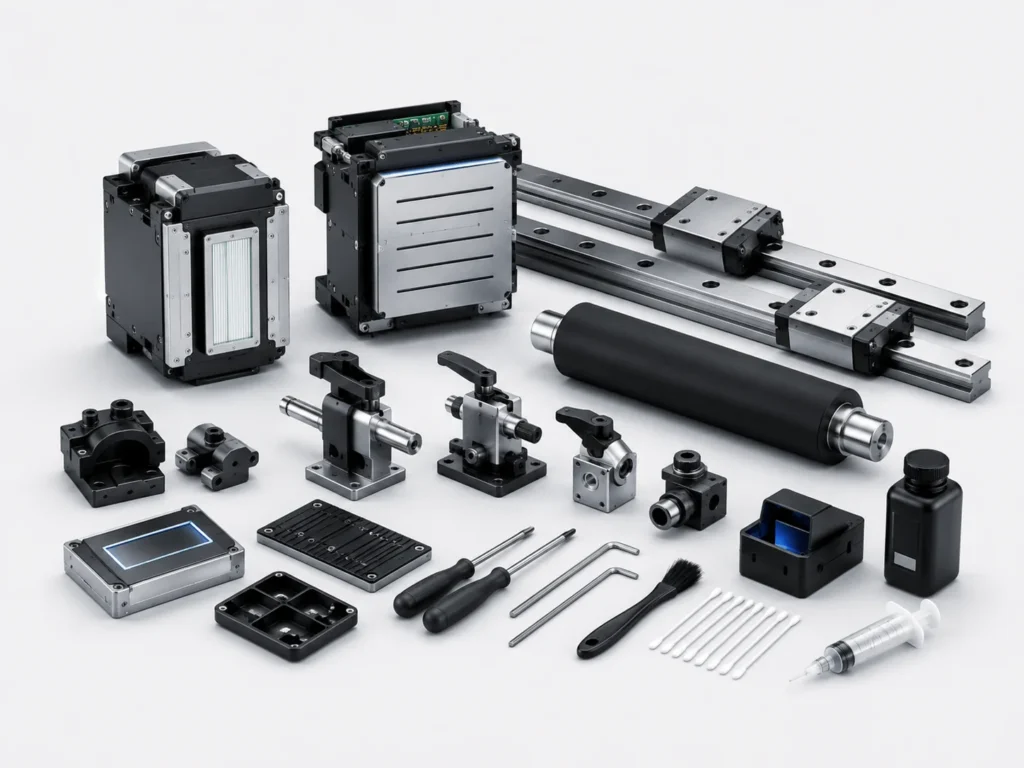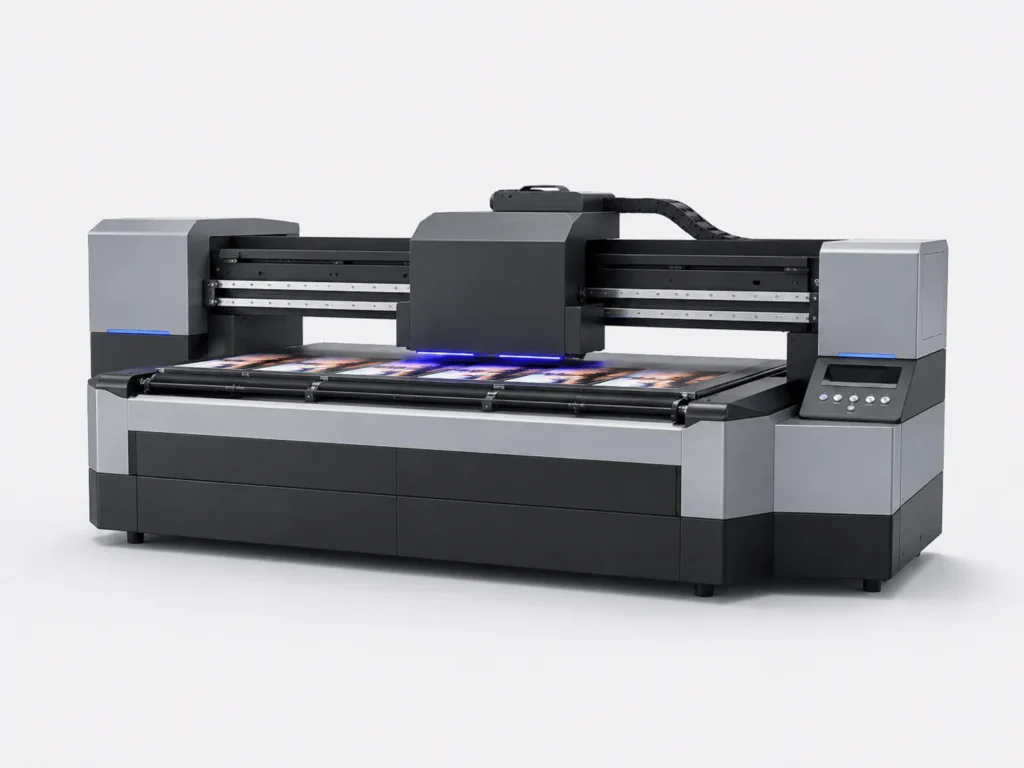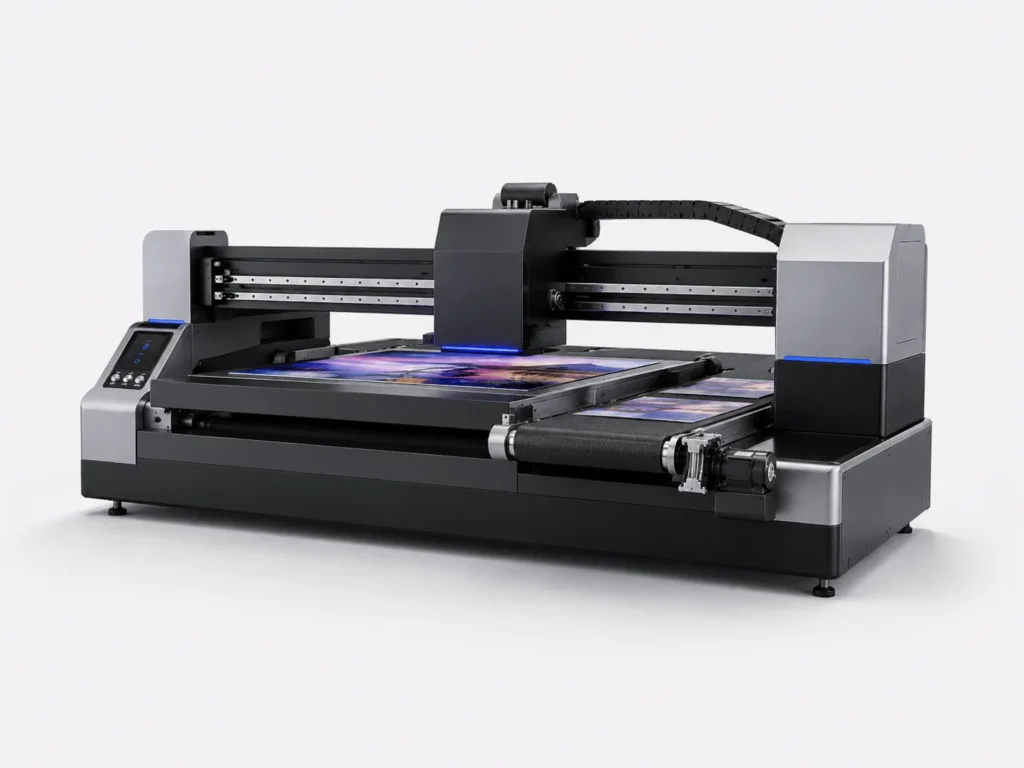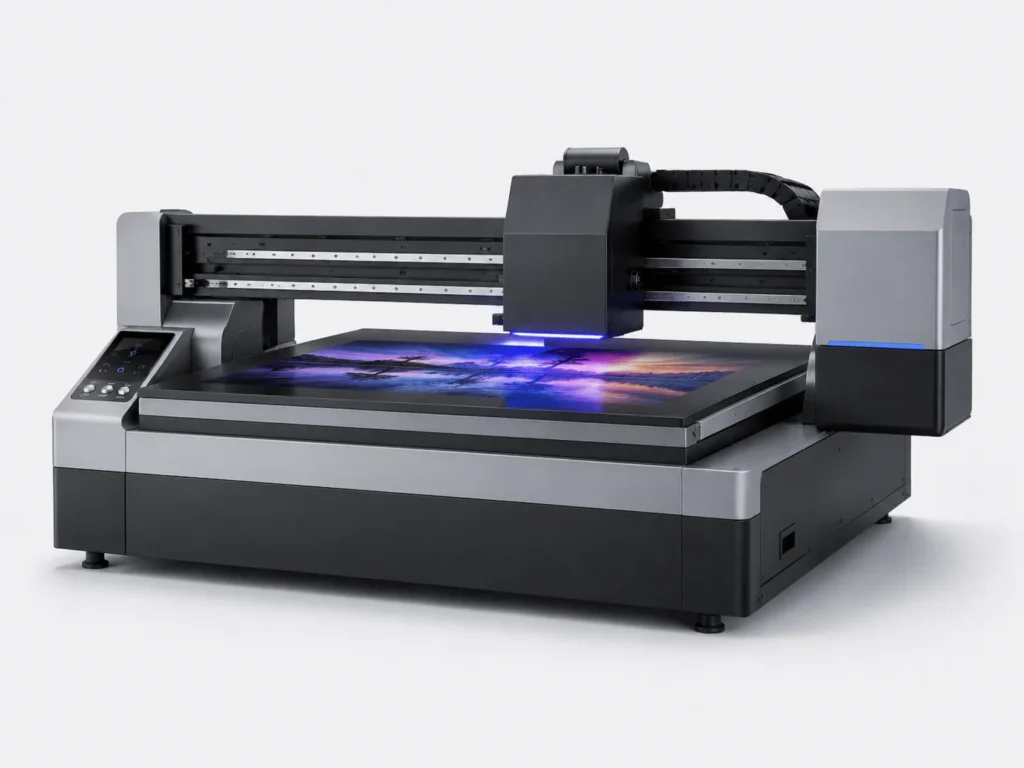
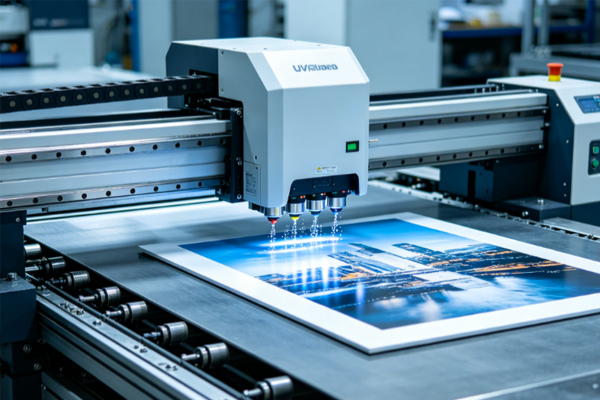
For a UV flatbed conveyor printer, whether the equipment can operate stably over the long term depends not only on whether the configuration is advanced, but also on whether daily maintenance is thorough and standardized. Many companies focus more on printing speed, the number of printheads, and imaging results during the early stage of use, while easily overlooking maintenance. As a result, after running for a period of time, the equipment begins to experience clogged nozzles, ink interruption, positioning deviation, unstable colors, and other issues, which in turn affect delivery schedules and finished product quality. Especially in application scenarios such as packaging, home appliances, advertising, and industrial customization, the equipment usually needs to work at high frequency and for long continuous periods. If maintenance is not in place, the risk of failure will be greatly amplified. To keep the equipment in good condition at all times, maintenance work must be turned into a standard process and consistently carried out over the long term.
Printhead Maintenance Must Come First
The printhead is the most precise part of a UV printing machine and also the core component most prone to problems.
Keep the Printhead Clean and Unobstructed
Once the printhead accumulates ink, gets dusty, or develops slight clogging, the printing result will be affected immediately. In mild cases, broken lines and ink splatter may appear; in severe cases, an entire batch of products may need to be reworked.
- Before starting the machine each day, carefully check the nozzle condition and use a test pattern to determine whether the printhead has missing lines, misfiring, or uneven jetting.
- Perform regular printhead test prints to detect tiny abnormalities that are difficult to see with the naked eye, preventing small issues from becoming major failures.
- Clean residual ink and surrounding attachments on the printhead surface in time to prevent dried ink from affecting jetting accuracy.
- Try to prevent dust from entering the printhead area. This is especially important in more complex workshop environments, where dust prevention and cleaning management must be emphasized.
The more carefully cleaning is done, the lower the probability of printhead clogging, and the more stable the equipment output will be.
Avoid Long-Term Printhead Idle Time
When the printhead is not working for a long time, ink can easily dry and harden near the nozzle openings. This problem becomes even more obvious in high-temperature, low-humidity, or long shutdown conditions.
- When the machine is stopped, activate the moisturizing protection function in time so that the printhead remains in a relatively stable humid state.
- Keep the ink circulation system running normally to prevent ink from sitting in the tubing for too long and affecting jetting performance.
- If the equipment needs to be shut down for a long period, protective measures must be taken in advance; it should not simply be powered off and left unattended.
- Use the maintenance fluid and maintenance methods recommended by the manufacturer. Do not casually replace incompatible cleaning materials, as this may damage the printhead.
Proper maintenance not only reduces printhead failures, but also significantly extends the service life of the printhead and lowers later maintenance costs.
Ink System Maintenance Cannot Be Ignored
Whether the ink path is stable directly determines whether printing is continuous and color output is uniform, and it also affects the overall performance of the equipment in batch production.
Check Whether Ink Supply Is Smooth
Once ink delivery becomes abnormal, printing quality will be directly affected. Common problems include ink interruption, uneven color blocks, and local fading.
- Observe whether there are air bubbles in the ink tubes, because once bubbles enter the ink supply system, they may cause discontinuous jetting or even temporary ink stoppage.
- Check whether the ink cartridge level is sufficient to avoid fluctuations in ink supply pressure caused by low ink volume, which would affect printing stability.
- Make sure the ink supply pressure remains stable at all times, especially during long continuous printing jobs, where pressure changes must be monitored closely.
- Watch for ink leakage. Once loose joints or tubing seepage is found, it should be handled immediately to prevent contamination inside the machine.
The smoother the ink path, the more stable the equipment output will be, and the easier it will be to maintain consistent print quality.
White Ink System Requires Special Care
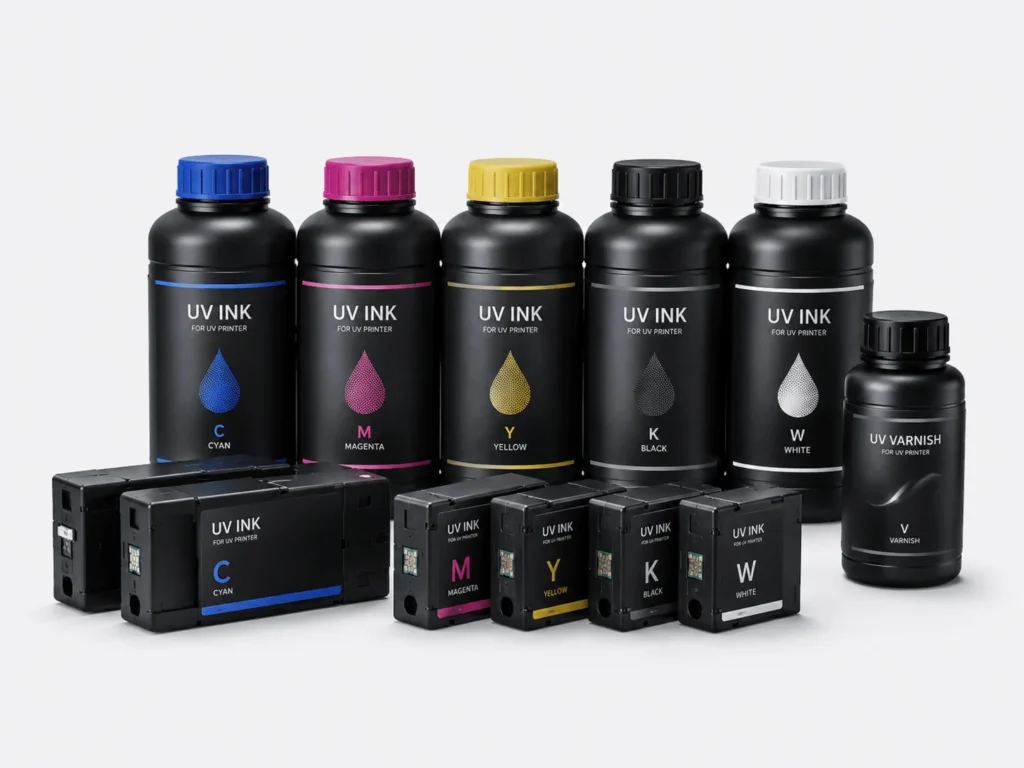
Because of its pigment characteristics, white ink is more prone to sedimentation. In daily maintenance, it must receive greater attention and cannot be managed according to the same standards as ordinary color inks.
- Regularly activate the white ink circulation function so that the white ink remains in motion and sedimentation or layering is reduced.
- Avoid leaving white ink idle for long periods, especially when order intervals are long, and pay extra attention to circulation and stirring.
- Check whether the stirring device is working properly to ensure that the white ink remains uniform during storage and delivery.
- Clean the filter components in time to prevent debris buildup from affecting white ink flow and jetting performance.
Proper white ink maintenance not only reduces clogging and color deviation, but also makes base color output more stable and improves overall finished product quality.
The Conveyor System and Mechanical Structure Must Be Checked Regularly
The advantage of a conveyor-type machine lies in its high continuous production efficiency, but this is based on the premise that the conveying system and mechanical structure remain stable at all times. Otherwise, even the best printing parameters will be difficult to fully realize.
Keep the Conveyor Platform Clean and Flat
The condition of the platform directly affects material transport and print positioning. If there is dust, adhesive residue, or ink stains on the platform surface, the material may run unstably or even shift.
- Remove dust and debris from the platform surface, paying special attention to corners and gaps where fine particles may affect material adhesion.
- Avoid residual ink sticking to the platform, because dried ink stains not only make cleaning more difficult, but may also interfere with the material movement path.
- Check the wear condition of the conveyor belt surface and deal with aging, looseness, or local damage in time.
- Prevent foreign objects from entering the operating area to avoid poor conveying or positioning errors caused by small particles getting stuck.
The cleaner the platform, the smoother the material movement, and the more accurate the print positioning will be.
Check the Guide Rails, Slides, and Fasteners
Mechanical precision determines printing precision. Any looseness, wear, or deviation will be directly reflected in the final image, especially in high-precision pattern printing.
- Regularly clean dust and debris from the guide rail surface to prevent particles from entering moving parts and accelerating wear.
- Add lubricant as required to ensure that the slide blocks and guide rails maintain good movement conditions and reduce sticking and resistance.
- Check whether the slide blocks move smoothly and observe whether there are abnormal noises, shaking, or local blockage.
- Confirm that screws and frame connections are secure to prevent loosening after long-term vibration, which would affect overall machine accuracy.
The more stable the mechanical structure, the less likely the printed image will shift, and the better the consistency will be during batch production.
Software Management and Environmental Control Are Equally Important
In addition to hardware maintenance, software status and the working environment also have a noticeable impact on equipment performance. Many seemingly complicated failures are actually related to these basic conditions.
Regularly Optimize the Control System
When the software runs stably, the equipment is more reliable, especially during multi-task printing and long continuous operation, where system stability becomes particularly important.
- Update the control system version in time to ensure compatibility with the latest functions while reducing possible bugs in older versions.
- Optimize printing parameter settings and adjust speed, precision, and ink distribution according to different materials and pattern requirements.
- Back up important production data to avoid file loss caused by system abnormalities or misoperation, which could affect subsequent production arrangements.
- Regularly check the system operating status and pay attention to whether there are lagging, delays, error messages, or communication abnormalities.
Proper software maintenance can reduce many hidden failures and make the equipment run more smoothly.
Maintain a Suitable Working Environment for Printing
Environmental changes affect ink condition, material performance, and the stability of internal equipment components, so workshop environment management cannot be ignored.
- Keep the workshop temperature stable to avoid excessive temperature differences that may change ink fluidity or cause material deformation.
- Maintain an appropriate humidity range to prevent overly dry air from causing printhead drying, while also avoiding excessive humidity that affects material adhesion.
- Reduce dust pollution, especially by keeping the area around the equipment clean to lower the risk of contamination to the printhead and guide rails.
- Avoid direct sunlight on the equipment for long periods, as localized temperature increases may affect electronic components and ink performance.
The more stable the environment, the easier it is for the equipment to remain in optimal condition, and the more consistently print quality can be maintained over time.
Daily maintenance of a UV flatbed conveyor printer is not complicated. The key is to develop fixed habits and standardized procedures, while maintaining enough patience in every detail. As long as the printhead, ink system, conveyor system, mechanical structure, and software environment are all properly managed, the equipment can maintain stable output over the long term, reduce failures and downtime, and improve both print quality and production efficiency. Springyprinter focuses on the R&D and manufacturing of industrial UV digital printing equipment and can provide customers with professional UV printing equipment solutions and comprehensive after-sales technical support services.